
Most apps and books assume access comes naturally.For some learners, access is where the work begins.

I've tried to make apps and books where access is easier — with less clutter, clearer choices, simpler interactions, and more ways to participate. Try one. Let me know what you think. — Jim

Same fun.
Just simpler!

POW!Too many choices.
SMASH!Tiny buttons.
BLAM!Visual clutter.

Let's make it
simple again.

Wonder Button

Music, choices, media, voices, sounds and more... one simple family.

Why Wonder Button?

Most websites and apps assume people can navigate menus, find small controls, follow changing layouts, and sort through several choices at once.

Wonder Button is designed for learners who need a simpler way in. An adult sets up the content; the learner gets large, clear choices and simple ways to play, choose, listen, watch or communicate.

The same activity can be reached in different ways, so it stays familiar as the learner's skills and needs change.

Less on the screen.

Clearer ways to choose.

More ways to participate.

Wonder Button Players

Pick what you want to do. Then pick the easiest way in.

The adult sets it up.
The learner chooses.

① Choose a player

Favorite music. A simpler way to choose and play.
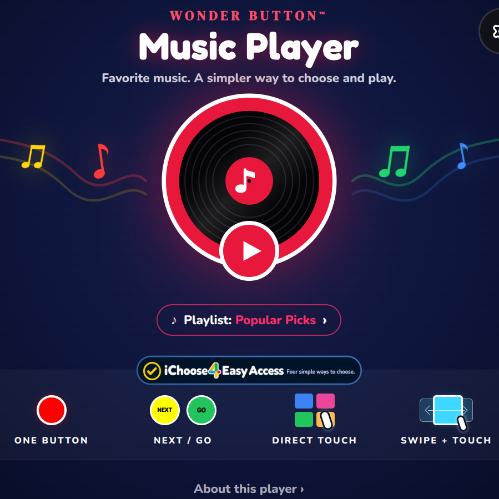
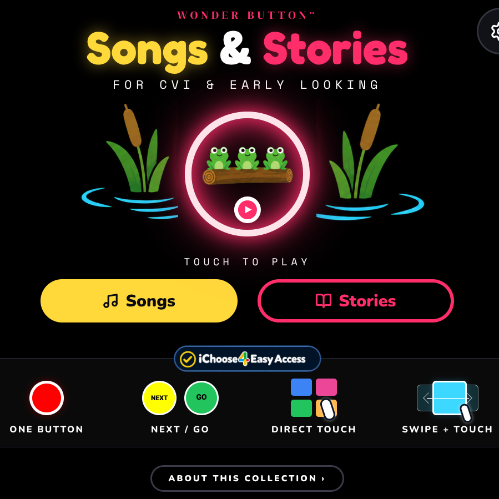
Wonder Button Music Player home screen: a glowing record with a big play button, and the four iChoose4 ways to choose along the bottom.

Their music. Their choice.

Try Music Player

② Choose how to access it

iChoose4 Easy Access

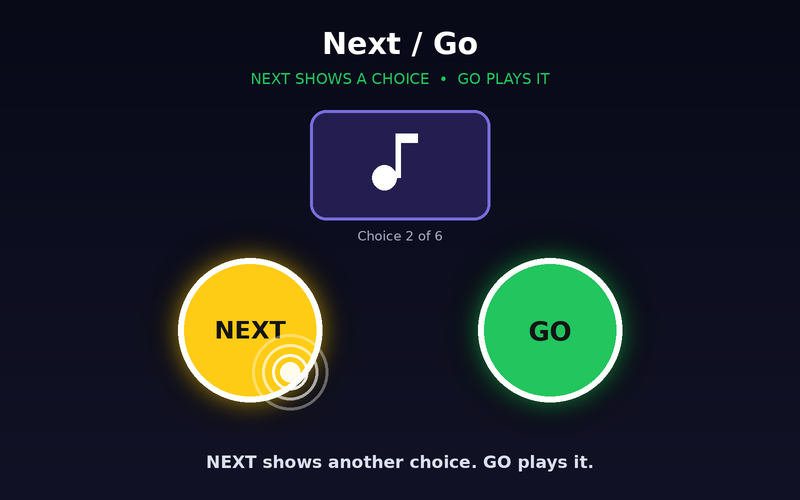
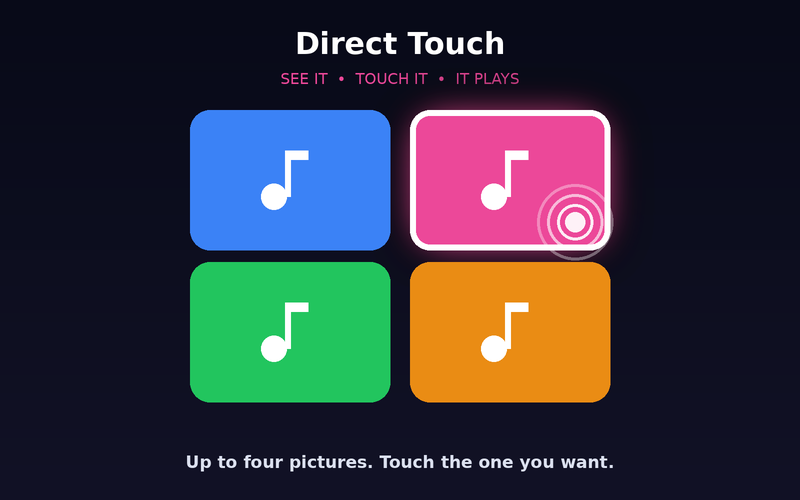
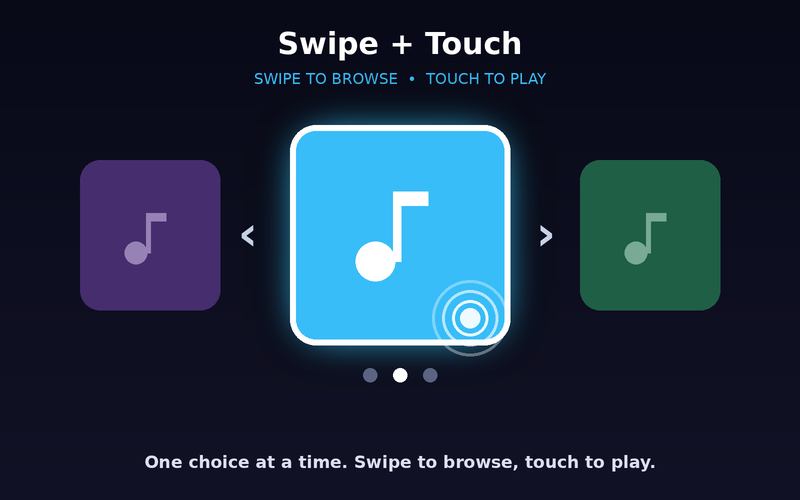
Four ways in, across Wonder Button Players.
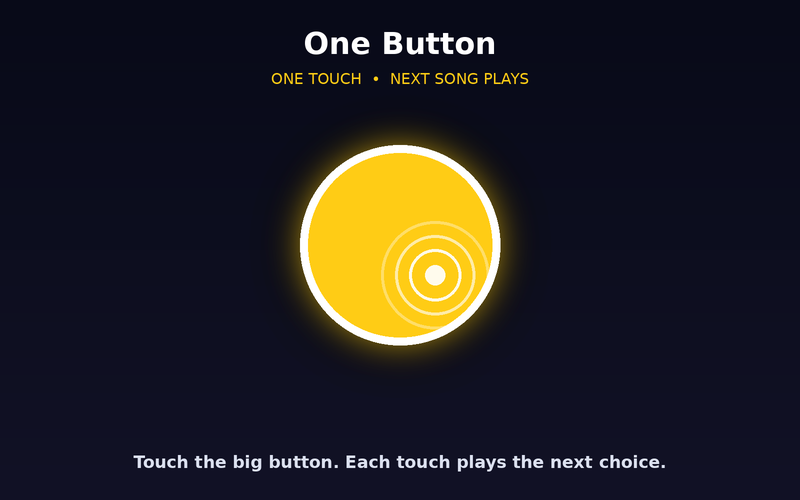
  • One Button access mode screenOne Button
  • Next / Go access mode screenNext / Go
  • Direct Touch access mode screenDirect Touch
  • Swipe + Touch access mode screenSwipe + Touch
Learn about iChoose4
How could I use these?A few simple ideas for home, school, therapy, and shared activities.

Songs & Stories

  • Shared songs and read-alouds
  • Early looking activities
  • Familiar routines and repetition

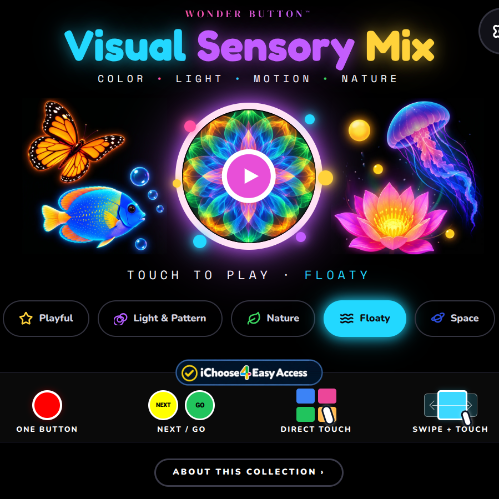
Visual Sensory Mix

  • Visual attention
  • Quiet sensory breaks
  • Tracking color, light, and movement

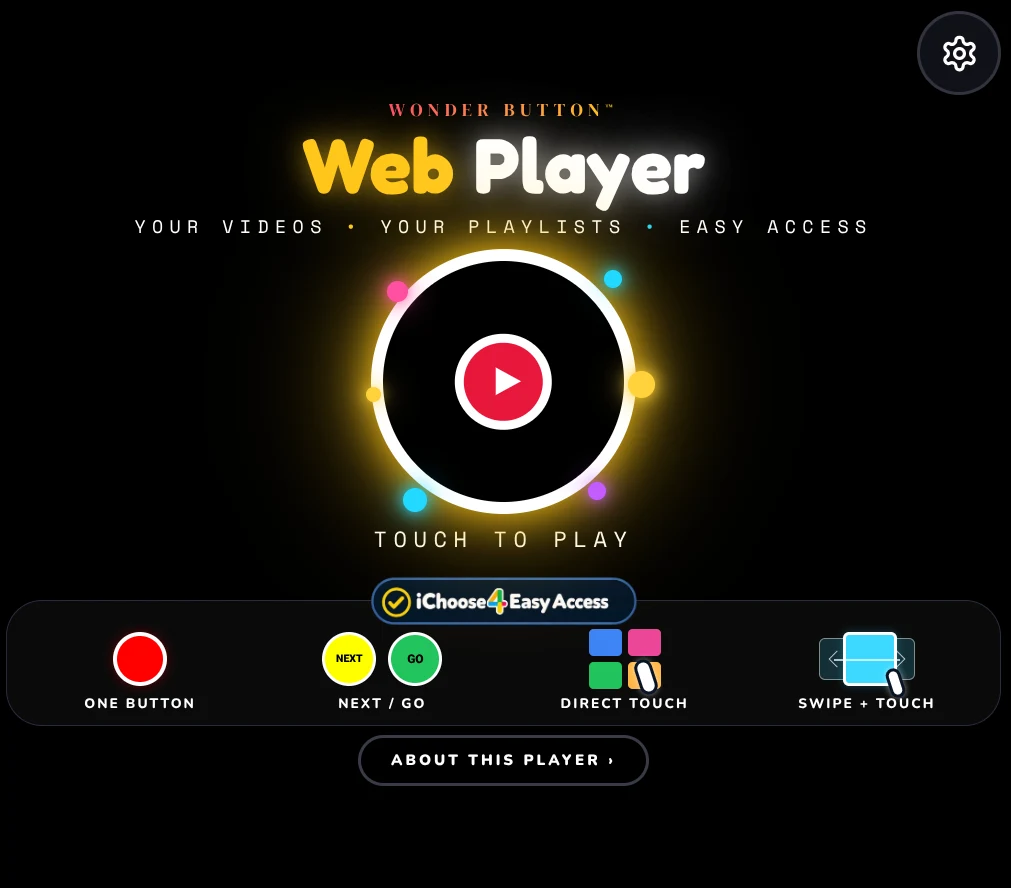
Web Player

  • Simplify favorite online videos
  • Create small video collections
  • Give learners easier video control

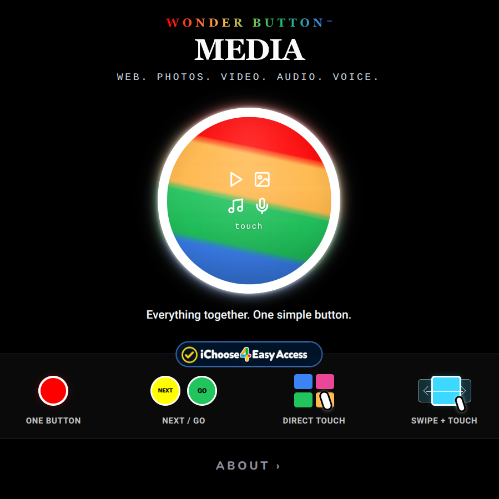
Media

  • Personal photo and video collections
  • Simple multimedia activities
  • Combine pictures, music, and video

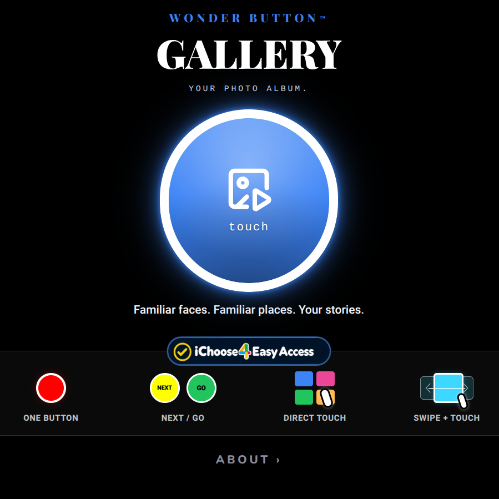
Gallery

  • Personal photo stories
  • First / Next routines
  • Activity schedules or picture calendars
  • Familiar people and places

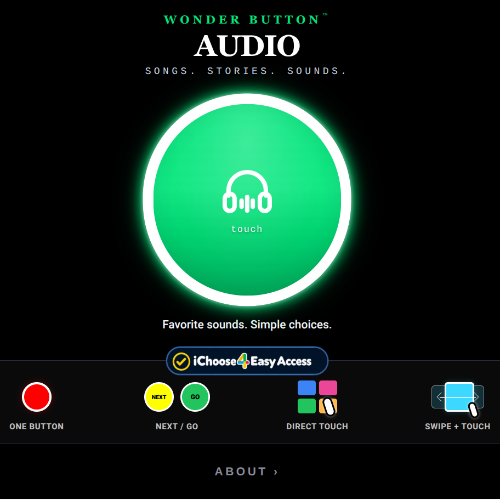
Audio

  • Recorded stories
  • Family voices and messages
  • Environmental sounds
  • Listening and sound-identification activities

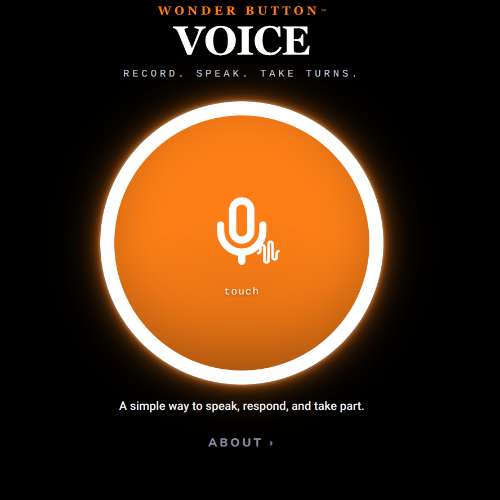
Voice

  • Record and play messages
  • Turn-taking activities
  • Simple participation and communication
  • Familiar spoken prompts

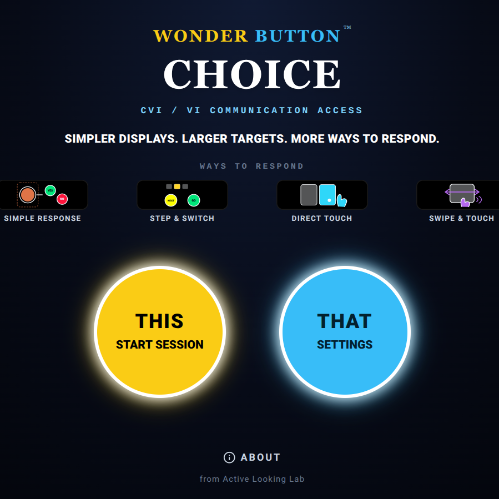
Choice

  • Yes / No choices
  • Pick an activity
  • Choose between preferred items
  • Simple classroom or home participation

More activities and lesson ideas are being developed.
Flash the firefly

Made for visual simplicity.

Quick Field Rule: Dim the lights. Cut the clutter. Give plenty of time to look.

More from the Lab.

Picture books, stories, cause and effect, and more...

Why LOOK Books are different

LOOK Books start somewhere simpler.

They are designed for learners who may need fewer things to look at, stronger contrast, clearer targets, slower pacing, and more time to make sense of what they see.

The goal is not simply to make pictures brighter or bigger. It is to make the visual information easier to find, notice, follow, and understand.

LOOK Books are built around a few simple ideas:

  • Less visual clutter, so important pictures are easier to find.
  • Strong contrast and clear targets, to help important features stand out.
  • Controlled movement and pacing, so the screen does not race ahead.
  • Meaningful, familiar content, to help connect looking with recognition and understanding.
  • Flexible interaction, so a book can be watched passively, advanced with touch, or explored more actively when appropriate.

Some LOOK Books begin with a single object on a dark background. Others gradually introduce more detail, movement, context, or interaction as the learner is ready for it.

I've also tried to make them inclusive enough to share. A book designed around the visual needs of one learner should still be interesting, enjoyable, and worth looking at with a sibling, classmate, parent, teacher, or friend.

The simplicity is there to make access easier, not to make the experience smaller.

A clearer place to look, and something worth sharing once you get there.

NOTICE & ATTEND

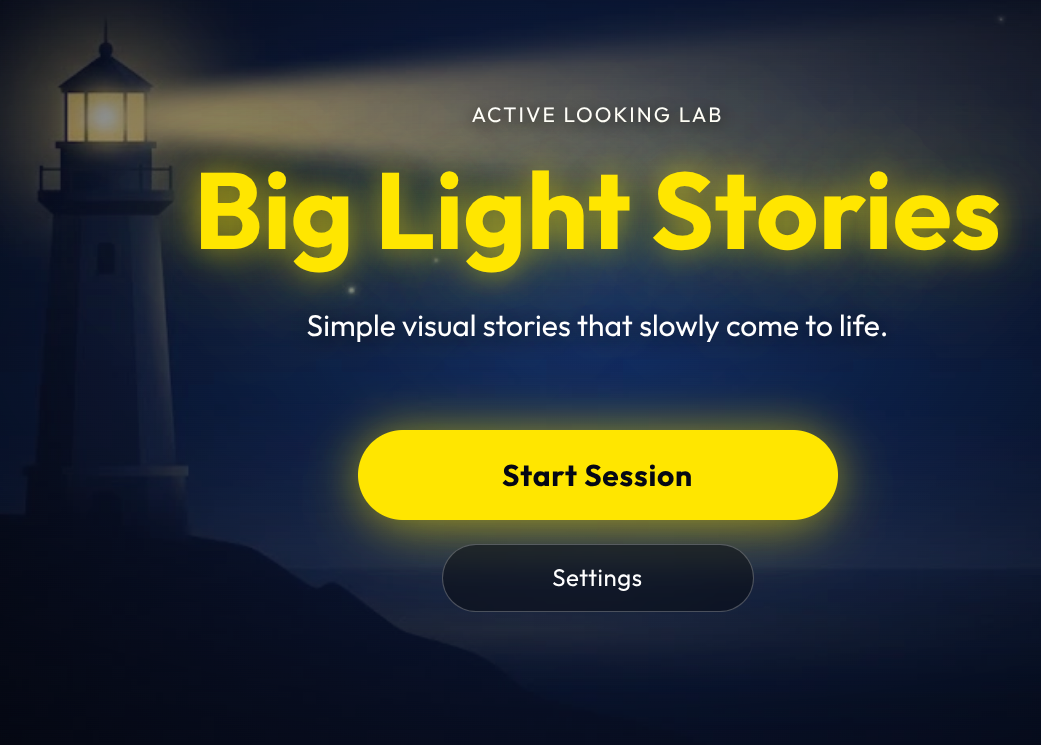
LOOK Books

One thing at a time.

Picture books built for looking: clean targets, black backgrounds, nothing competing for attention.

SHARE & SEQUENCE

LOOK Stories

Simple visual stories to share.

Predictable pacing, uncluttered scenes and shared attention. Sometimes the whole activity is: ‘There it is!’

ACT & TOUCH

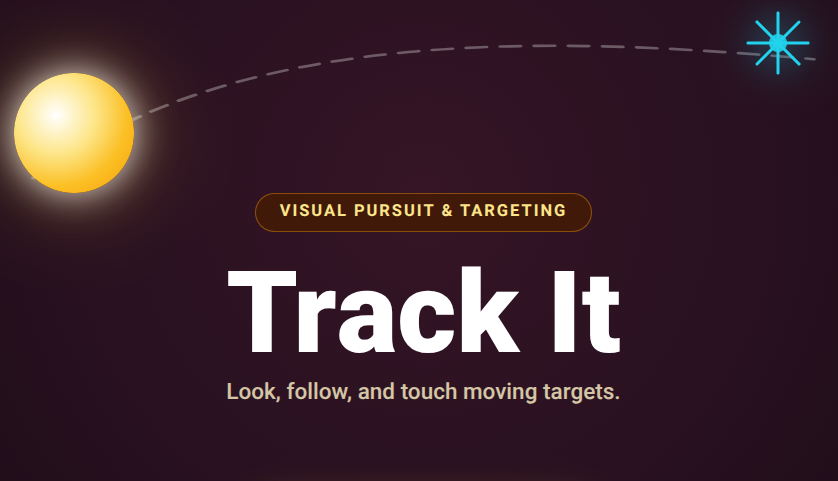
Spark

Now make something happen.

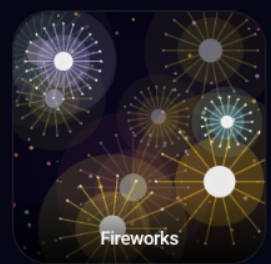
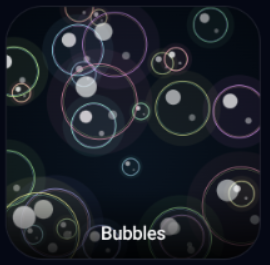
Touch it: music, fireworks, bubbles and more. Cause and effect for participation, agency and joy.

PRACTICE & CONNECT

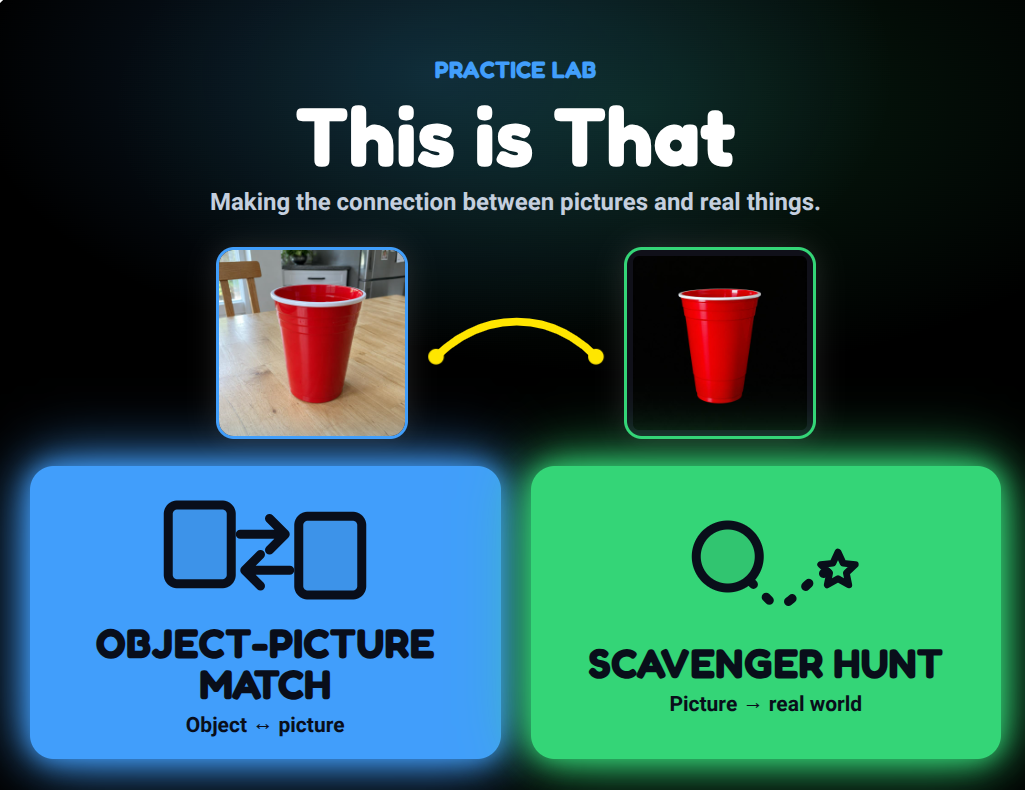
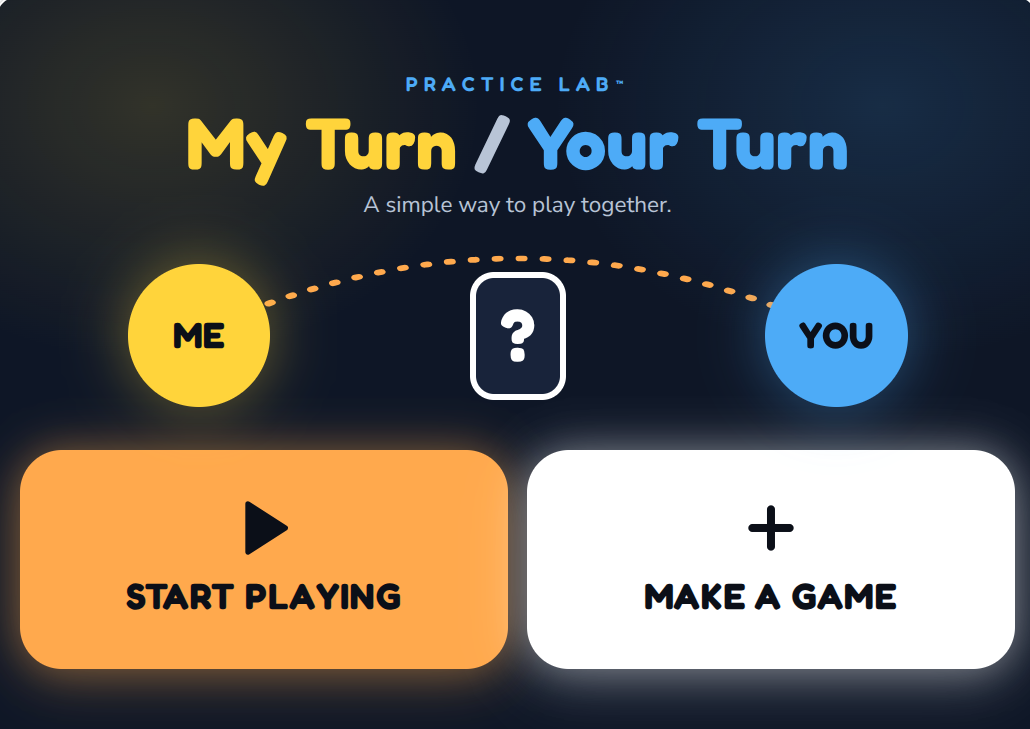
Practice Lab

Tried-and-true ideas, rebuilt as simple tools.

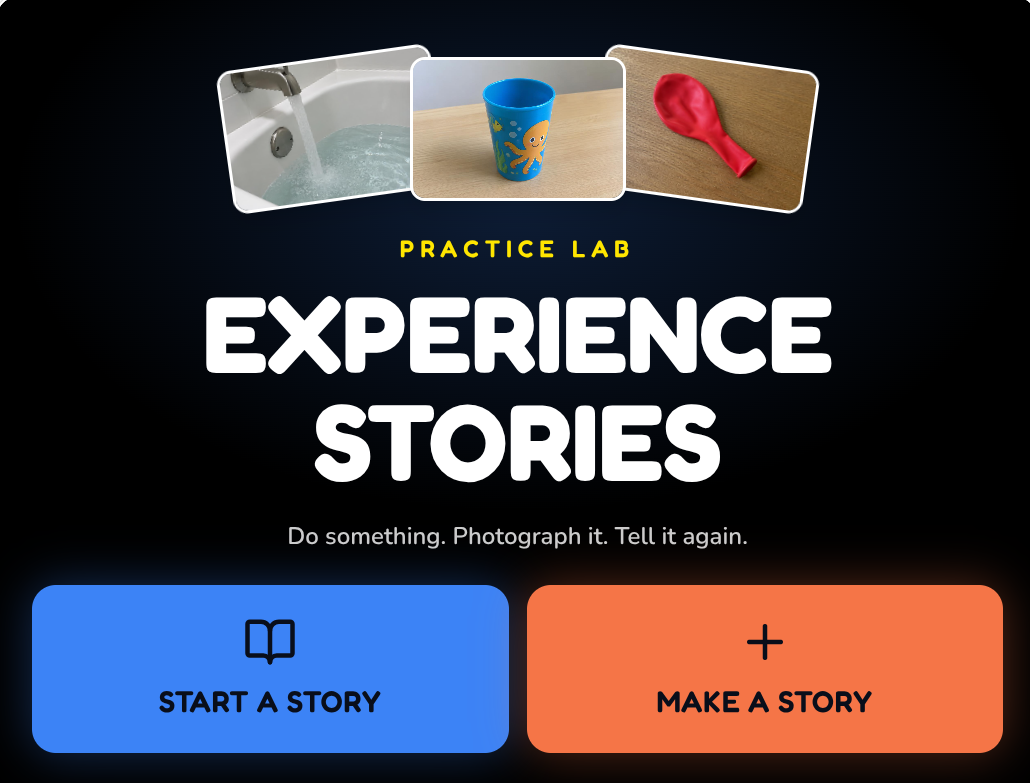
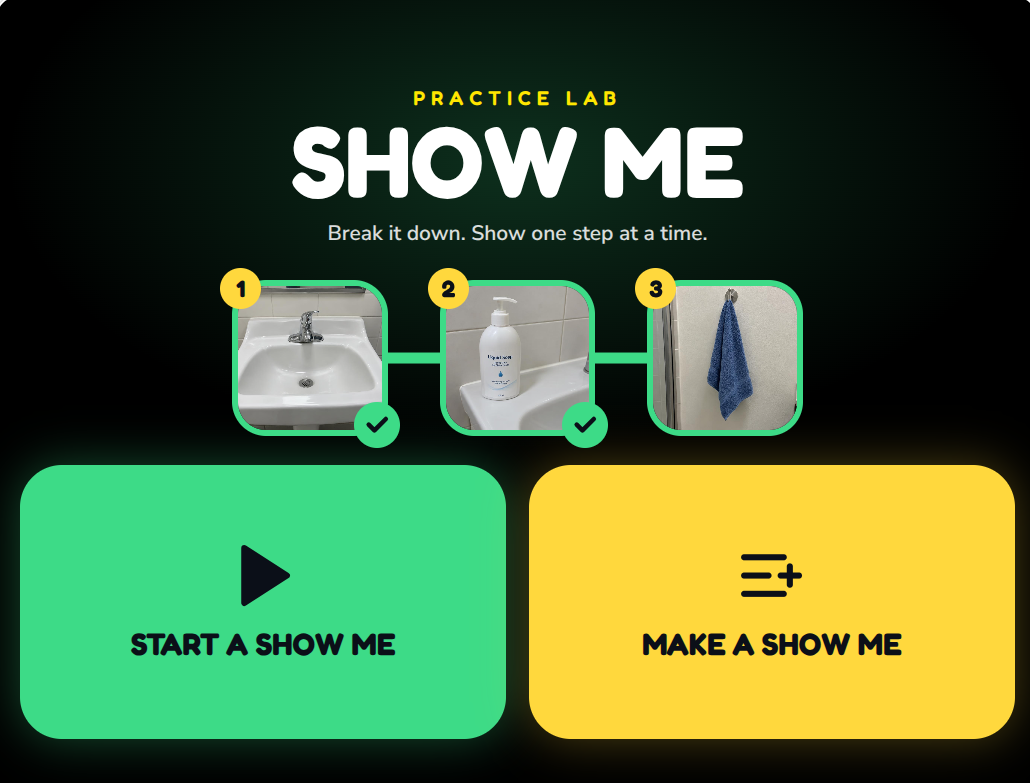
Familiar teaching ideas, made a little easier — and hopefully a little more fun — with experience stories, object-to-picture activities, step-by-step routines, and turn-taking play.

Inspired by approaches shared by Perkins, Paths to Literacy, TEACCH and others.

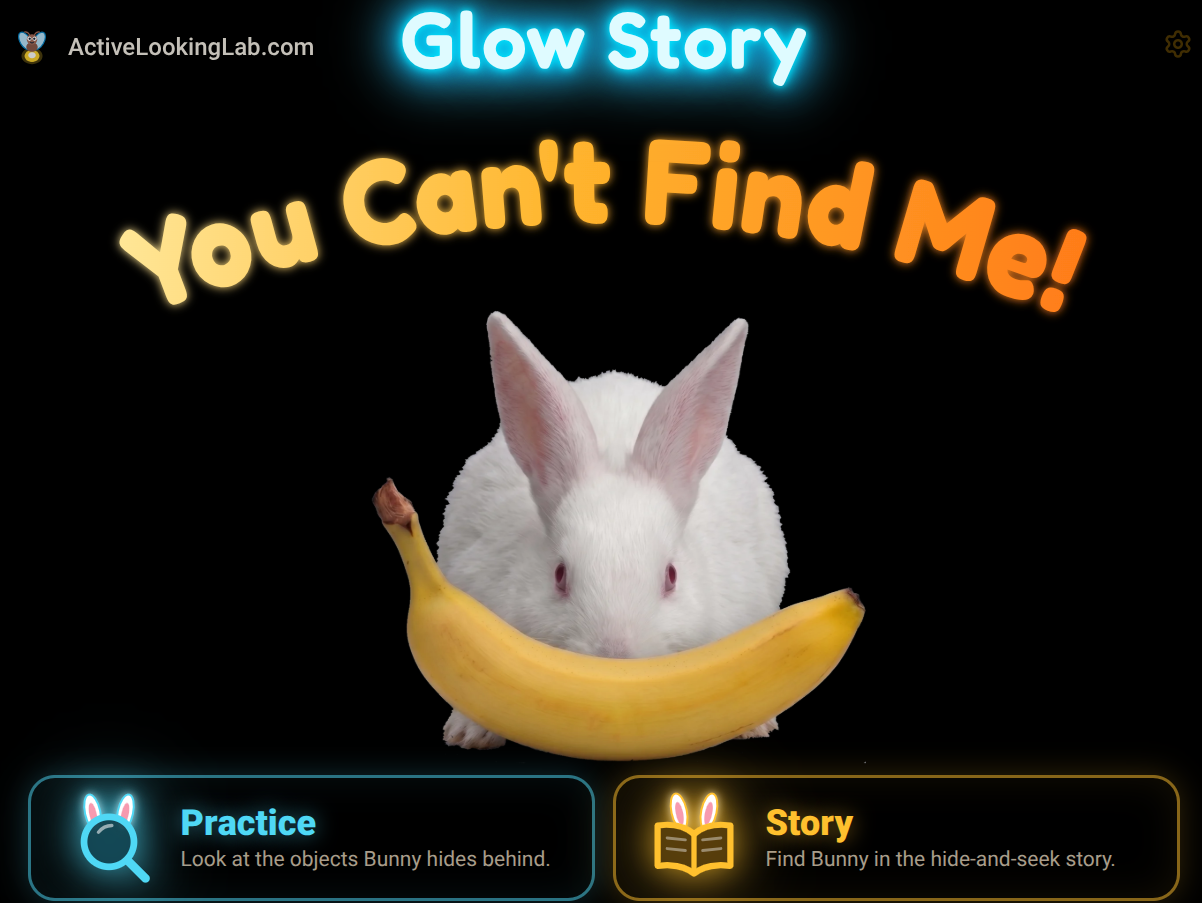
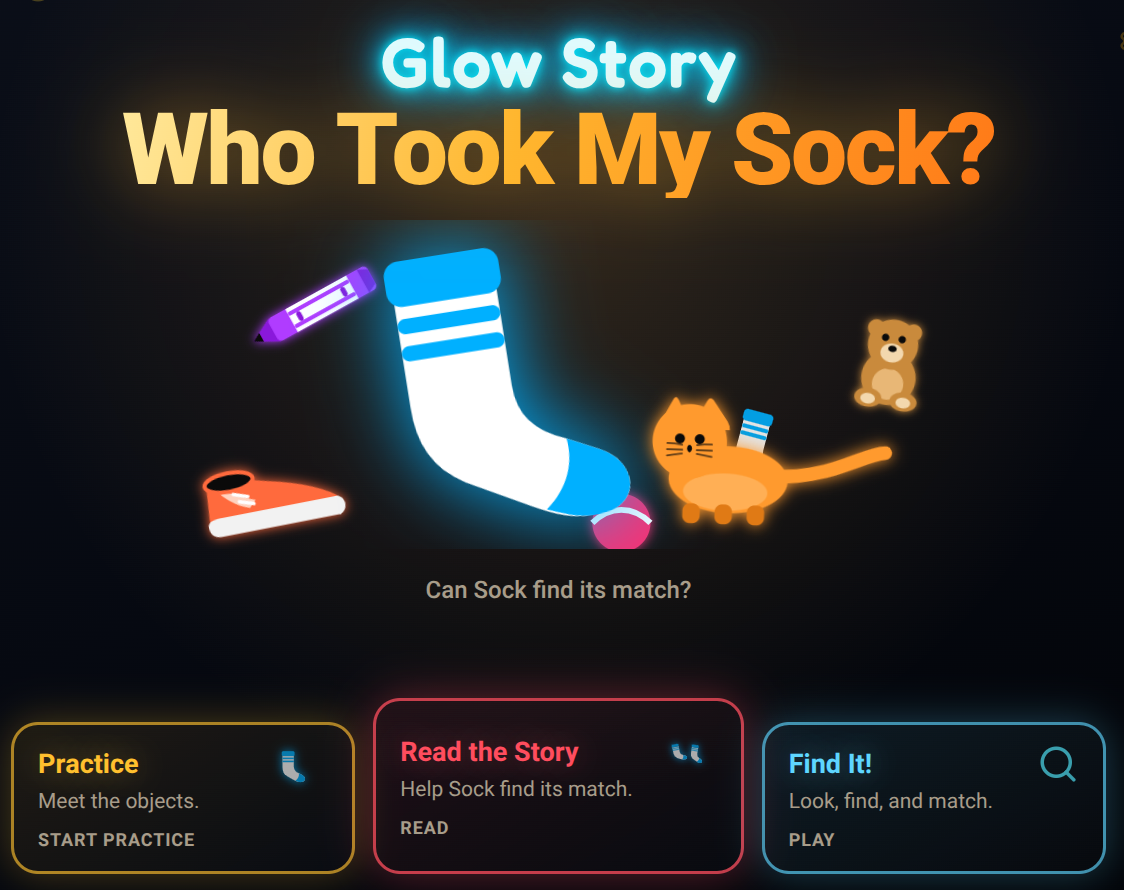
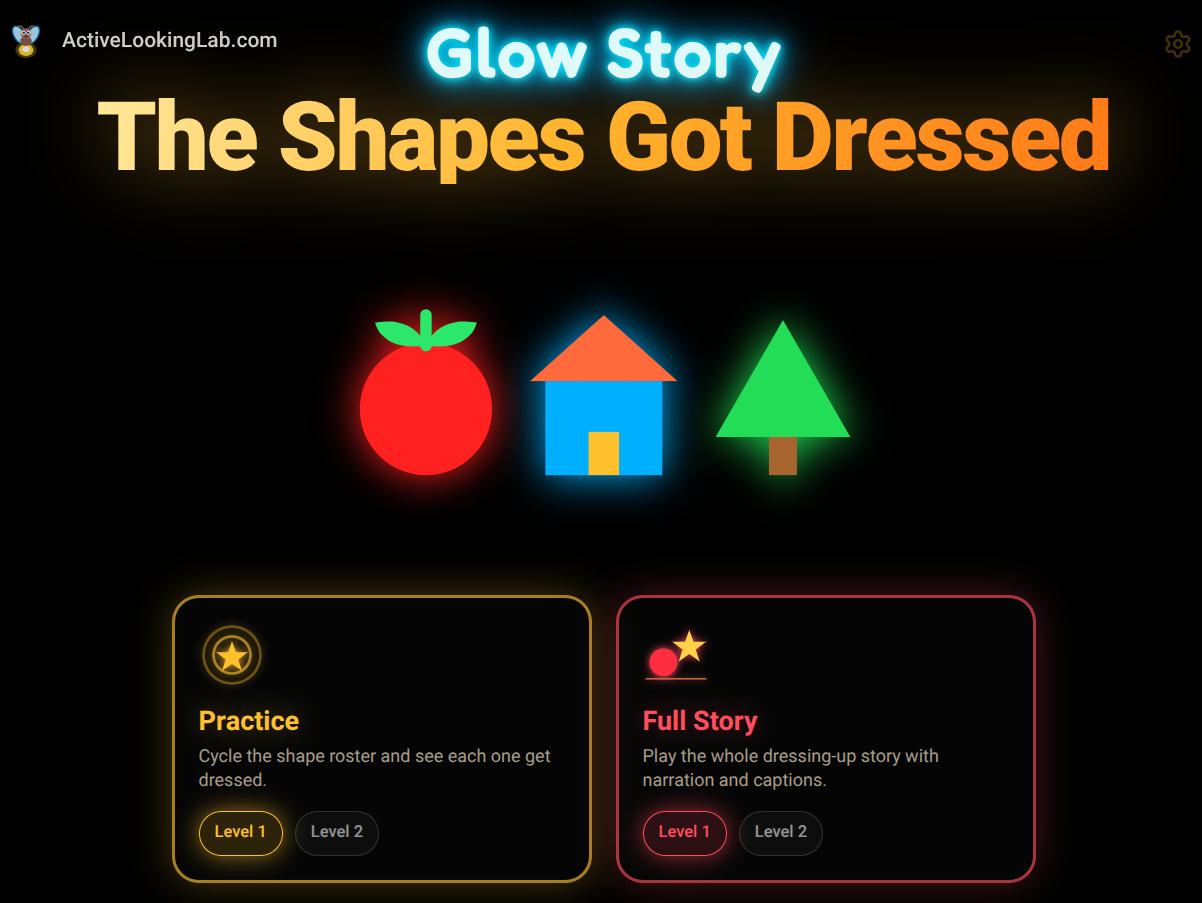
Glow Stories

INTENTIONAL COMPLEXITY

When learners are ready for more than isolated targets, Glow Stories introduce layered scenes where objects hide in context, supporting search, scanning, and visual discrimination.

They're also a place for me to experiment with storytelling, interaction, activities, and different levels of visual complexity without losing the simplicity underneath.

Explore Glow Stories

Try one and let me know what works, what doesn't, and what you'd change.

On the Lab Table

Other apps and developing ideas on the lab table.

Flash the firefly tinkering

Still tinkering.

Questionable Apps

Oddities, tests, and pure play. Because our kids deserve choices across the whole spectrum, not just therapy.

Not everything needs a lesson.

Giggle Baby app iconGiggle BabySee the Lab Table

More Than Apps

“The screen is only part of the idea.”

Activities, guides and ideas for taking what happens on the screen a little further.

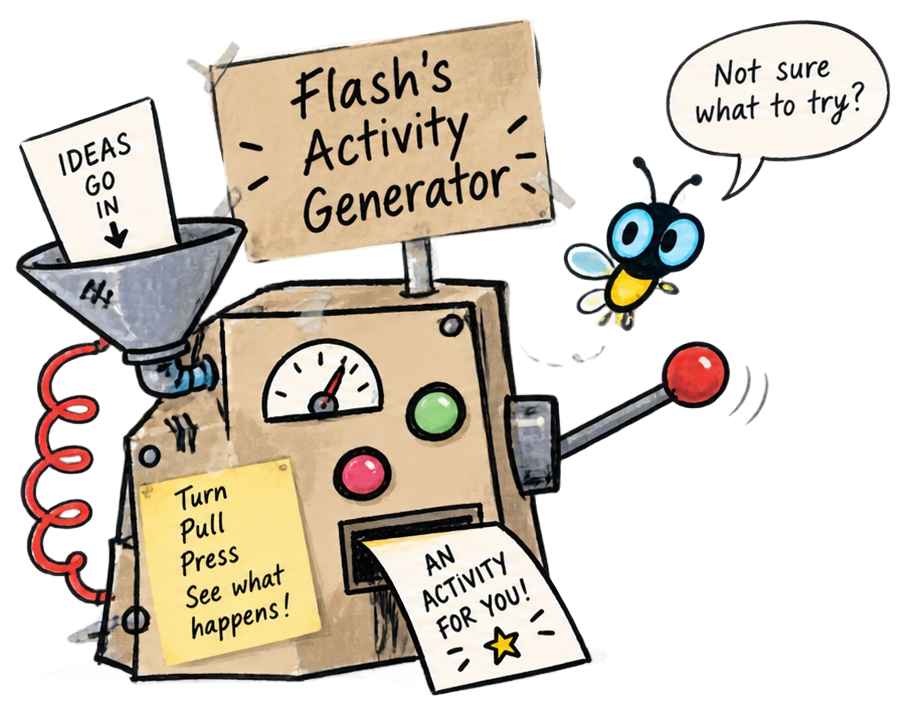
Flash beside a hand-drawn contraption labelled Flash's Activity Generator

Not sure what to try?

Let Flash's Activity Generator suggest an app, story, or hands-on idea based on where your learner is today.

Try the Activity Generator

Why I made this.

In my 30 years of working with children and adults with visual impairments and complex needs, I watched technology transform access for people with disabilities and learners of all kinds, making information, books, communication, entertainment, and participation possible in ways that once seemed out of reach.

But as the technology became more powerful, it also became more complicated. For many of my students with CVI and complex needs, that progress seemed to pass them by. The devices could do extraordinary things, but there were surprisingly few tools for learners who needed something much simpler: less clutter, clearer targets, fewer choices, more time to look, and an easier way to participate.

That always struck me as a missed opportunity, because screens also offered exactly the things that could help: light, contrast, adjustable size, sound, repetition, movement, shared experiences, and the ability to change as a learner’s skills and interests grew.

These were the kinds of tools I wanted when I was working with my students, so I started making some myself.

One simple app led to another, and eventually, apparently, you need a whole website for that.

More About the Project

How’d it go?

Tried something with a learner? I’d love to hear what happened.

  • Worked well?
  • Too fast?
  • Too busy?
  • Too boring?
  • Didn’t work at all?
  • Something you’d change?
Tell Me What Happened

Especially if it flopped. That helps too.

Thanks for being here. — Jim ♡