 Wonder Button
Voice
MembersRecord. Speak. Take turns.
One big button that speaks for the learner: a greeting, a story line, a joke, or the next turn in a group activity.
Included with the membership ($36/year)
What it is
So much of joining in is saying something at the right moment. For many learners, the words aren't the barrier. The device is. Voice puts the message behind one large, easy target.
The adult prepares the words. The learner takes the turn.
Voice isn't a full communication system, and it doesn't replace one that already works.
How it works
- 1
Prepare the words
Record a familiar voice (up to 20 seconds) or type it for the device voice.
- 2
Choose what a touch says
A message, or the next turn.
- 3
They speak
One touch, and they're part of it.
What does a touch say?
A message
One or two buttons, each with its own message: a greeting, 'more,' a sound effect, a story refrain.
The next turn
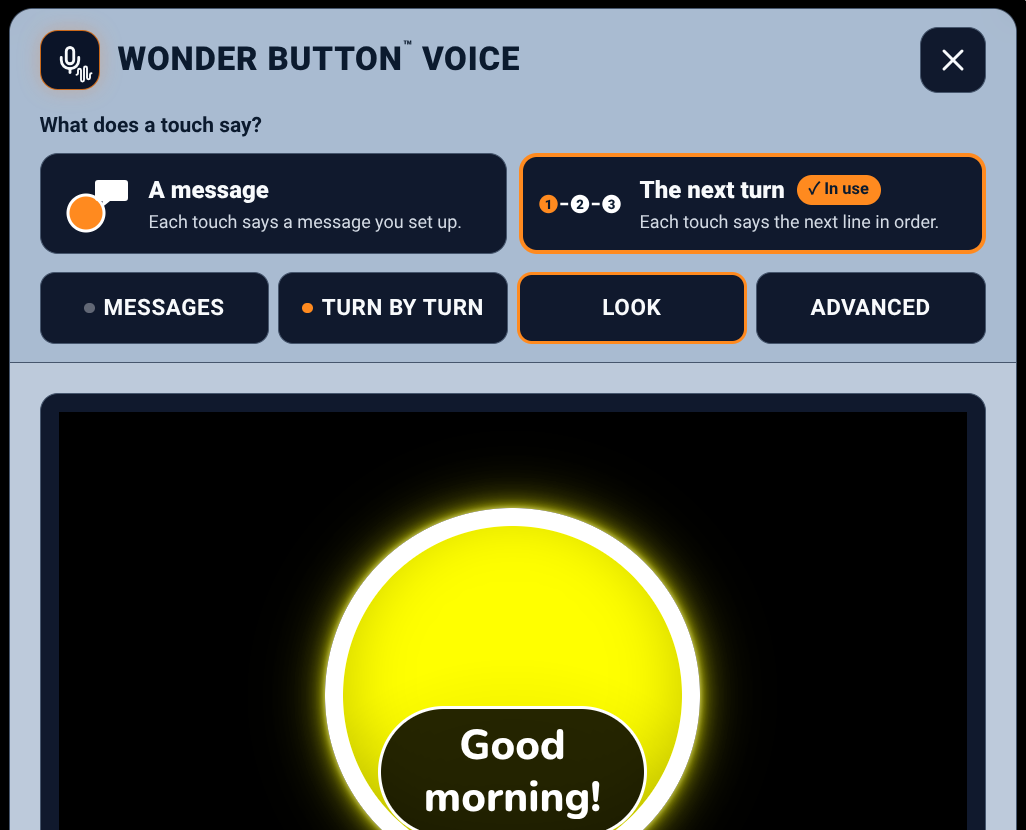
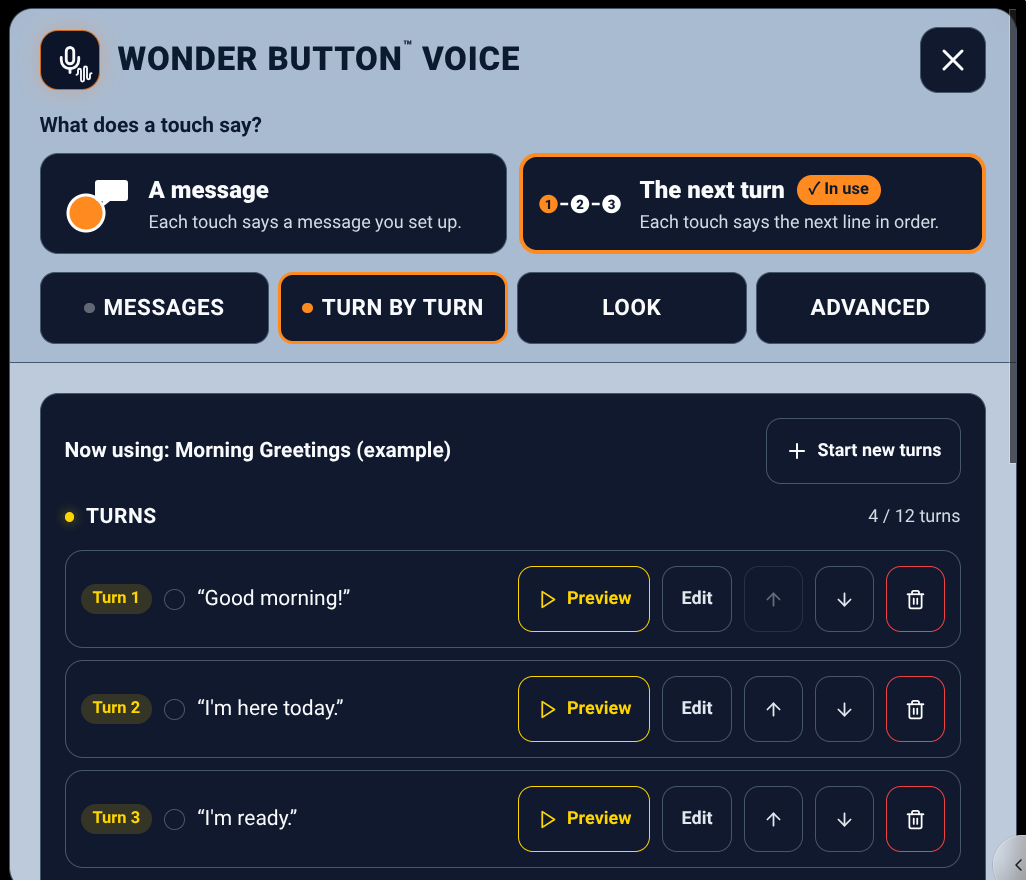
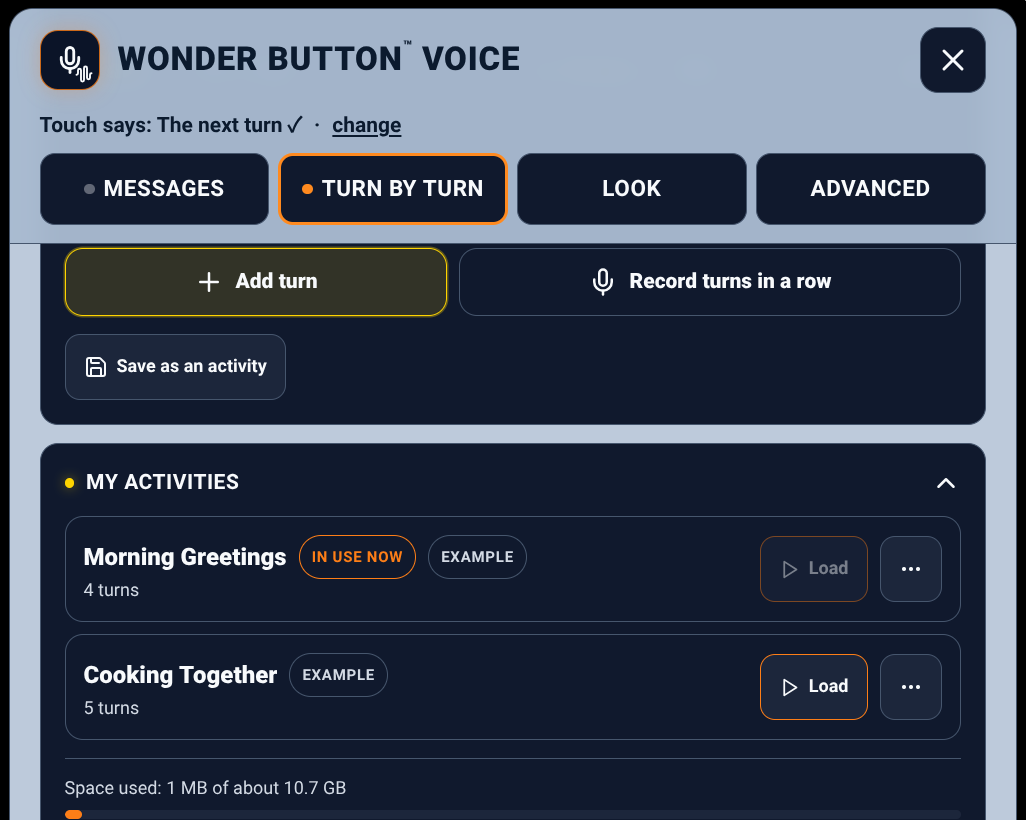
One button speaks the next line in order: 'Good morning!' → 'I'm here today.' → 'I'm ready.' Save it as an activity and use it again.
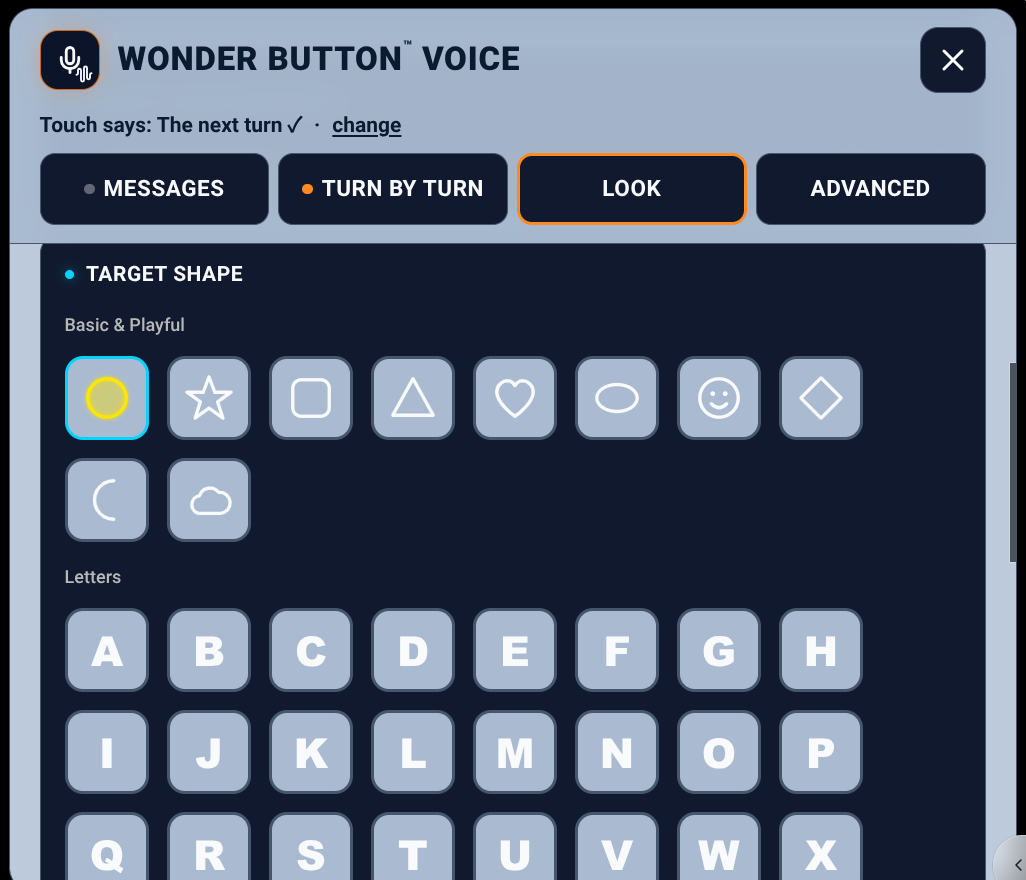
Any switch or key works too. Choose the color, size and shape of the button, and whether words show on it.
Ideas for real life
Morning meeting
Greetings and 'I'm here today,' one turn at a time.
Story refrains
The partner reads; the learner says the line that repeats.
Jokes
Knock-knock routines, with perfect timing.
Cooking together
Each step of the recipe is the learner's next turn.
Family messages
A recorded hello from Grandma, ready anytime.
Performances
A line in the class play, a cheer, a celebration.
Inside look
Good for
Learners with CVI or visual impairment, learners with motor or complex access needs, and anyone who wants to greet, respond, and take a turn with the group.
Tip:Start with one button and one familiar recording. Add more only when they're ready.
Included with the membership ($36/year)
More Wonder Button apps