
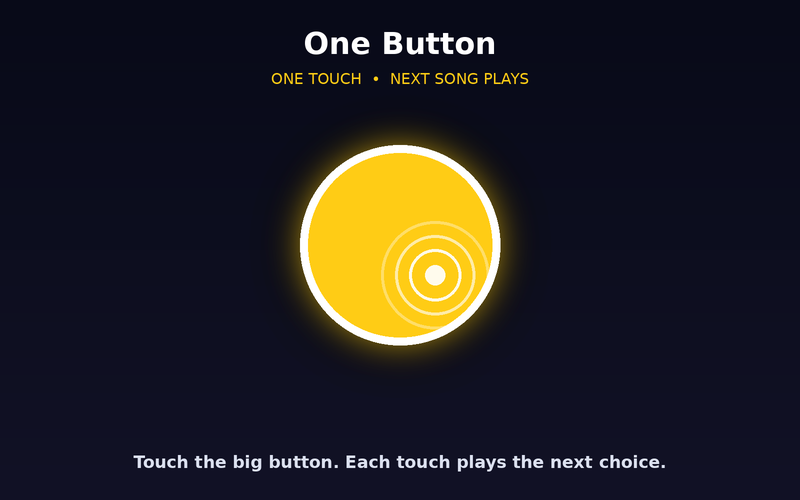
One Button
One big target starts a visual experience. Simple cause and effect with almost nothing else on screen.
 Wonder Button
Color, light, motion, nature.
A curated collection of light, pattern, color, nature and calm scenes for looking, sensory enjoyment and shared attention, without the busy website around them.
Free to use. Want your own videos? See the Web Player
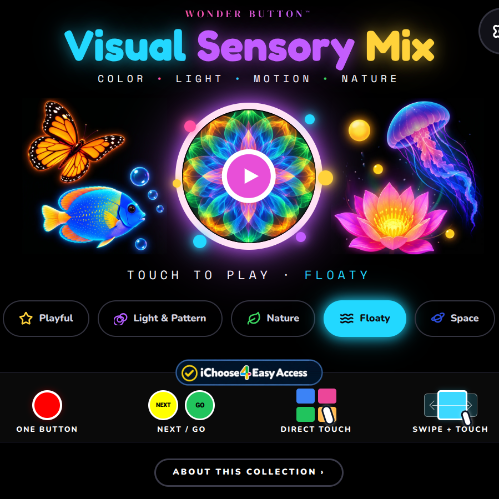
Beautiful visual videos already exist online, but the sites around them are full of thumbnails, autoplay and ads that compete with the looking. Sensory Mix keeps the video and removes the rest.
Sometimes the goal is just to look, and enjoy it.
Start with the mix
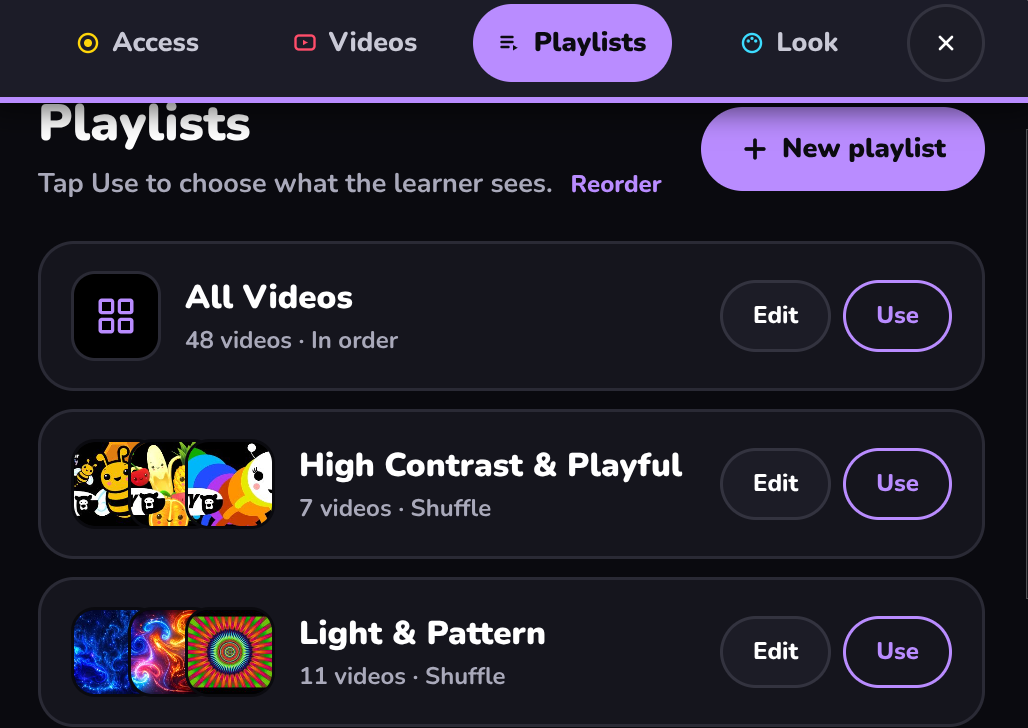
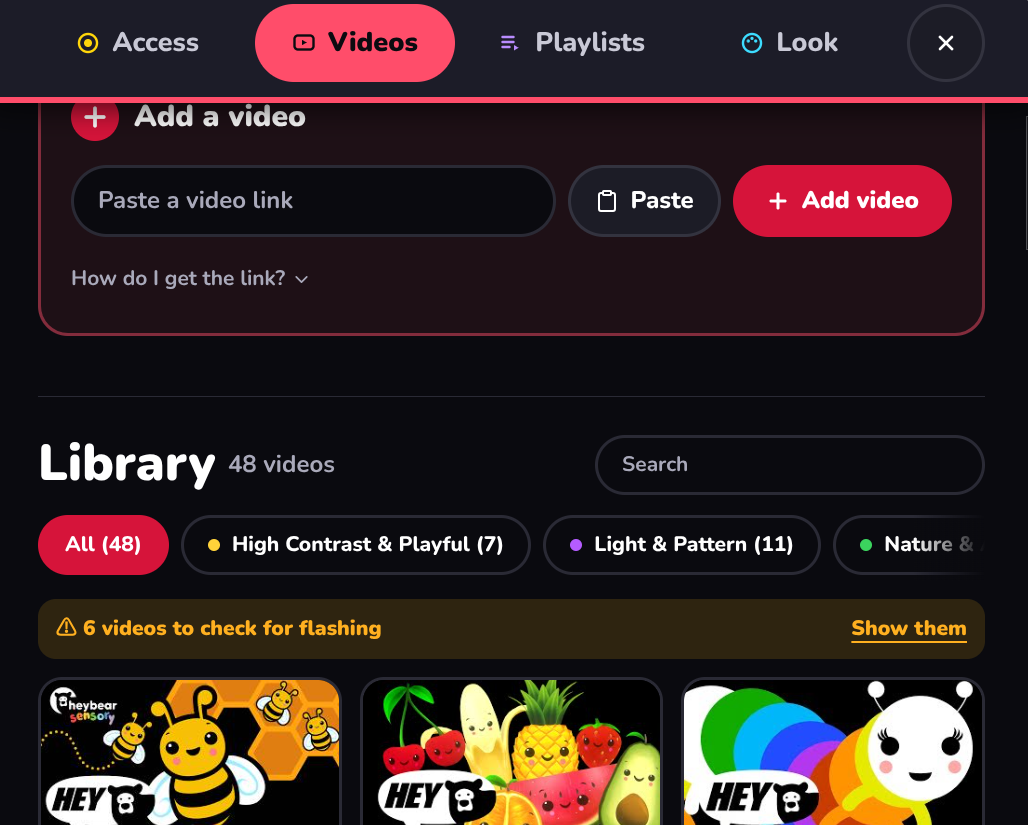
Ready-made playlists: Playful, Light & Pattern, Nature, Floaty and Space. Add your own YouTube links anytime.
Pick a way in
Choose the simplest access that works for this learner.
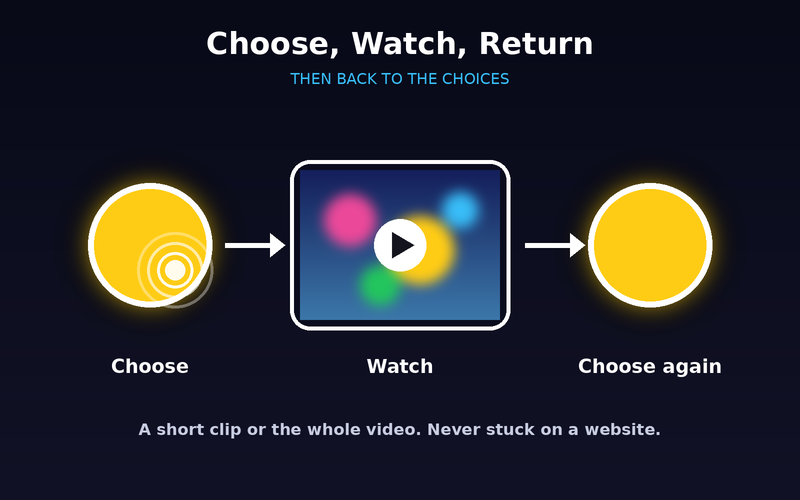
They look and choose
Watch for a short clip or the whole video, then choose again.
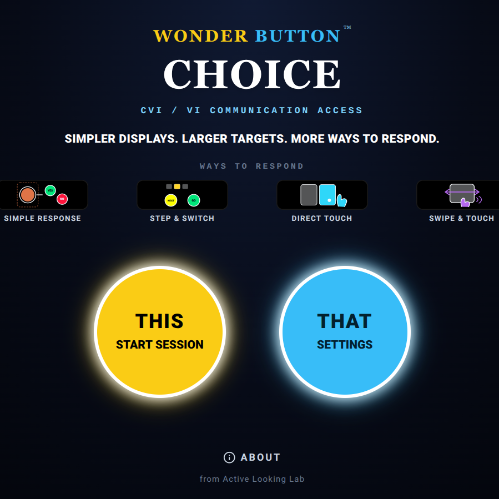
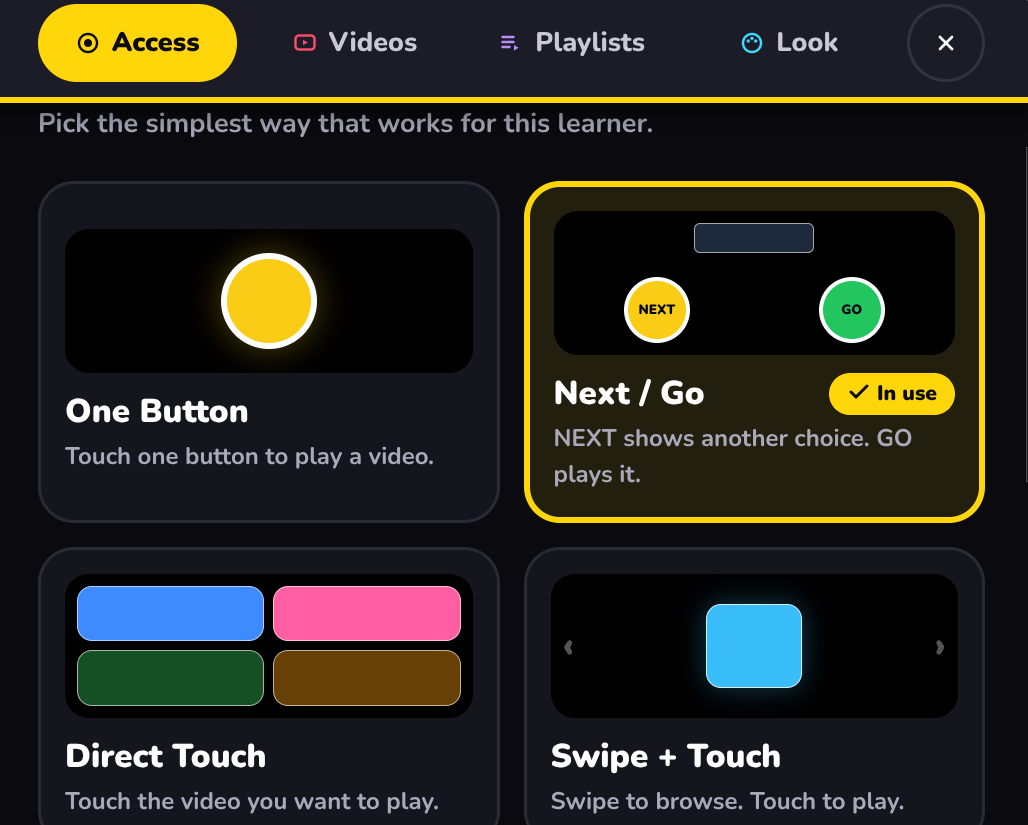
Four ways in, powered by iChoose4.
One big target starts a visual experience. Simple cause and effect with almost nothing else on screen.
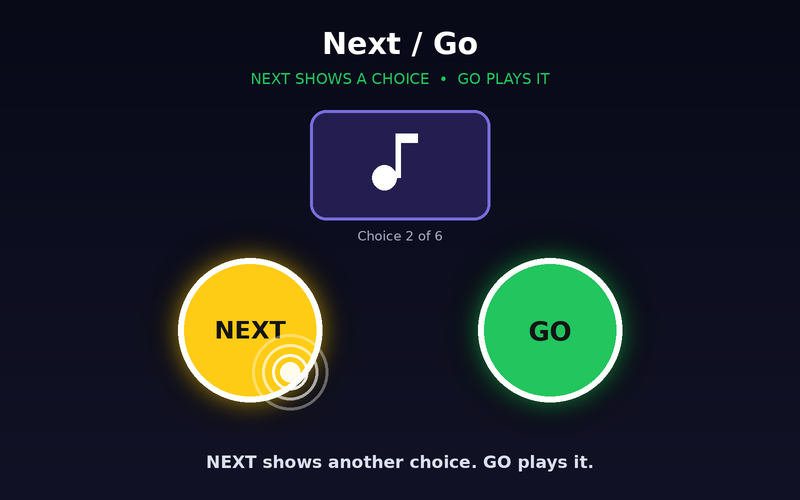
NEXT brings up another video. GO plays it. One choice on screen at a time.
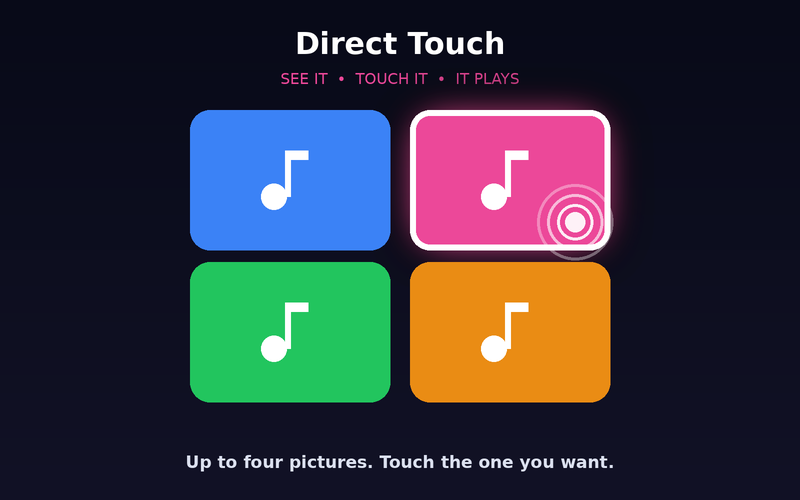
Two to four video cards. Touch the one you want.
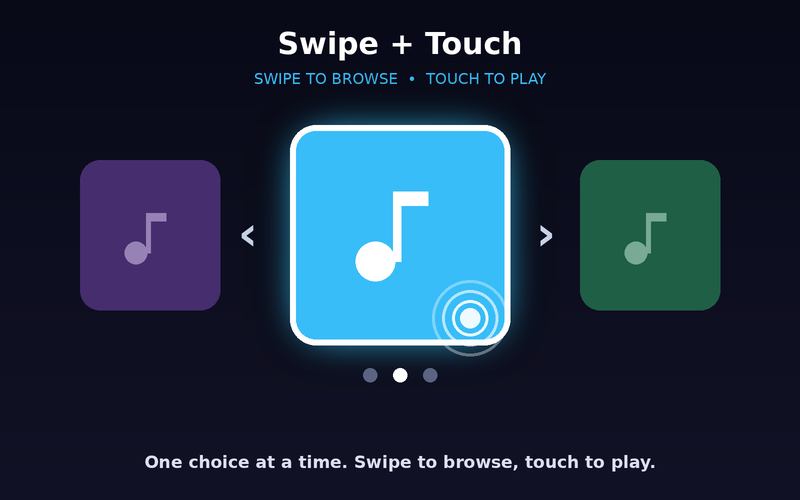
One choice at a time. Swipe to browse, touch to play.
A video called 'sensory' isn't automatically right for your learner.
Slower, simpler videos when visual complexity is hard.
More motion for learners who seek it.
Small playlists built around one learner.
Early lookers, learners with CVI or visual impairment, learners who enjoy visual and sensory experiences, and calm breaks or transitions.
Tip:If it isn't working, take something away. Don't add more to the screen.