 Wonder Button
Choice
MembersSimpler displays. Larger targets.
Meaningful choices, offered the way that works for your learner: touch, switch, listening, or a simple swipe. Use ready-made pictures, or snap a photo of their own things.
Included with the membership ($36/year)
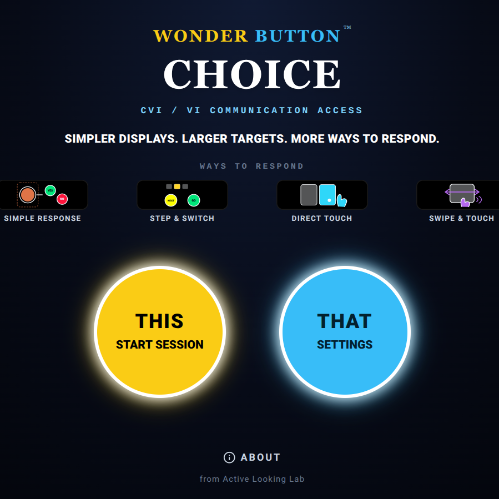
What it is
A grid of small symbols asks the learner to fit the interface. Choice works the other way around: keep what the choice means, and change how the learner gets to it.
Keep the meaning. Change the way in.
Choice works alongside a learner's communication system. It doesn't replace one that already works.
How it works
- 1
Pick the cards
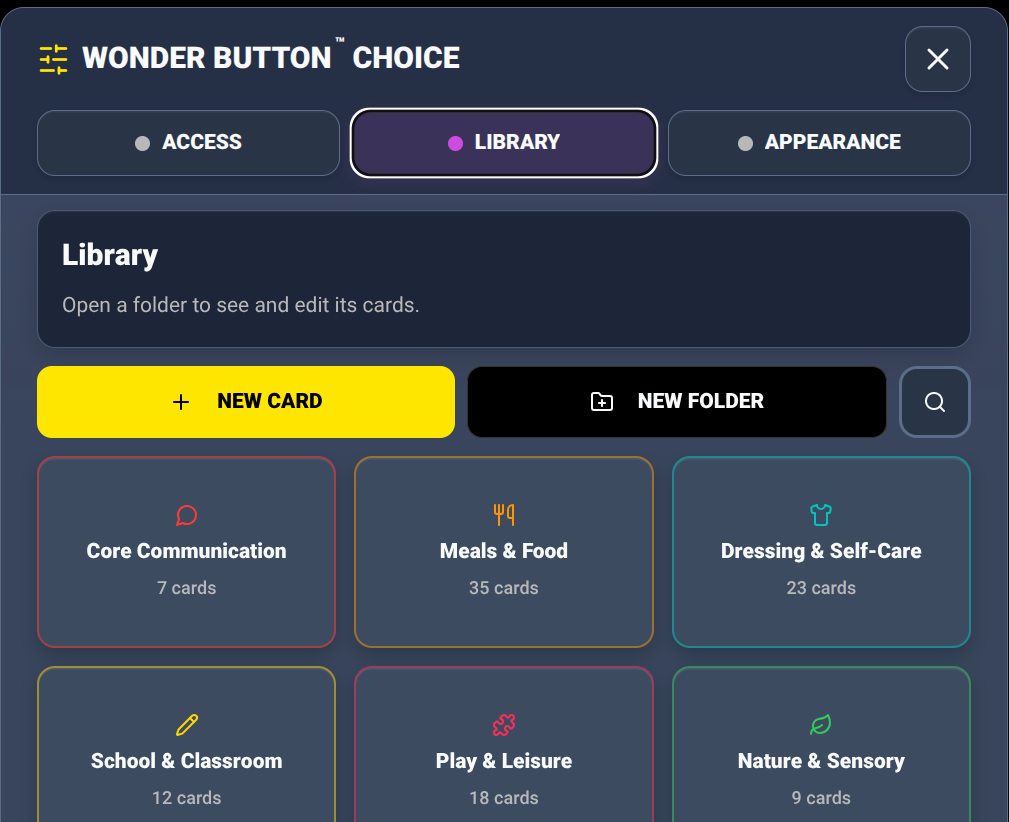
Ready-made folders (Core Communication, Meals & Food, Dressing & Self-Care, School, Play, Nature & Sensory), or take a photo to make a card of their own cup, toy, or favorite person.
- 2
Pick a way to respond
Choose the simplest way that works today.
- 3
They choose
A clear choice, and a clear result.
More ways to respond
Simple Response
Single Button · Yes / No
One action, or two big steady answers.
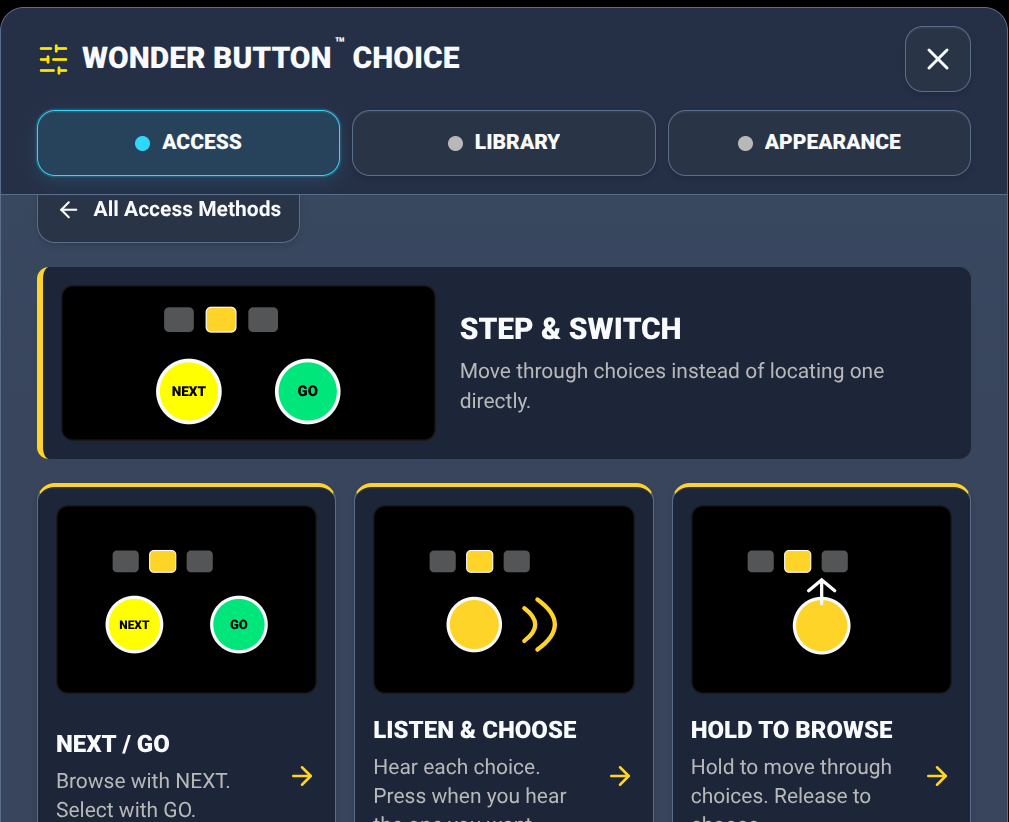
Step & Switch
NEXT / GO · Listen & Choose · Hold to Browse
The choices come to the learner, one at a time.
Direct Touch
Touch Once · Listen, Then Touch Again
Touch to choose, or hear it first, then touch again to confirm.
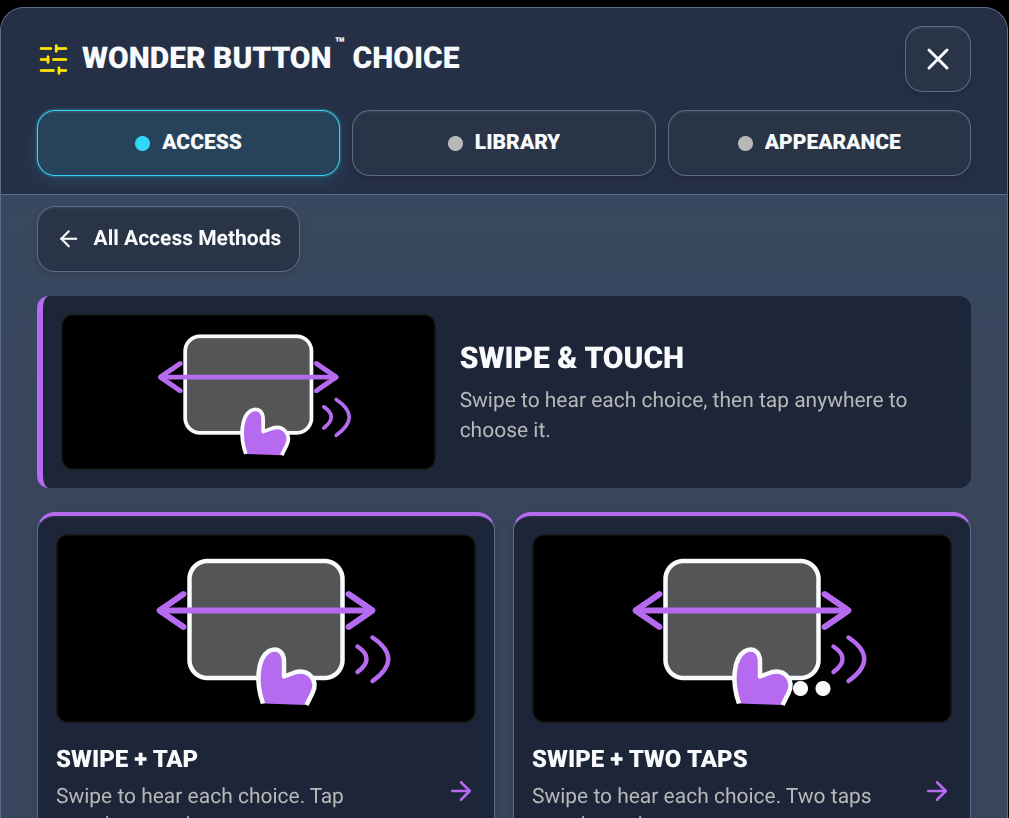
Swipe & Touch
Swipe & Tap · Swipe & Two Taps
Swipe anywhere to browse, tap anywhere to choose.
Speech can be turned on or off without losing any saved words.
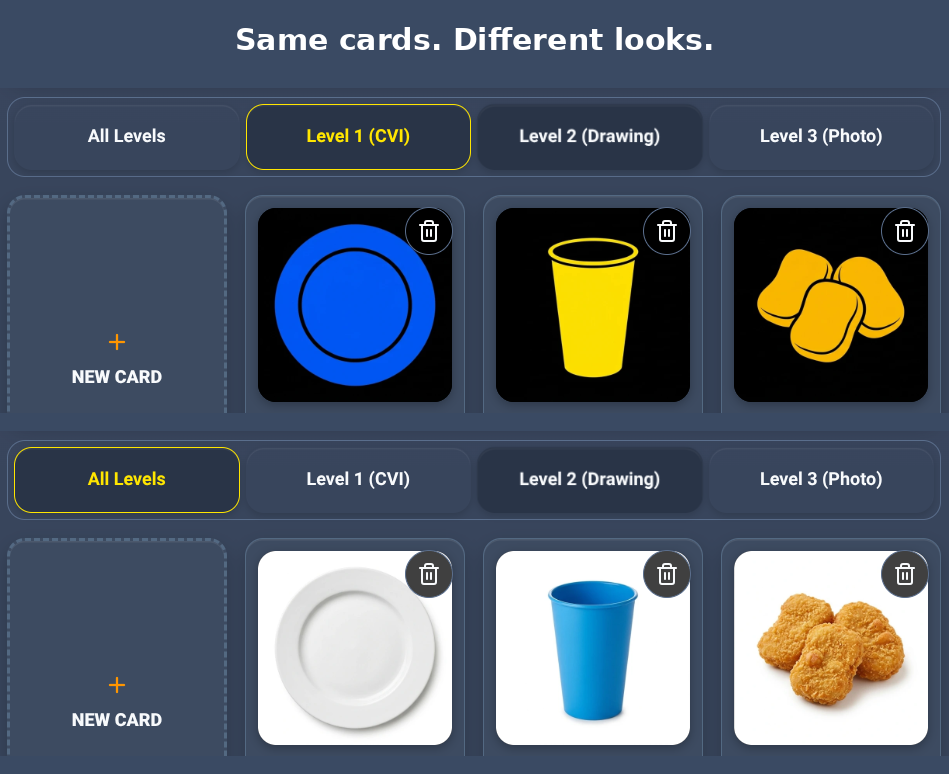
The same card, three ways
Level 1 (CVI): simple, bold, on black · Level 2: a drawing · Level 3: a real photo, including one you take of the learner's own things. The meaning stays the same. You choose the picture that works for this learner. Target size goes from Enormous down to Micro, in both directions.
Their cup. Their bus. Their dog. Snap it, and it's a card.
Ideas for real life
Meals and snacks
Two foods or drinks, as photos or simple CVI pictures.
Yes / No in routines
'Do you want more?' 'Are you finished?' 'Ready?'
Their own things
Photograph the learner's real cup, coat, toy or favorite person and make them into cards.
Shared reading
'Again,' 'turn the page,' or the repeated line.
Sensory preferences
Lights, music, movement, or quiet time.
Transitions
'One more,' 'finished,' 'break,' 'next.'
Inside look
Good for
Learners with CVI or visual impairment, learners with complex motor needs, switch users, and learners who understand choices but need fewer of them, or a different way to get to them.
Tip:Try a new way to respond with familiar choices first. Don't change the access, the pictures and the words all at once.
Included with the membership ($36/year)
More Wonder Button apps