
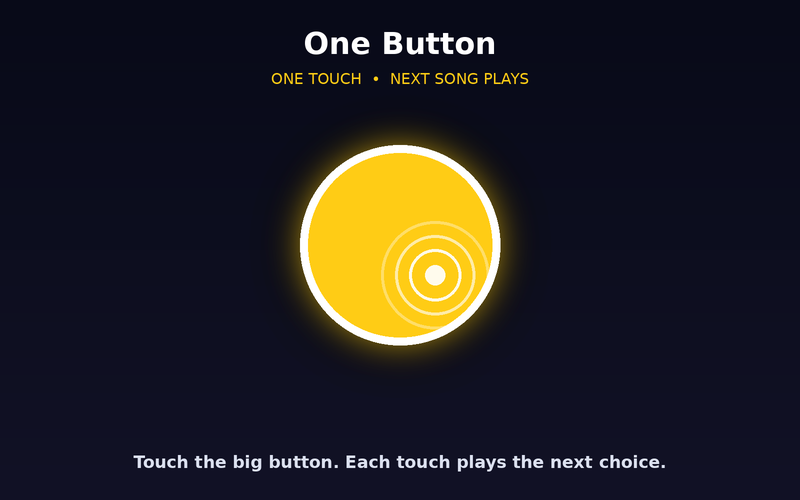
One Button
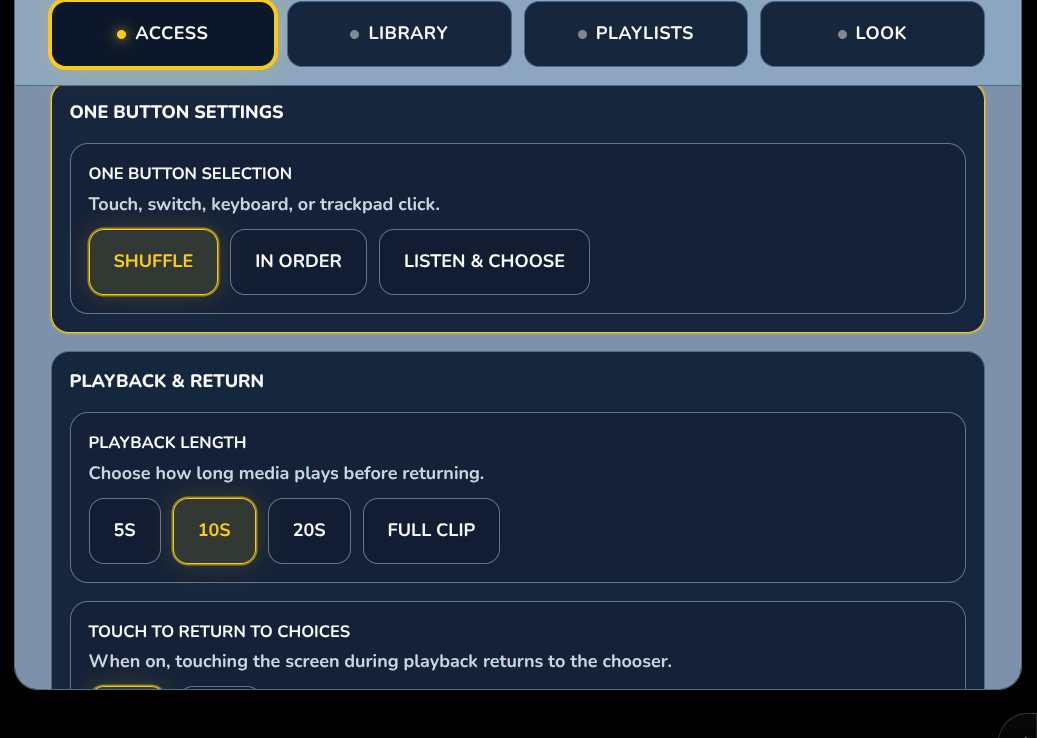
One big target plays the next item. Choose Shuffle, In Order, or Listen & Choose.
 Wonder Button
Everything together. One simple button.
Photos, videos, audio, voice recordings and web links, all in one place and all through the same simple access.
Included with the membership ($36/year)
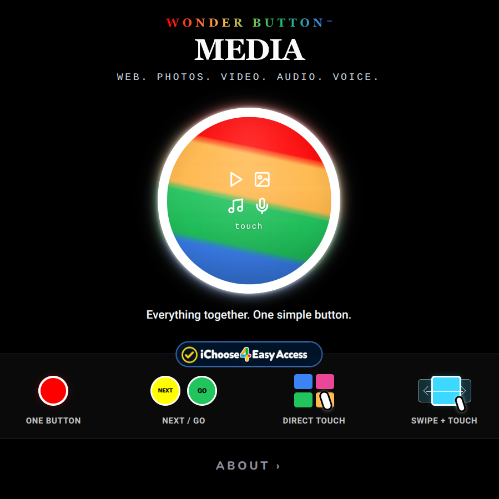
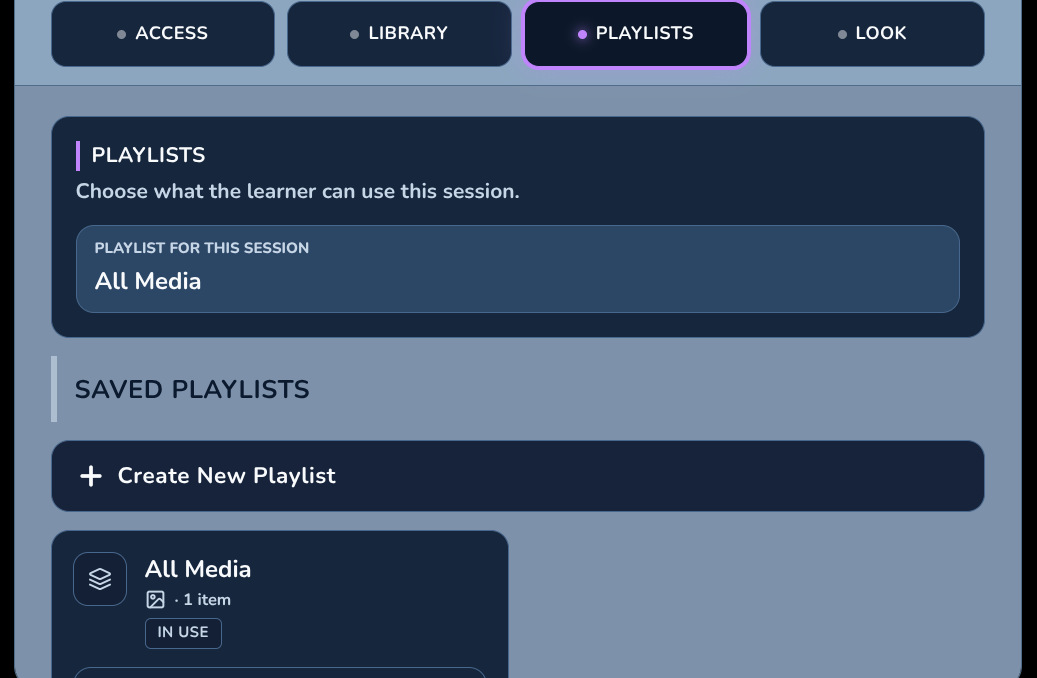
Media is the do-it-all member of the family. One playlist can mix a family photo, a short video, a favorite song, and a recorded 'good morning' from Grandma.
A big library for you. A small, simple choice for them.
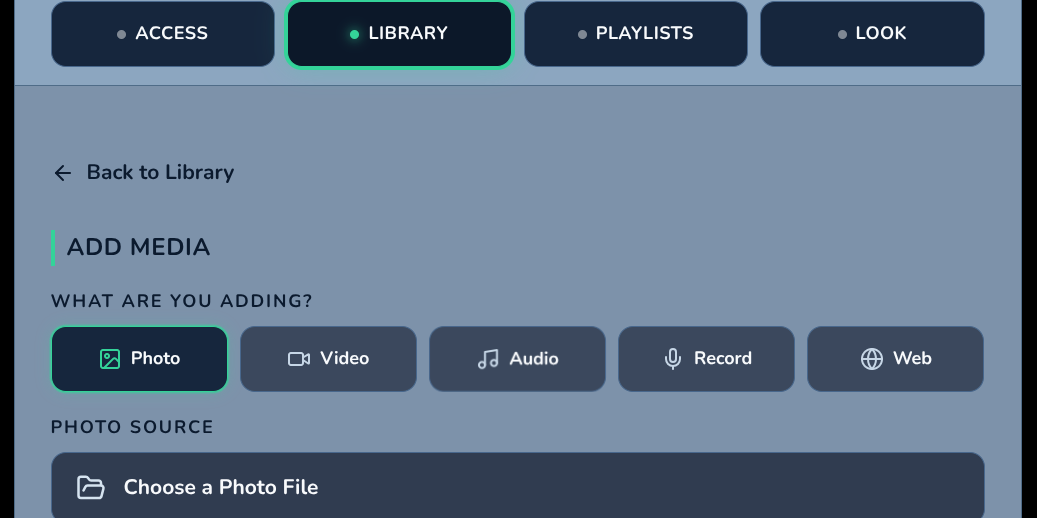
Add anything
Photos, video, audio, a recording made right in the app, or a YouTube or web link.
Pick a way in
Choose the simplest access that works for this learner.
They choose
It plays for 5, 10 or 20 seconds or the full clip, then returns to the choices.
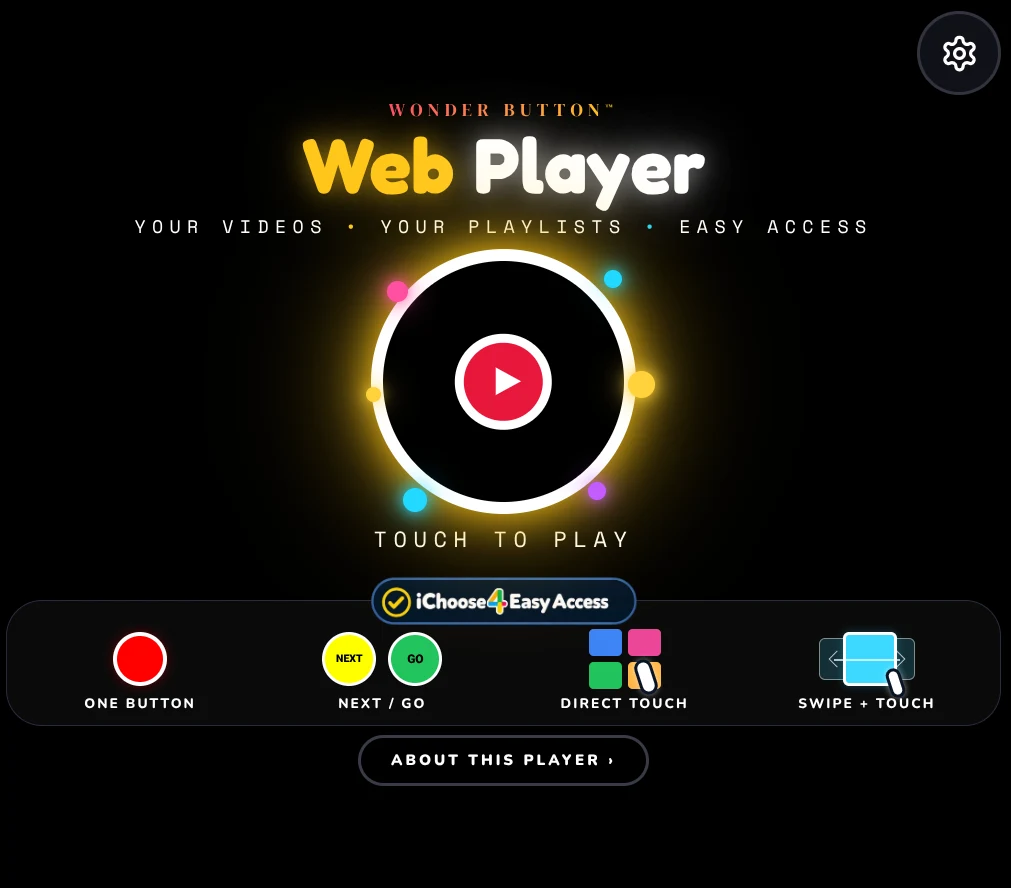
Four ways in, powered by iChoose4.
One big target plays the next item. Choose Shuffle, In Order, or Listen & Choose.
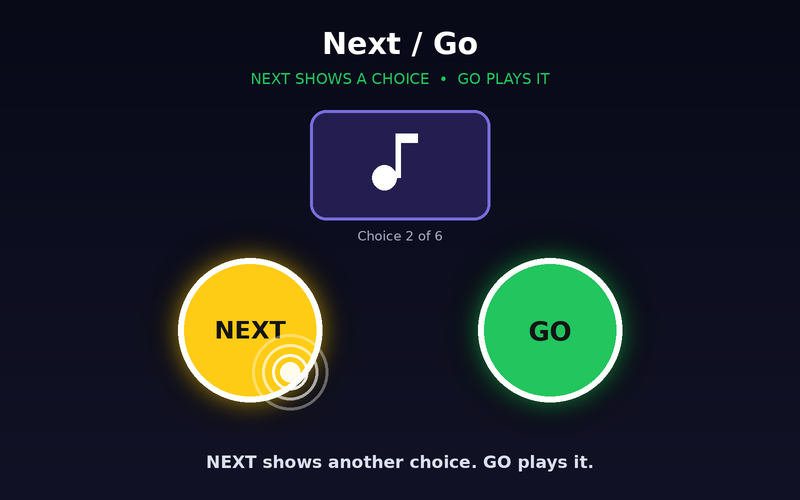
NEXT brings up another item to hear or see. GO plays it.
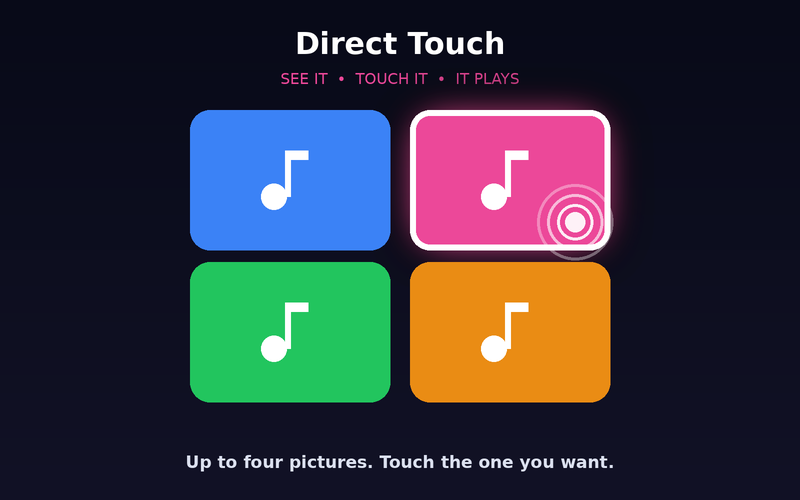
A few clearly separated choices. Touch the one you want.
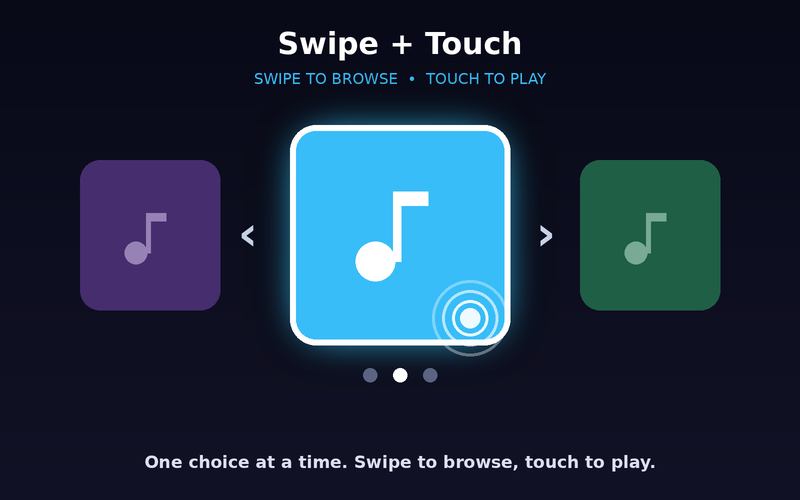
One choice at a time. Swipe to browse, touch to play.
Photos, short videos and recorded voices of the people they know.
Photos, clips and narration from a trip, a party or a class activity.
Media for morning, meals, play and bedtime.
A photo, a video and a voice recording that tell one event together.
A favorite song or a video of Grandpa. The choice doesn't have to be all one kind.
Look back and talk about it with a parent, teacher or sibling.
Learners with CVI or visual impairment, learners with motor or complex access needs, early learners, and families and classrooms who want one place for all their meaningful media.
Tip:Keep the library big and each playlist small.
Included with the membership ($36/year)
More Wonder Button apps