
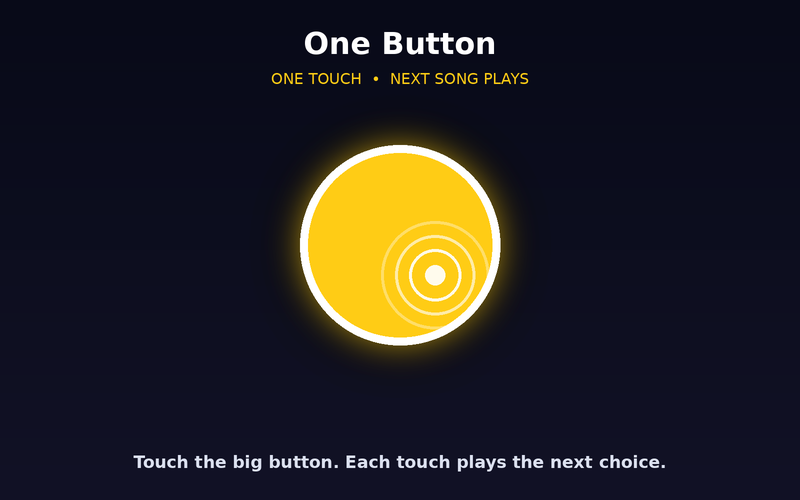
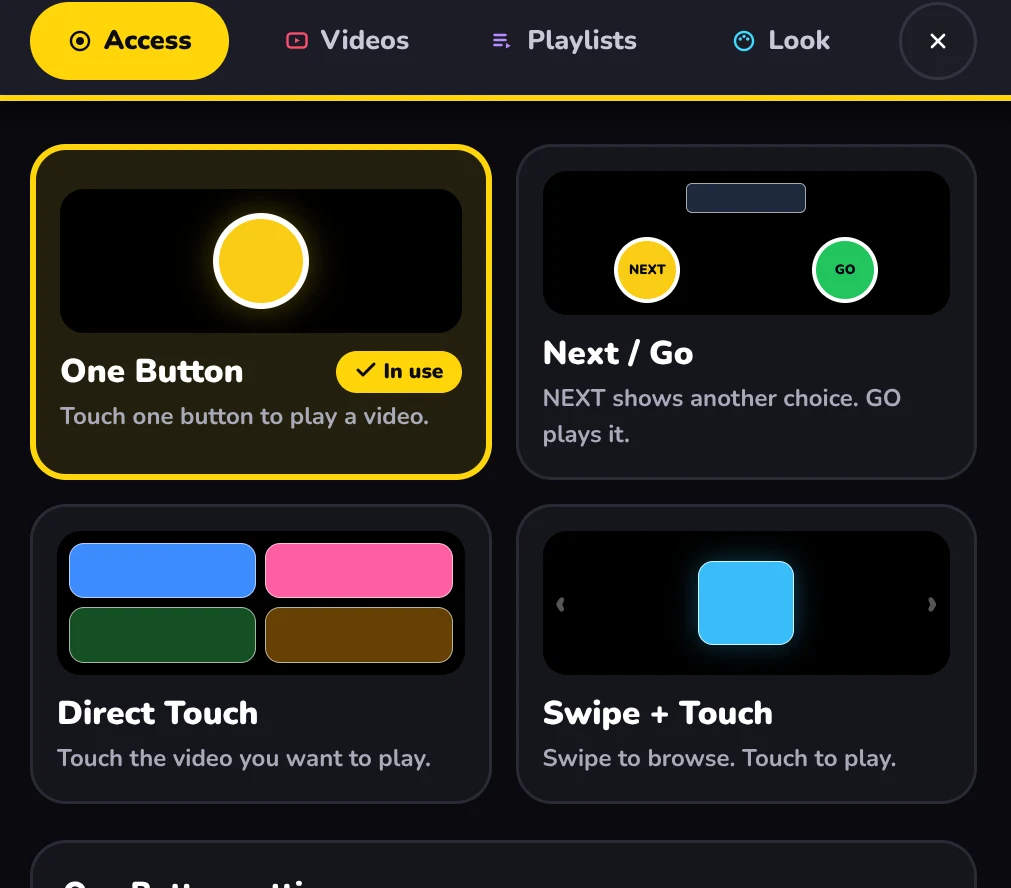
One Button
One big target plays a video. The lowest-demand way in.
 Wonder Button
Online video. Your way.
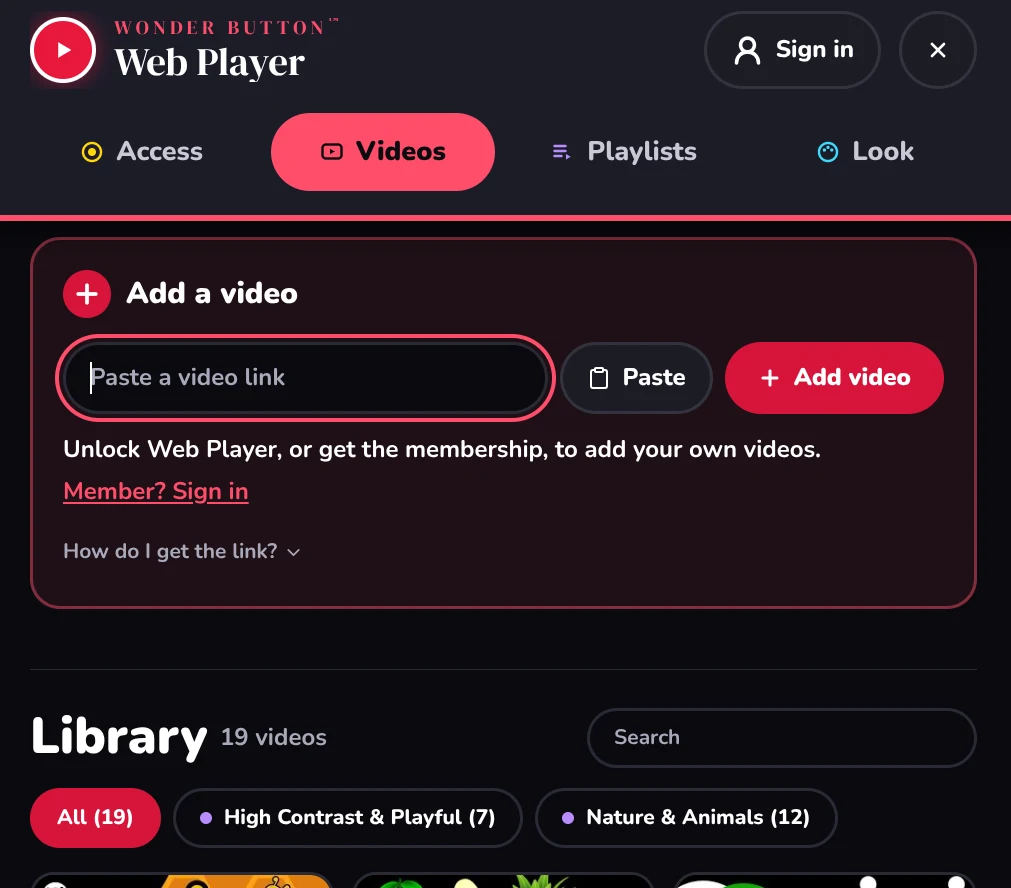
Start from scratch. Build your own library of online videos and give your learner a clean, simple way to choose and watch them.
$6 one-time · works on all your devices · or included in the membership
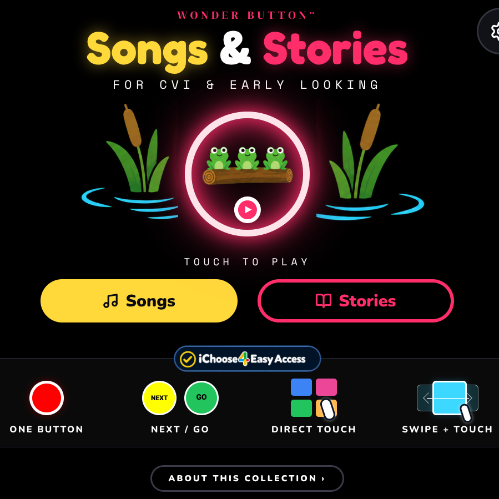
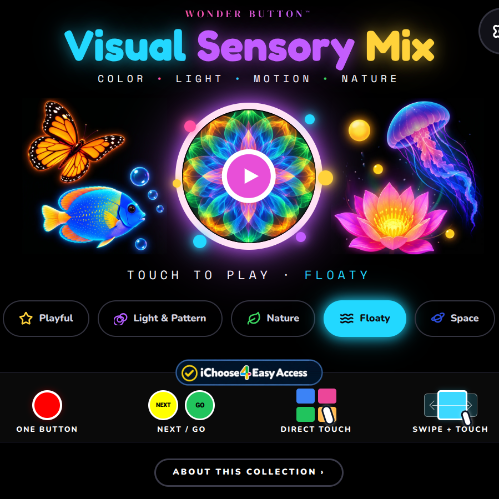
It starts empty, ready for your videos. See how it works in the free Visual Sensory Mix and Songs & Stories.
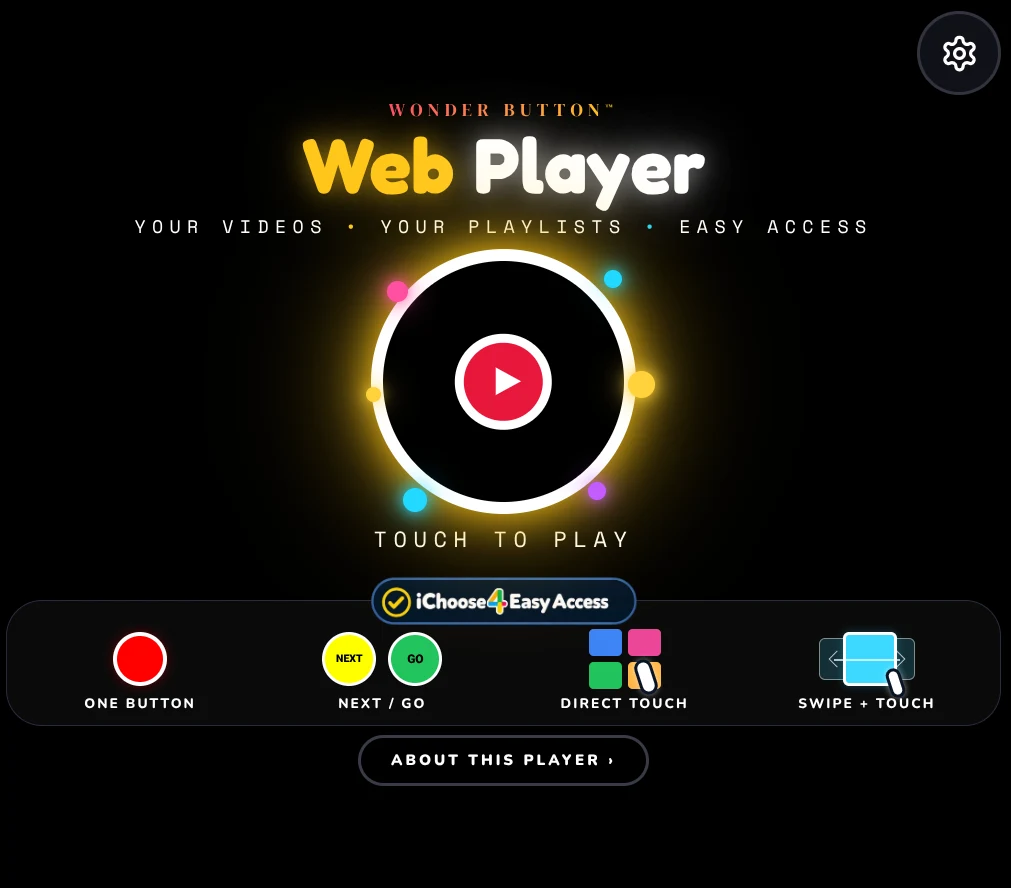
Web Player starts empty on purpose. You add the videos that matter to your learner: favorite songs, animal clips, a class unit, familiar people. The learner never has to deal with the website around them.
The web provides the media. Wonder Button provides the access.
Web Player is also the engine behind Songs & Stories, Visual Sensory Mix and the Music Player. Learn one, and you know them all.
Build your library
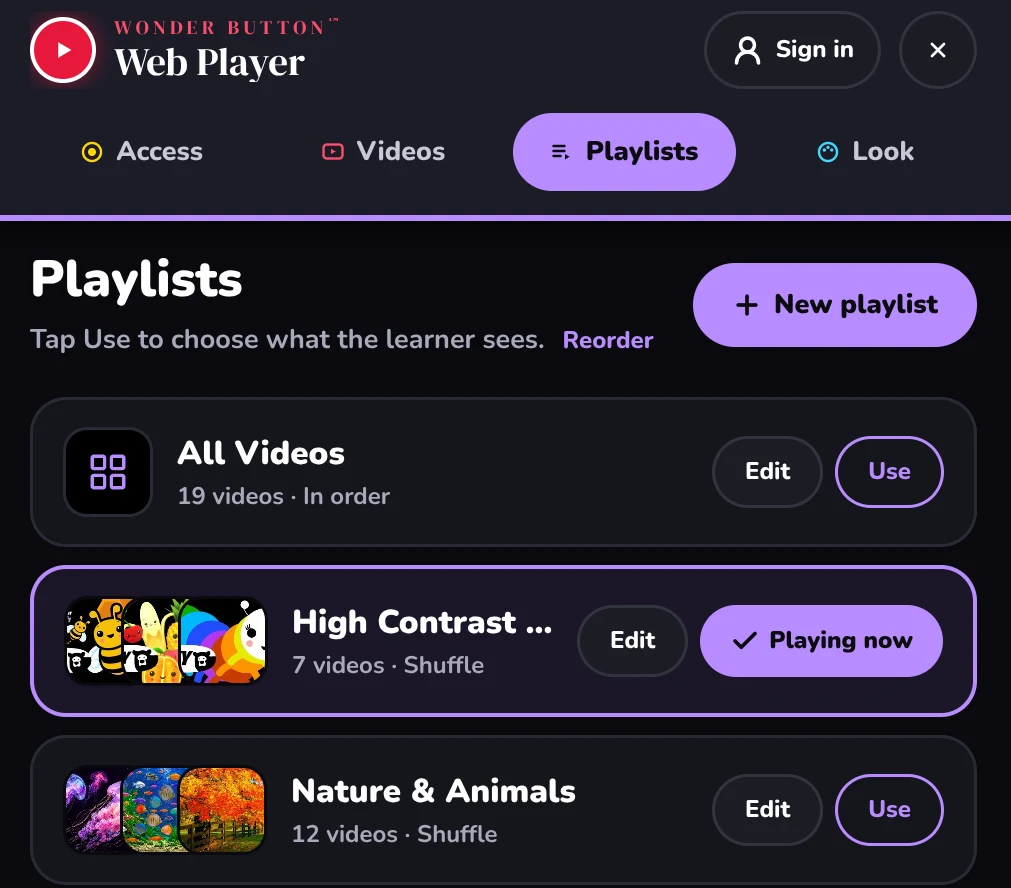
Paste YouTube and other web video links, then group them into small playlists.
Pick a way in
Choose the simplest access that works for this learner.
They choose
The learner picks, watches, and comes back to choose again.
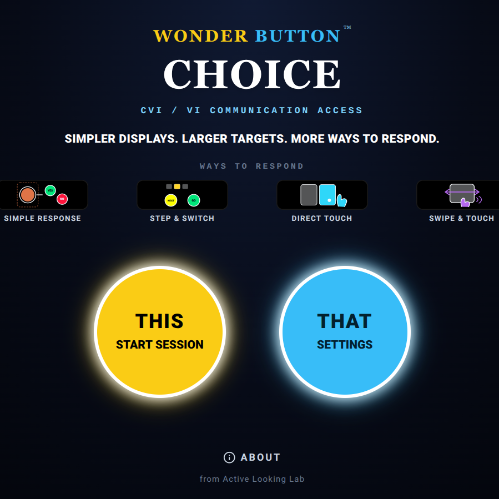
Four ways in, powered by iChoose4.
One big target plays a video. The lowest-demand way in.
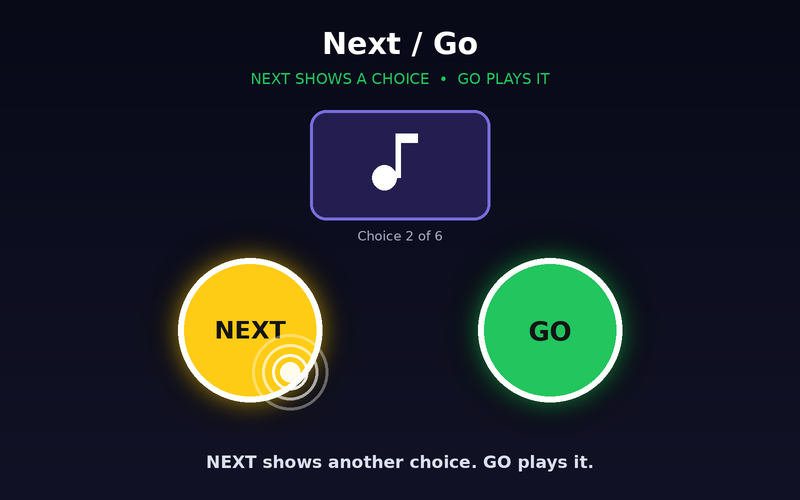
NEXT brings up another video. GO plays it. A big playlist, one choice at a time.
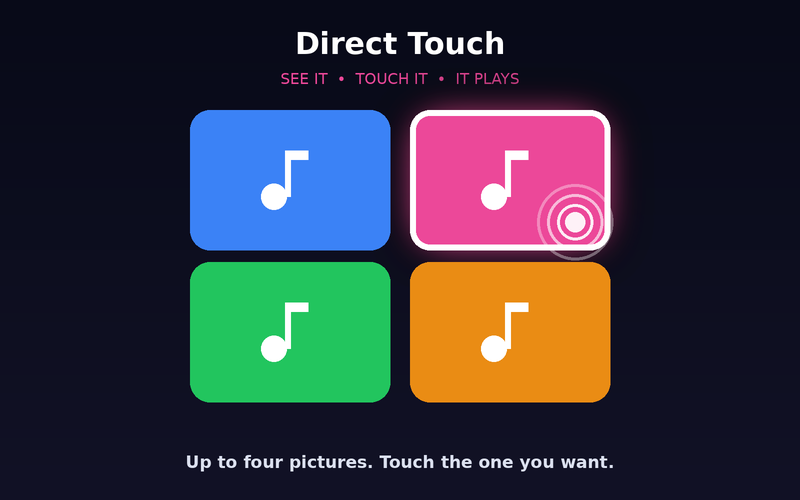
Show 2, 3 or 4 choices. Keep the same choices after each pick, or show new ones.
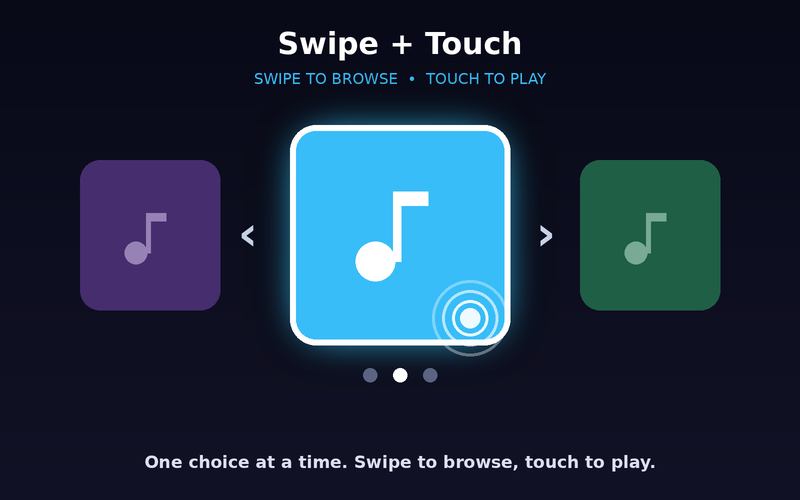
One choice at a time. Swipe to browse, touch to play.
If the screen seems harder than the video, try one of these:
$6 one-time
It starts empty, ready for your videos. See how it works in the free Visual Sensory Mix and Songs & Stories.
Using more than one player? The membership ($36/year) includes every Wonder Button.
You're paying for the player, not the videos. Songs and videos play from their creators' own YouTube channels.
Not right for your learner? Email within 14 days for a full refund. Refund policy
Teachers building a unit, families collecting favorites, and anyone who wants a personal video collection their learner can actually use.
Tip:Start with one favorite video and One Button. Add choices when they add real control, not just more on the screen.