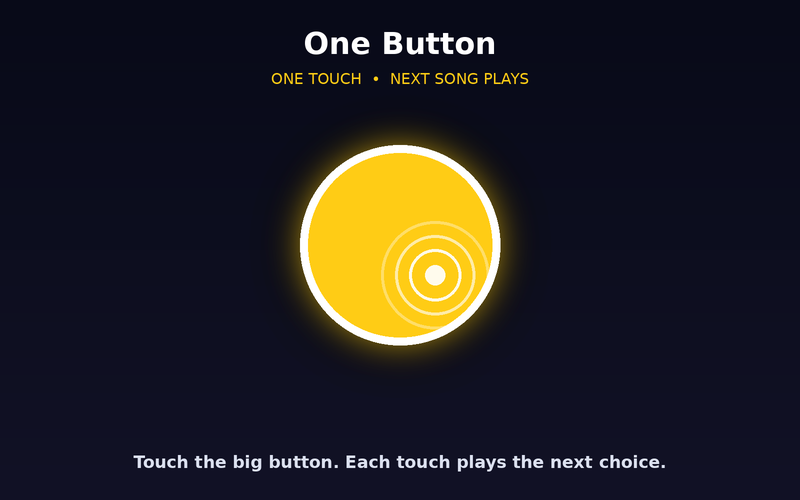
One Button
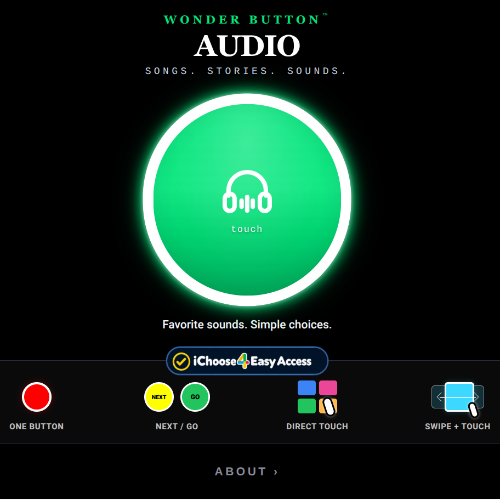
One big target plays a song or story. Choose Shuffle, In Order, or Listen & Choose, which speaks each choice and waits for a switch.
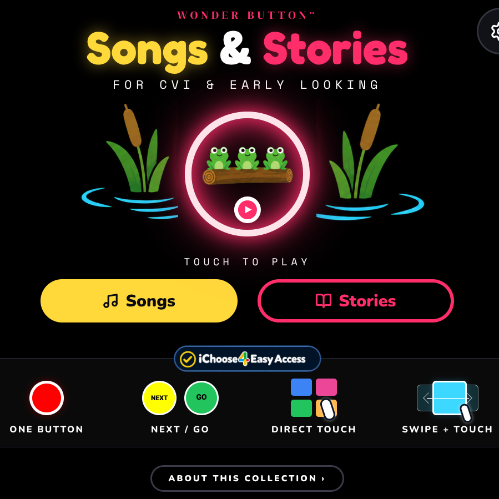
 Wonder Button
For CVI & early looking.
A ready-to-use collection of familiar songs and story videos. Start playing right away, then make it your own.
Free to use. Want your own videos? See the Web Player
Songs and stories are predictable, repeatable, and made to share. The barrier is usually the crowded website around them: small controls, ads, recommendations and endless scrolling.
A full library on day one. Yours to change.
Start with the library
28 songs and stories are already in. Add your own YouTube links anytime.
Pick a way in
Choose the simplest access that works for this learner.
They choose
The learner picks a song or story, watches, and comes back to choose again.
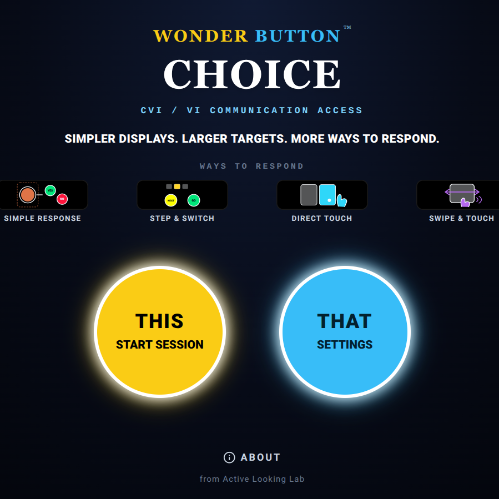
Four ways in, powered by iChoose4.
One big target plays a song or story. Choose Shuffle, In Order, or Listen & Choose, which speaks each choice and waits for a switch.
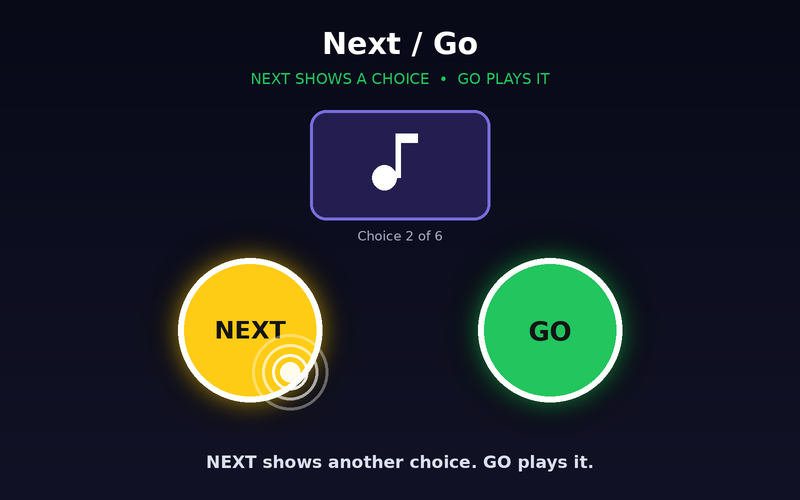
NEXT brings up another song or story to hear or see. GO plays it.
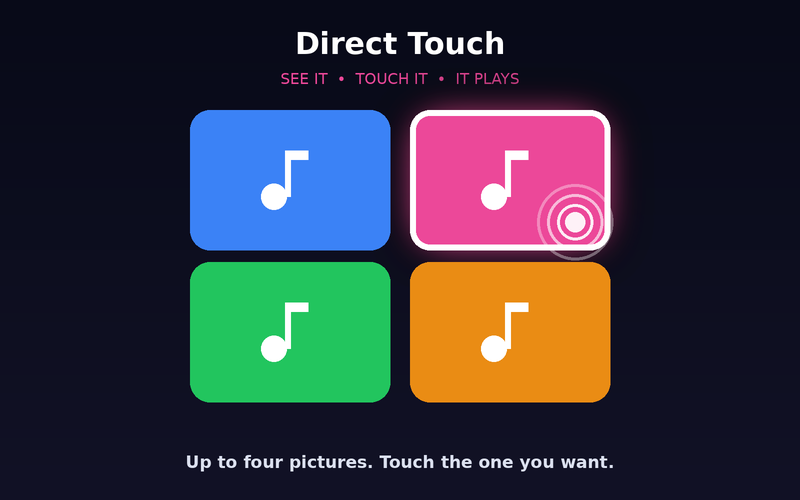
A few familiar thumbnails. Touch the one you want.
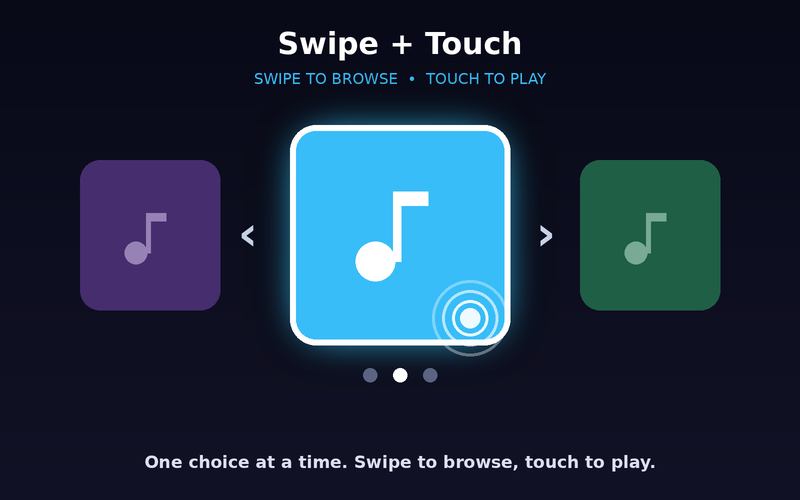
One choice at a time. Swipe to browse, touch to play.
15, 30, 45 or 60 seconds, 2 minutes, or the full video. Then it returns to the choices on its own, so the learner is never left on a website.
Export a playlist and send it to another teacher or family, so no one has to build it twice.
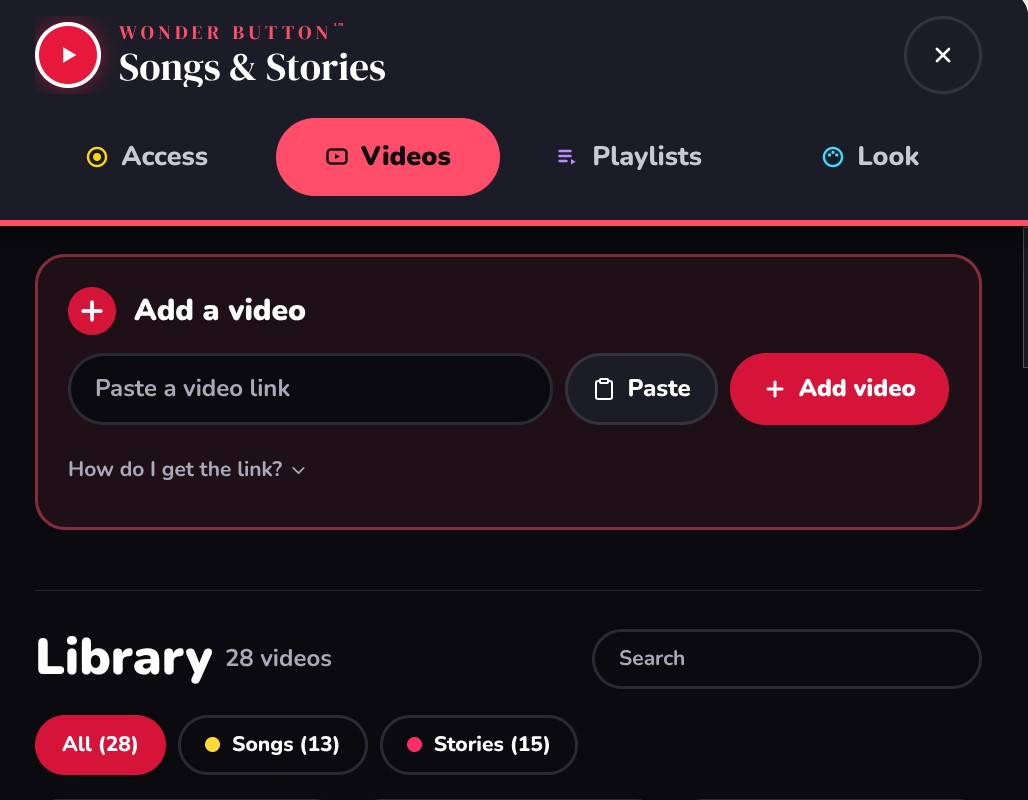
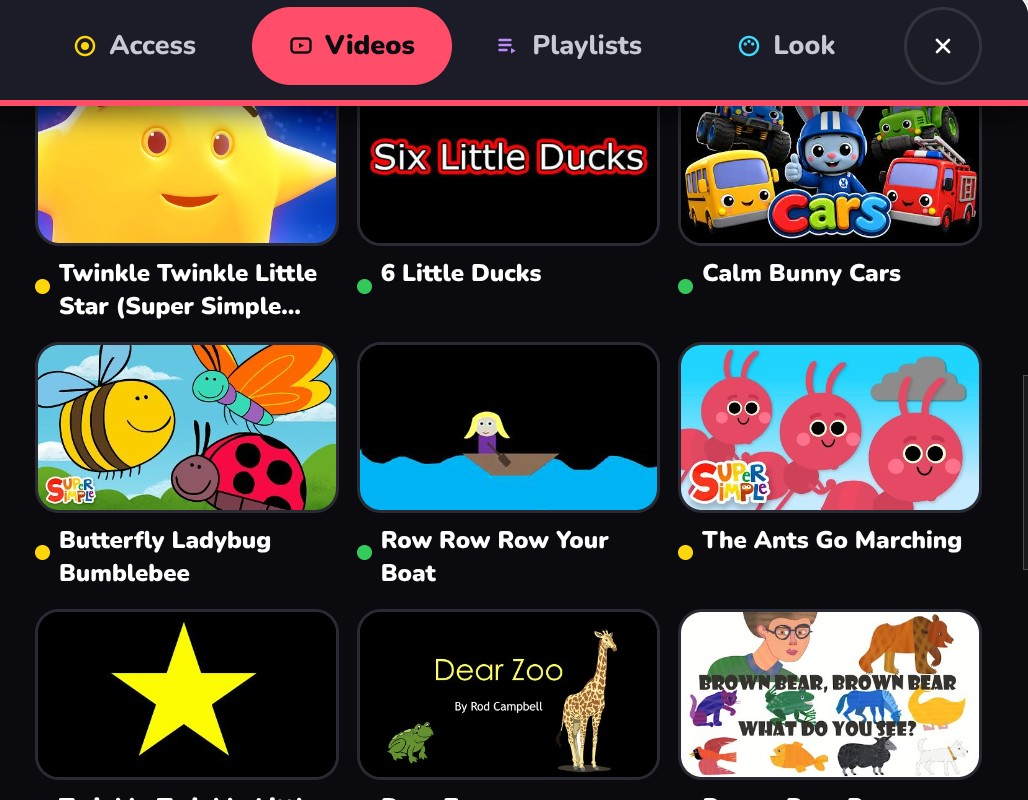
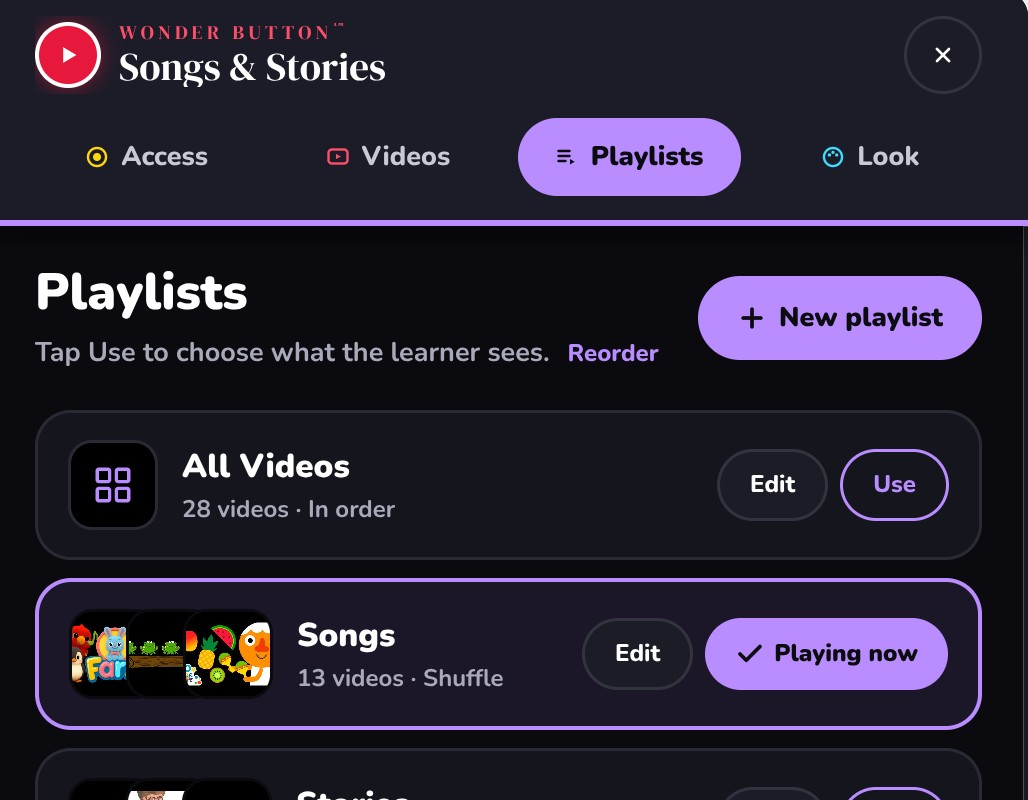
Early lookers, learners with CVI or visual impairment, early touch and switch users, and anyone who wants familiar songs and stories without the website around them.
Tip:First session: familiar content, a small playlist, the simplest access. Then change one thing at a time.