
One Button
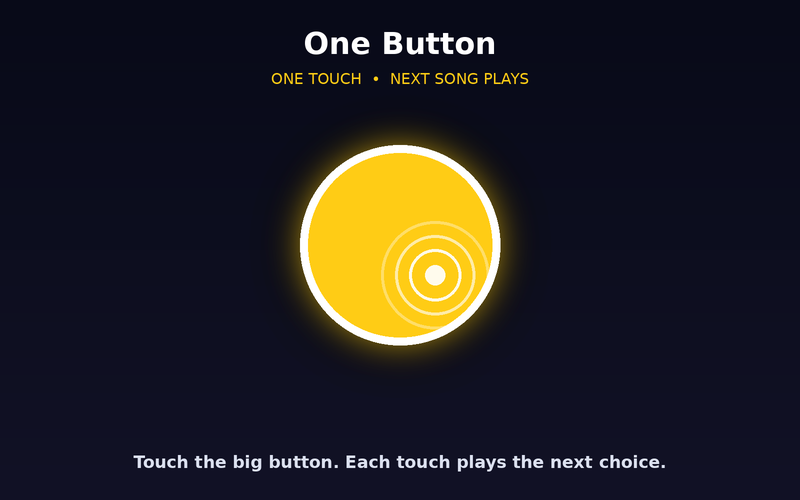
One big button, or a switch. Each touch plays the next choice. No aiming, no hunting for the target.
Good for: Switch users, learners just starting out, and learners who can't yet find small targets.
Same activity. Four ways in.
Every Wonder Button player lets you choose how your learner accesses it. Pick the one that fits today — and change it anytime.
Every mode works for learners who listen, look, or both.
One big button, or a switch. Each touch plays the next choice. No aiming, no hunting for the target.
Good for: Switch users, learners just starting out, and learners who can't yet find small targets.
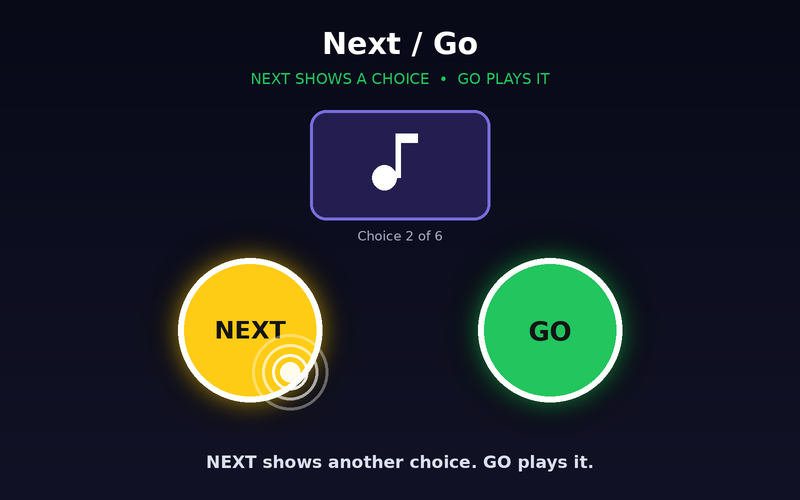
NEXT brings up another choice to hear or see. GO plays it. Buttons stay in the same place every time, and each whole side of the screen can be the button.
Good for: Learners who choose by listening or looking, and two-switch users.
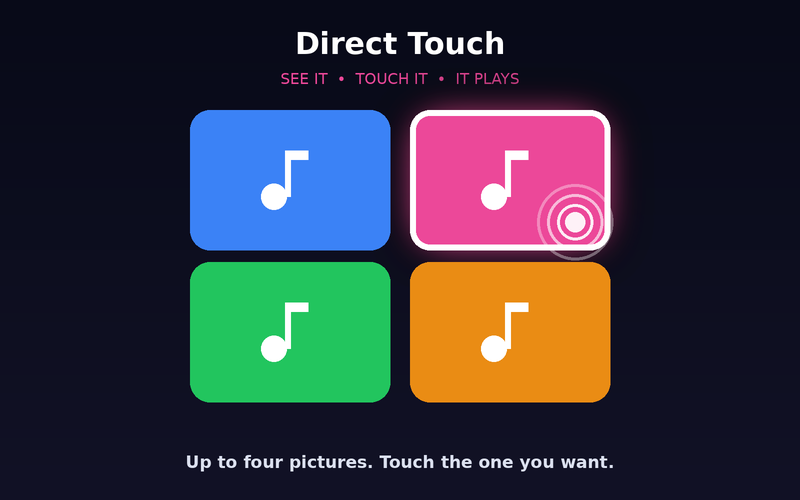
Up to four large pictures. Touch the one you want.
Good for: Learners who can see and reach several targets.
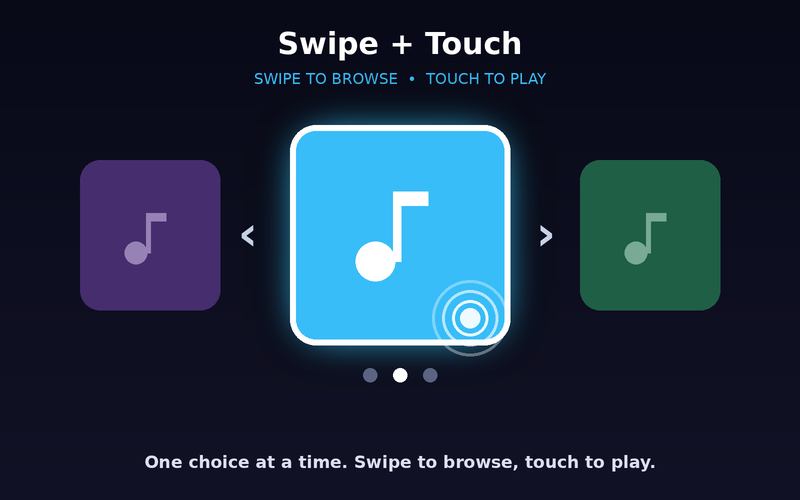
One big choice at a time: hear it, see it large. Swipe anywhere to move on, touch anywhere to play. No need to hit the picture.
Good for: Learners who do best with one thing at a time, and learners who listen more than look.
Not sure where to start? Try One Button first, then move up as your learner is ready.
Try it in the Music Player