
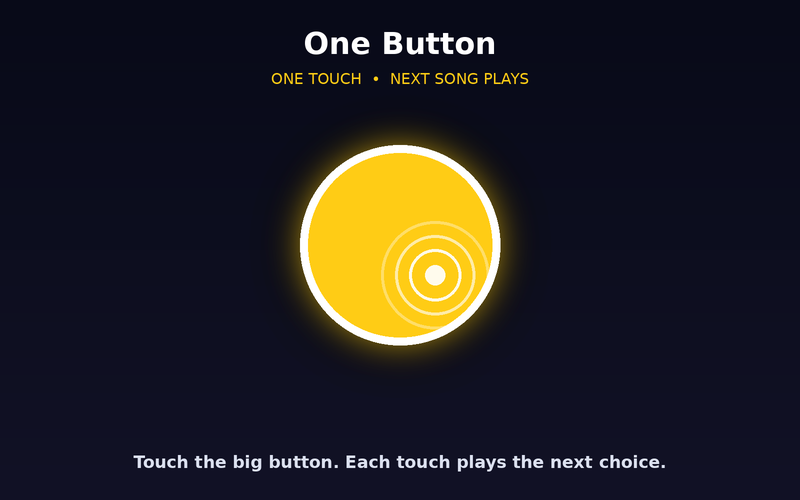
One Button
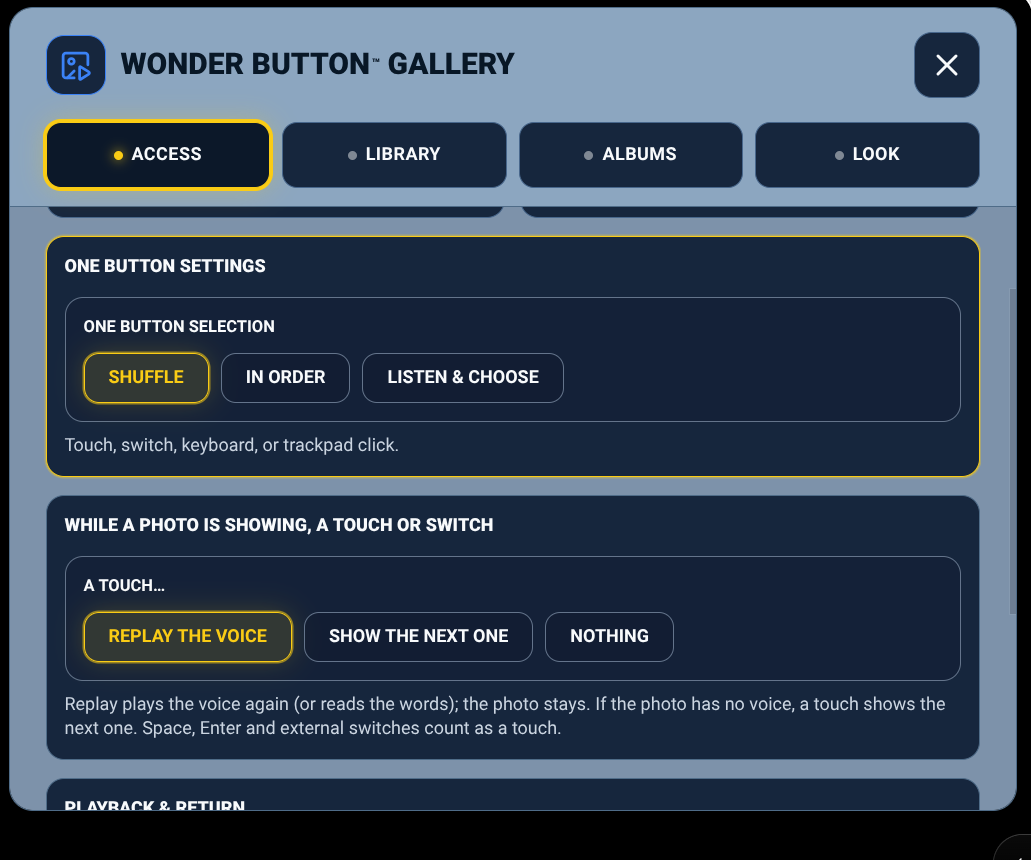
One big target shows the next photo. Choose Shuffle, In Order, or Listen & Choose.
 Wonder Button
Familiar faces. Familiar places.
A simple photo album for the learner's own people, places and moments, with an optional spoken caption or a recorded family voice.
Included with the membership ($36/year)
The most meaningful pictures aren't in a symbol bank. They're Mom, the family dog, the classroom, yesterday's trip. Gallery keeps those pictures and removes the photo app around them.
Something worth looking at.
Add your photos
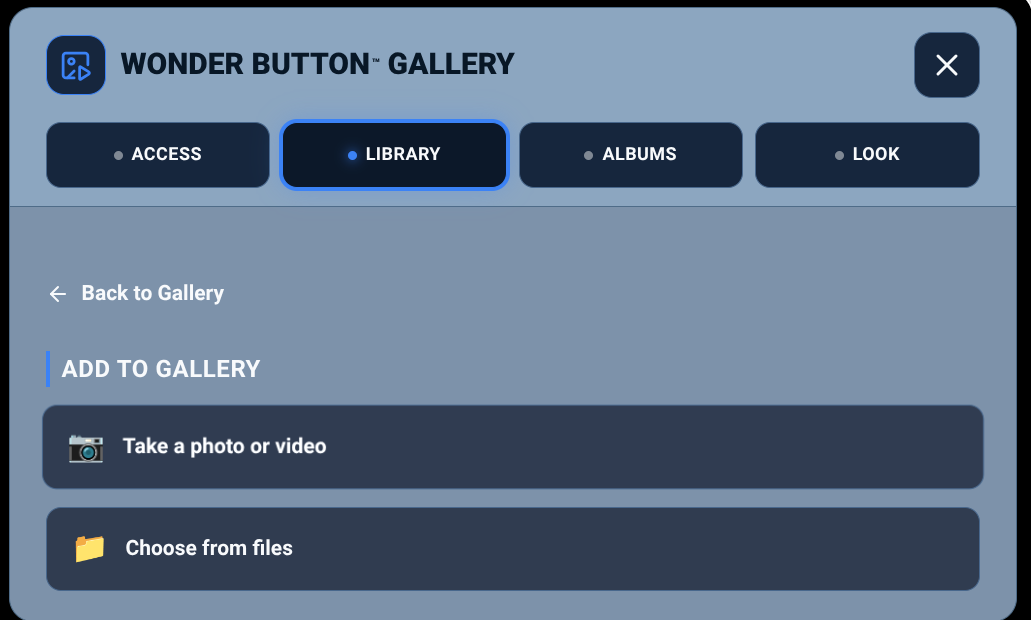
Take a photo or video, or choose from your files. Add a caption or record a voice.
Pick a way in
Choose the simplest access that works for this learner.
They look and choose
One photo at a time, for as long as they need.
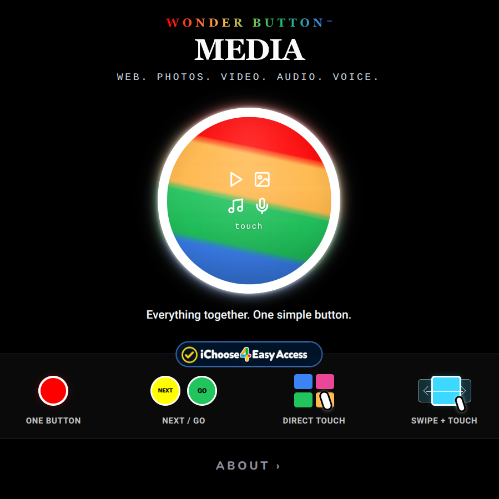
Four ways in, powered by iChoose4.
One big target shows the next photo. Choose Shuffle, In Order, or Listen & Choose.
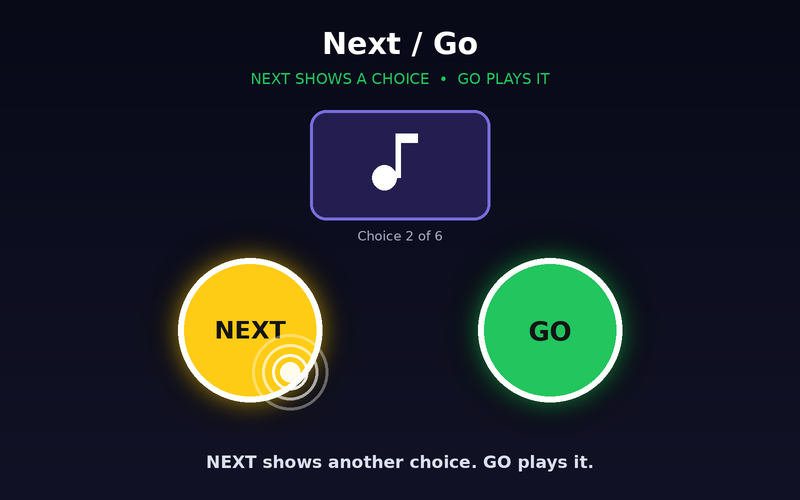
NEXT brings up another photo. GO opens it.
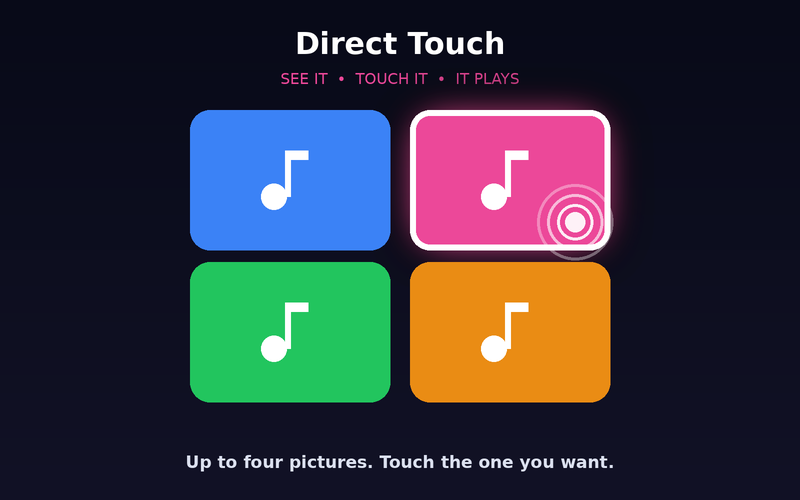
Two to four clear photos. Touch the one you want.
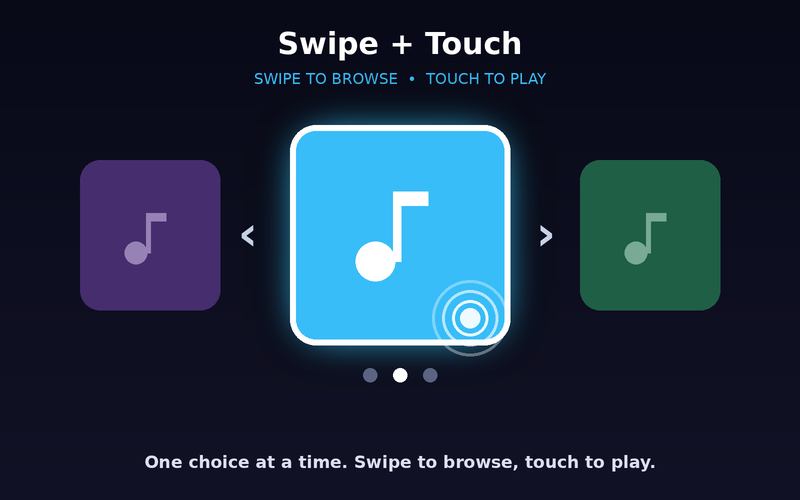
One photo at a time. Swipe to browse, touch to choose.
While a photo is showing, a touch can replay the voice, show the next one, or do nothing. You decide.
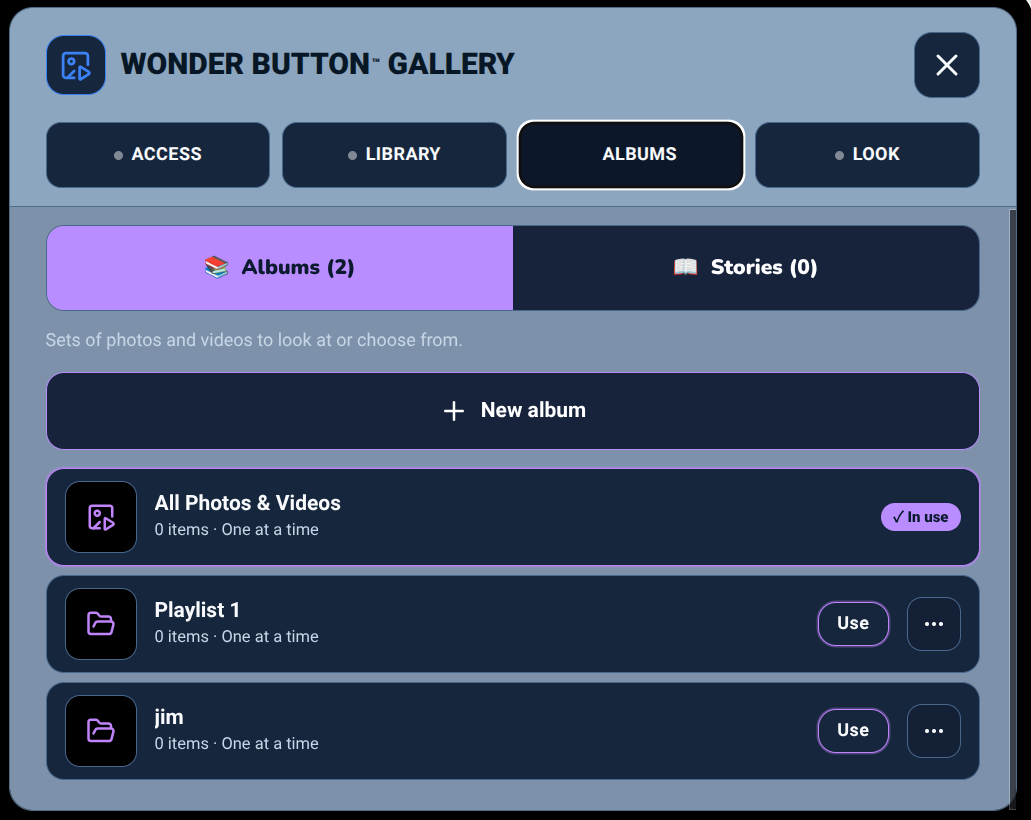
Sets of photos to look at or choose from: Family, School, Pets, My Day.
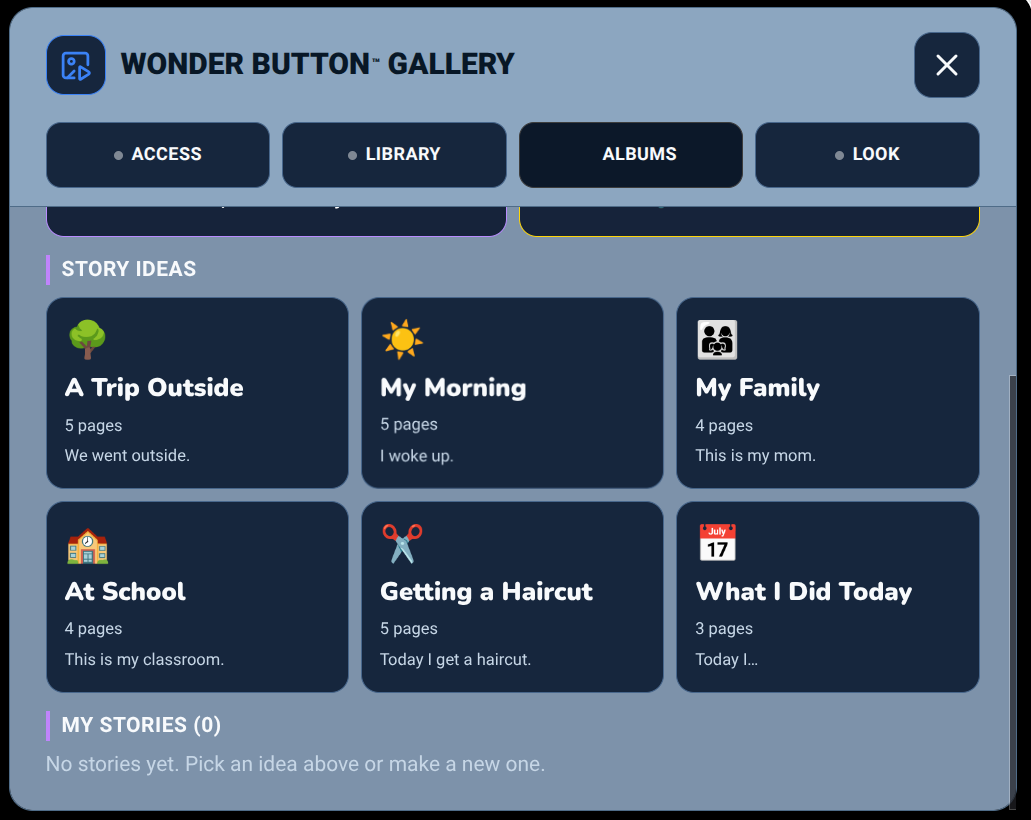
Photos in order with one sentence per page, for experience books, routines, social stories and family memories. Start from an idea: A Trip Outside, My Morning, My Family, At School, Getting a Haircut, What I Did Today.
Familiar faces with their names or a recorded hello.
A trip, a holiday or a class outing, told in photos.
Teacher, classmates, therapists, the bus driver.
Preview a haircut, an appointment or a new place before you go.
Two to four photos of favorite people, places or toys.
Look, replay a voice, laugh, and talk about it.
Learners with CVI or visual impairment, learners who respond best to familiar people and places, early choosers, and families and classrooms making experience books and memories.
Tip:Start with one or two clear, familiar photos. Add speech only if it helps.
Included with the membership ($36/year)
More Wonder Button apps