
Practice Lab
This is That
This is that. That is this.
Making the connection between pictures and real things.
Pictures do not automatically mean something just because we show them to a learner.
This is That provides simple ways to connect familiar real-world objects, people and places with photographs — and then take those pictures back into meaningful everyday activities.
Start with something the learner already knows. Explore the real thing. Pair it with a clear picture. Practice the connection when useful. Then use that picture out in the real world.
Included with the membership ($36/year)
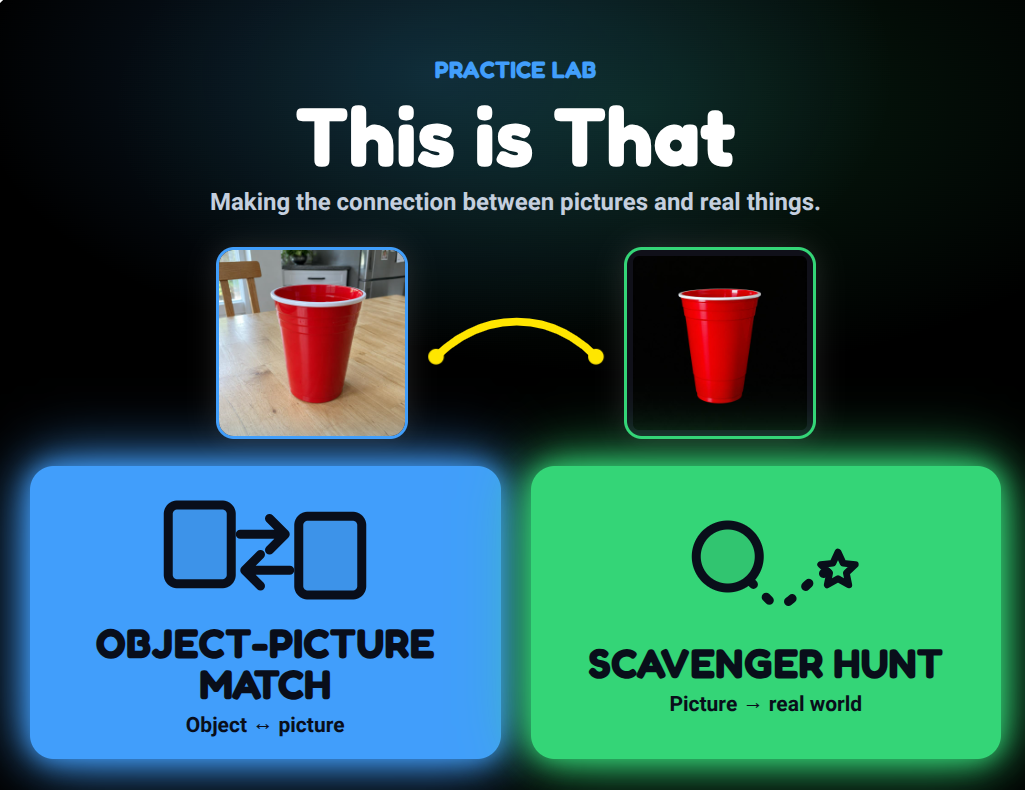
A picture is a representation.
For many learners, the relationship between a real object and a photograph of that object develops through experience.
A cup can be held, touched, used, heard and seen. A photograph of the cup is different. This is That creates simple opportunities to help connect the two.
The goal isn’t matching for its own sake. The goal is helping representations become meaningful.
Learners move through this relationship at their own pace.
Snack Match
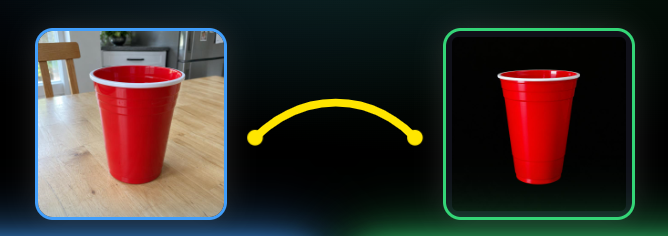
REAL THING ↔ FAMILIAR PICTURE
recognition → use in the real world
Start close. Then take the picture out into the world.
OBJECT-PICTURE MATCH
Object ↔ picture
Explore and connect familiar real objects with their pictures in a simple, controlled setting.
SCAVENGER HUNT
Picture → real world
Use pictures, words, sounds or other clues to find, notice, use, do or interact with something in the real environment.
Object-Picture Match helps establish and practice the connection. Scavenger Hunt helps carry that connection beyond the screen.
Explore the connection.
Object-Picture Match has three simple ways to work with the same familiar materials.
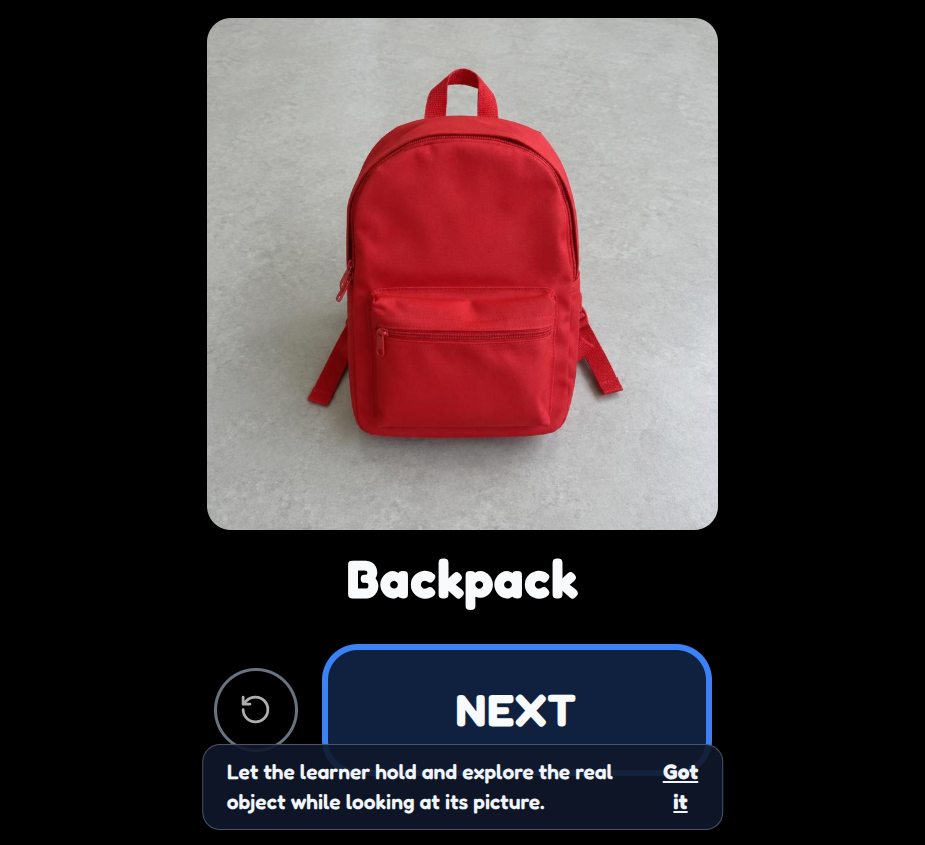
Explore Together
One large picture is shown while the learner and adult explore the real object together. There is nothing to get right and no answer to choose.
Real object + picture + shared exploration
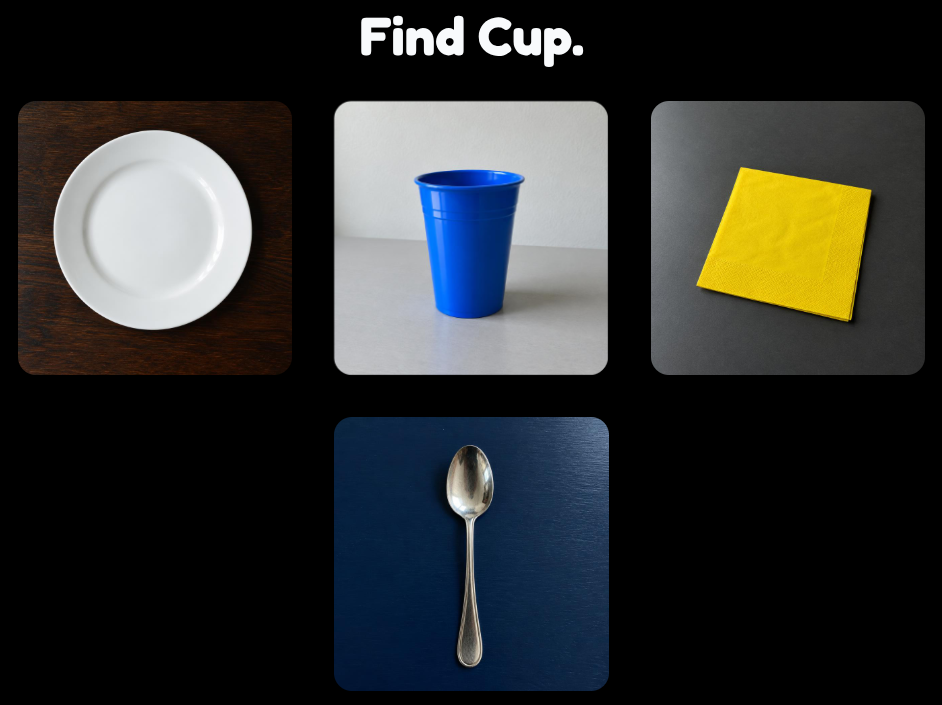
Find the Picture
Present the learner with the real object, then offer a small number of pictures. The learner looks for the picture that goes with the object.
Fewer choices can make the relationship easier to see.
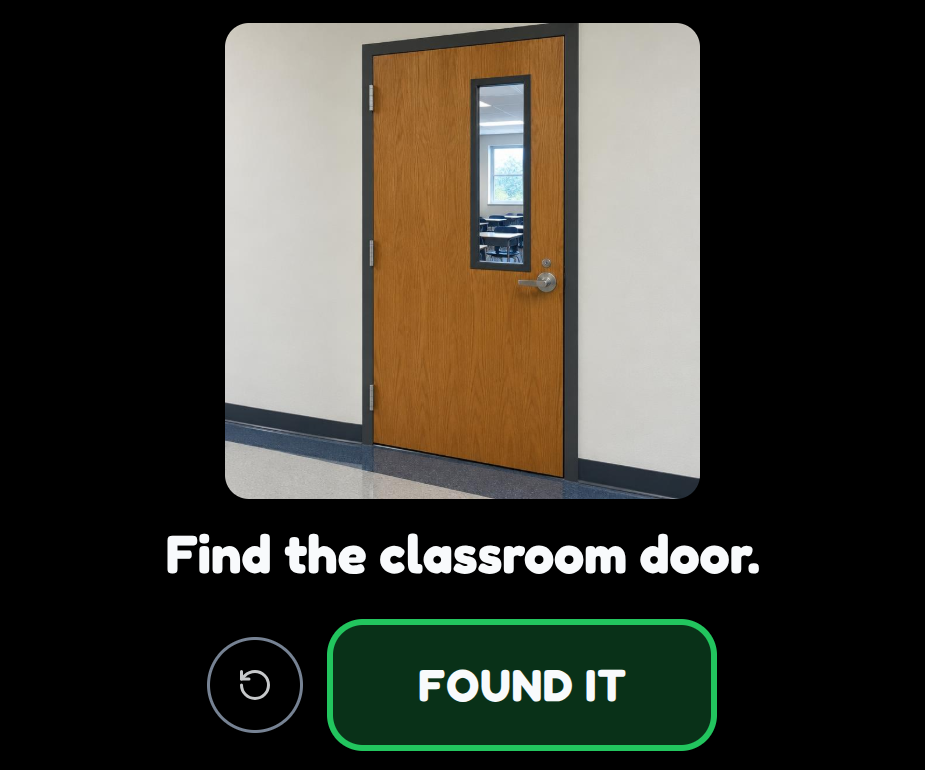
Find the Object
Show one large picture, then find the corresponding object, person or place in the real world.
- • Find your cup.
- • Find Ms. Amy.
- • Find the bathroom.
- • Find your backpack.
The device does not decide whether the learner found the right thing. The adult remains part of the activity.
Keep the activity familiar. Change what the learner sees.
Progress does not have to mean moving through app levels. The teaching challenge can change simply by changing the picture or context.
- • photograph the learner’s actual cup
- • show the same cup from another angle
- • show the cup in its usual place
- • show it being used
- • try a similar cup
- • move toward a simpler picture or symbol only when meaningful
Same Object, New Picture
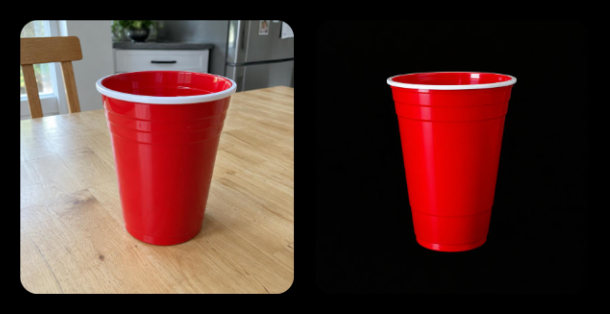
Same cup. New picture.
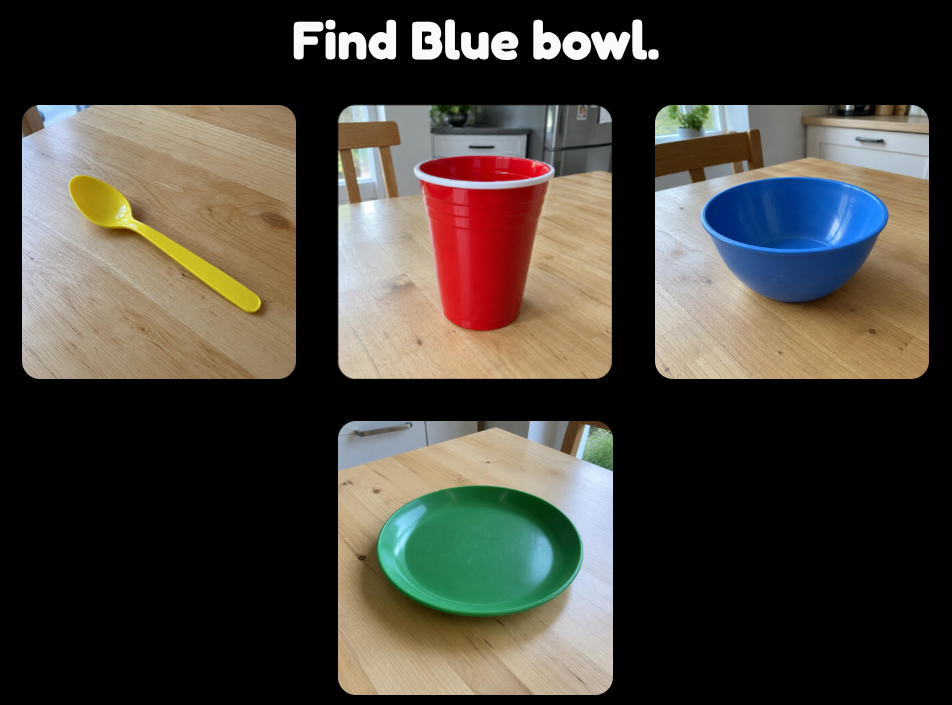
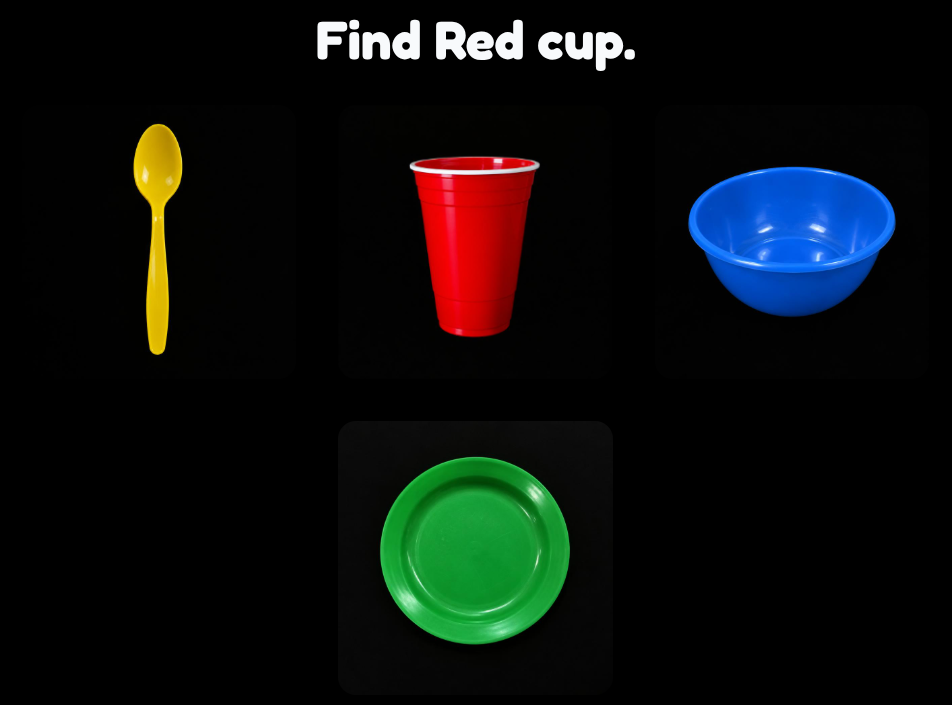
The same set, photographed two ways.
Progression happens by changing the material, not by moving through levels.
Don’t save picture recognition for picture-recognition time.
Use the same familiar pictures during real activities: snack, dressing, classroom jobs, transitions, play and travel.
If the learner recognizes the photograph on the tablet but does not connect it with the object during snack, the lesson is not finished.
Snack
Show the cup → find the cup → use the cup.
Getting ready
Show the backpack → find it → take it to the door.
Bathroom
Show the toothbrush → find it → use it.
Classroom
Show the chair, sink or door → find it in the room.
The screen gives the clue. The activity happens in the real world.
A Scavenger Hunt can contain one clue or several. A clue can send the learner to find an object, notice a landmark, listen for a sound, interact with another person, use something, do an action, or explore another sensory property.
The clue may include:
- a picture
- words
- recorded voice
- spoken text
- or a combination
A clue can lead almost anywhere.
These aren’t separate app modes. The teacher’s clue determines the activity.
Find something
Find your cup.
Find a person
Find Sam and ask him to wave.
Find a place
Find the classroom door.
Follow a landmark
Find the water fountain.
Listen
Find where the bell sound is coming from.
Explore a property
Find something soft.
Find and do
Find the ball and roll it.
Take a picture
Find something interesting and photograph it.
Find the Way
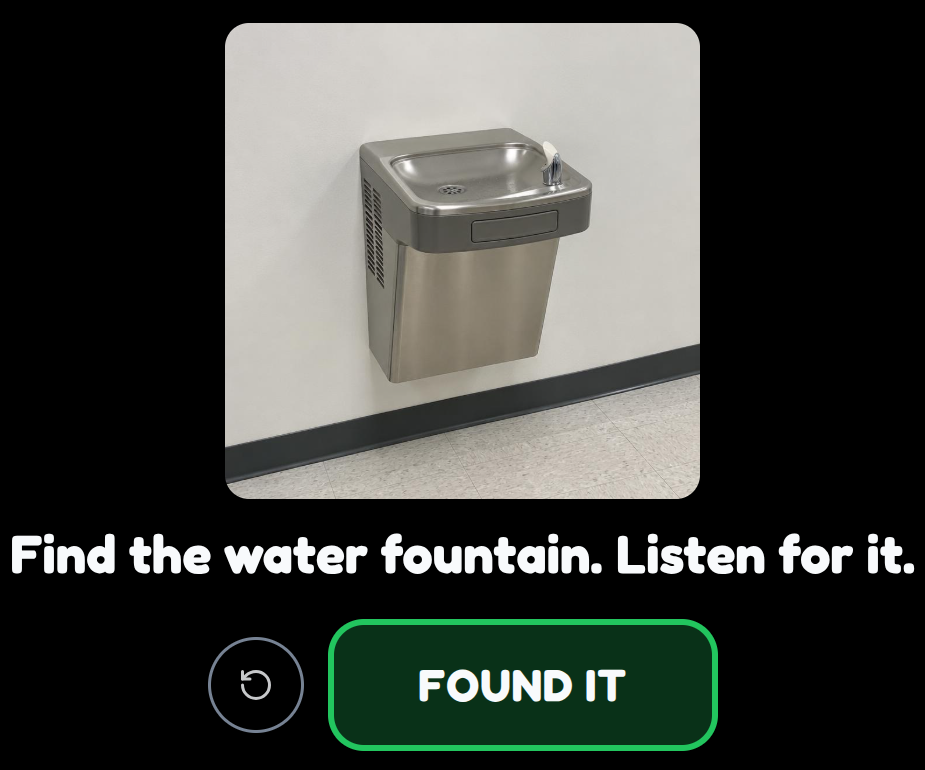
Start with familiar things.
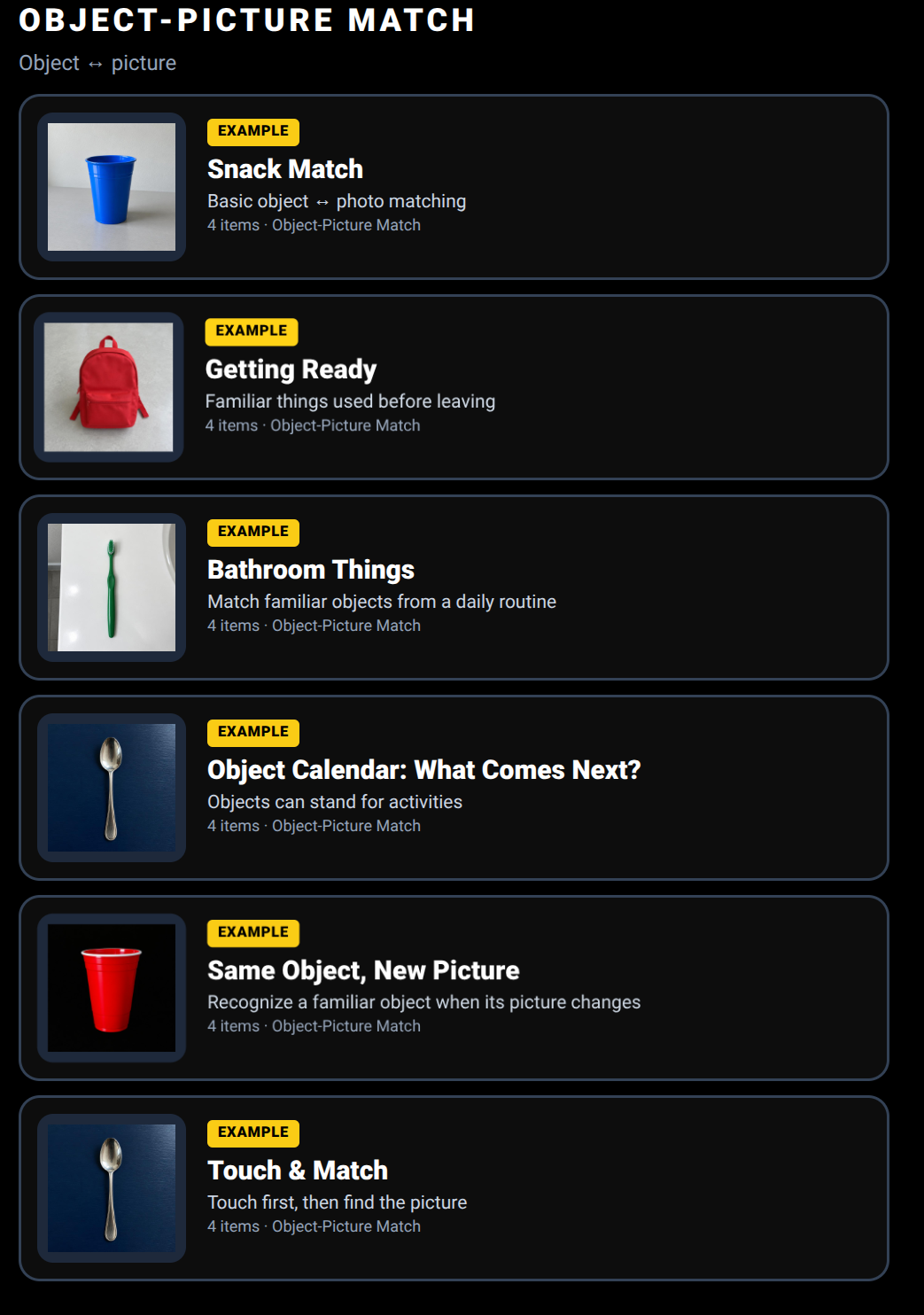
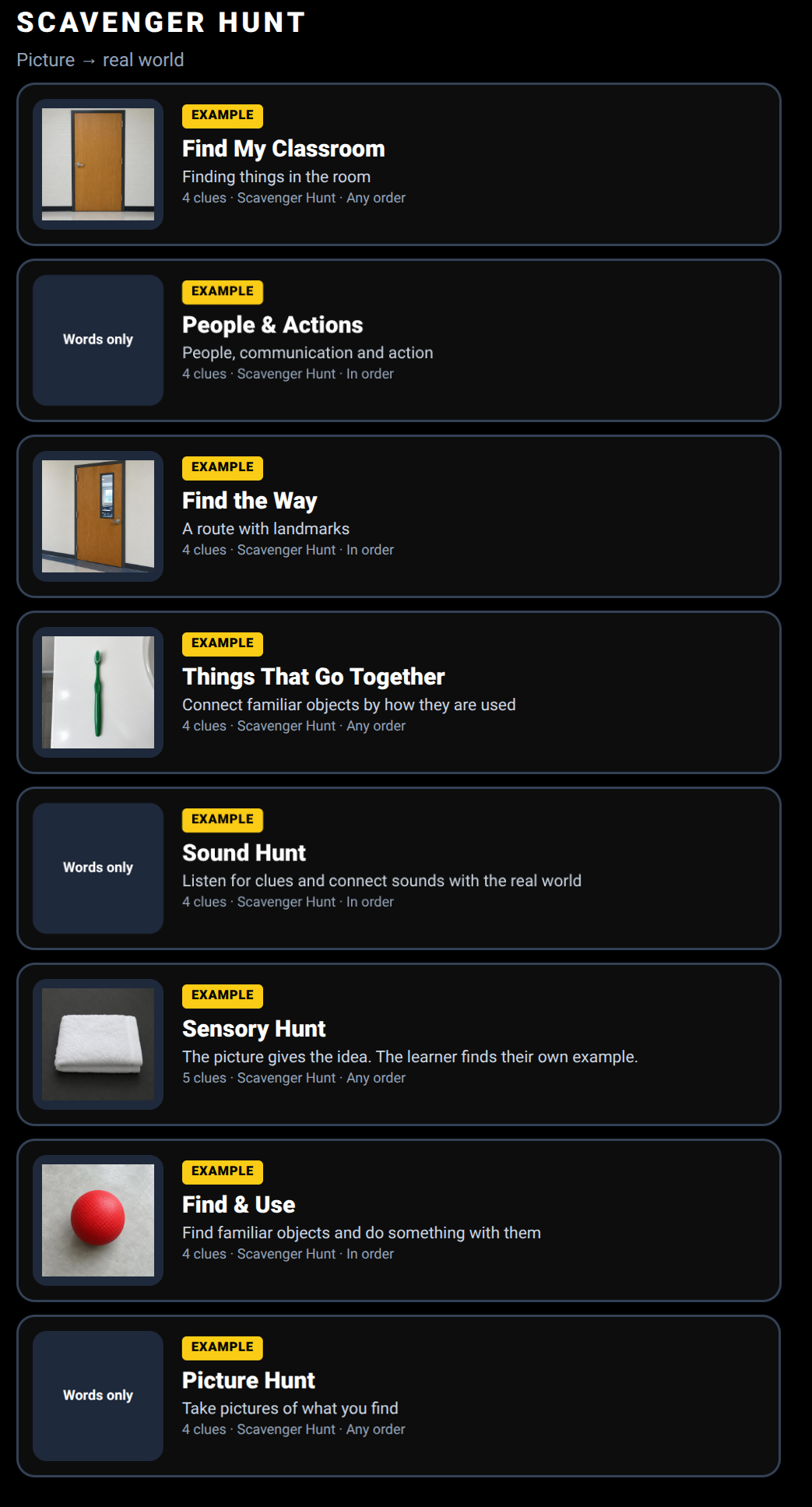
Ready-made examples to try, copy and make your own.
What it looks like
Snack Match
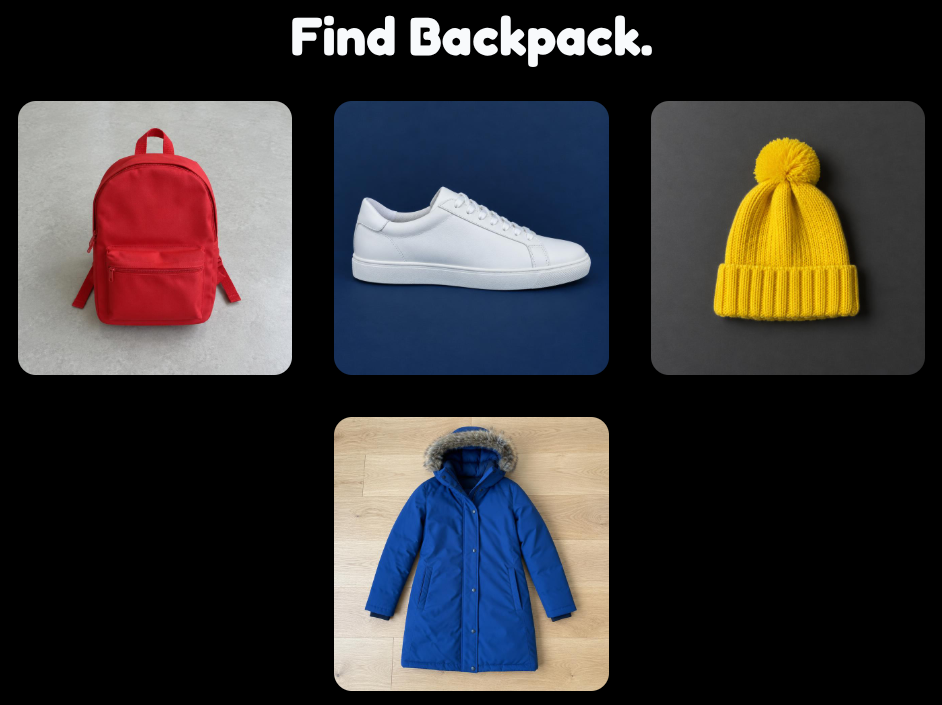
Getting Ready
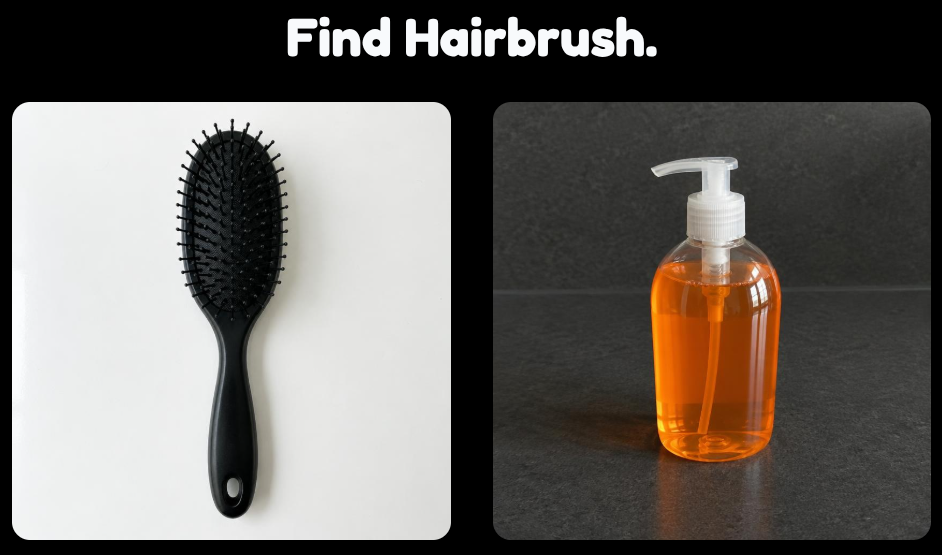
Bathroom Things · 2 choices
Find My Classroom · hunt clue
The app is only part of the activity.
The most important materials may never appear on the screen.
They may be the learner’s own cup, coat, toothbrush, classroom door, favorite person, familiar route, or the sound and feel of something happening nearby.
The adult supplies the meaningful experience and real-world context. The app helps organize and present the representation.
The adult is the intelligent part of the system.
The connection doesn’t have to be visual only.
A learner may explore a real object through touch, sound, movement, smell or use before — or while — connecting it with its picture.
- touch a fuzzy washcloth
- hear keys before finding them
- feel a cold cup
- listen for the water fountain
- recognize a person by voice
- follow a tactile or auditory landmark
For some learners, the picture is one part of a larger multisensory experience. This matters especially for learners with low vision, blindness, deafblindness or multiple disabilities.
What might these activities support?
Depending on the learner, materials and activity, This is That may provide opportunities to explore:
- object-to-picture understanding
- recognition of familiar objects, people and places
- generalization across different pictures and contexts
- visual search
- concept development
- receptive language
- understanding object function
- environmental awareness
- orientation and mobility
- social interaction
- early symbolic understanding
The goal isn’t to become good at the app. The goal is for pictures, objects, people and places to become more meaningful in the learner’s everyday world.
Different ways to choose.
When the learner is choosing between pictures, the app can support several access methods.
Direct Touch
Tap the picture.
One Button
Choices scan in turn; press to select.
Next / Go
NEXT moves through choices and GO selects.
Swipe + Touch
Swipe through spoken choices and select the one you want.
Outside picture-choice screens, a switch, Space or Enter can activate the main action.
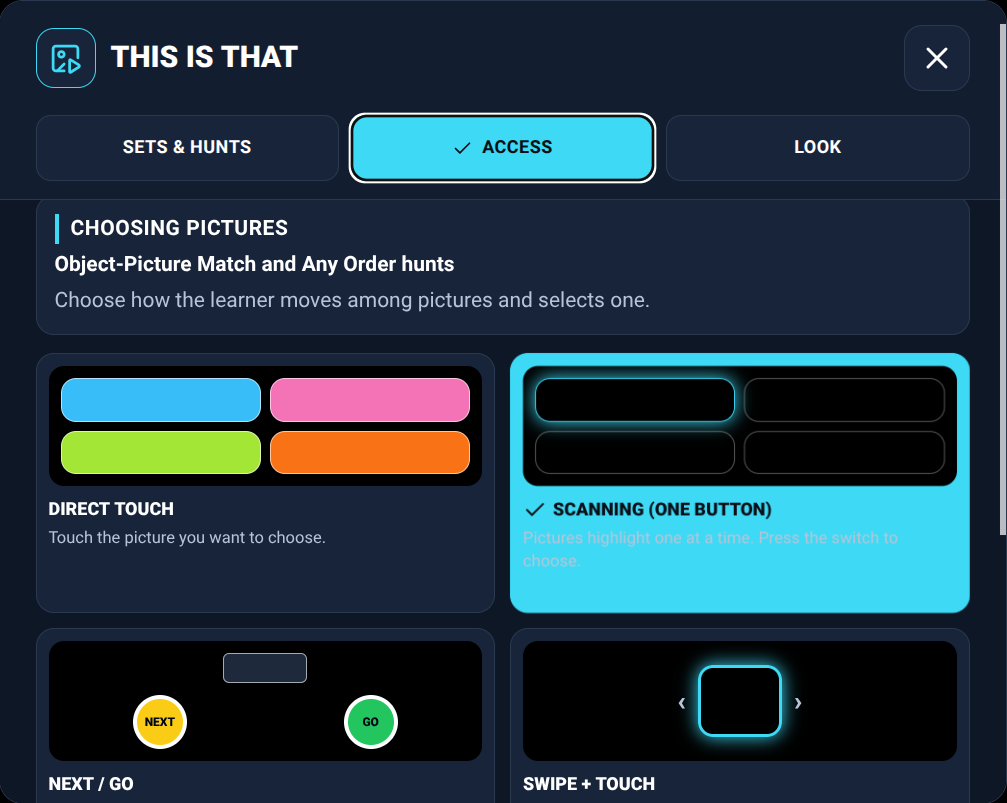
Adjust the presentation without changing the activity.
- • large or very large pictures
- • black, dark or light background
- • white or yellow border
- • 2, 3 or 4 picture choices
- • wider spacing
- • labels on or off
- • spoken or recorded labels
The teaching activity stays the same. The presentation can change to better fit the learner.
Familiar pictures stay on the device.
Teacher-added photos and recordings are stored in the browser on the device being used. They are not uploaded to Active Looking Lab.
Because this content lives on the device, clearing browser data can remove it. Sets and hunts can be saved as files and backed up for later use.
Ideas worth exploring
The teaching ideas behind This is That are not new. The app is a small digital tool built around familiar approaches to connecting real experiences, objects and environments with photographs and other representations.
Perkins School for the Blind / Perkins CVI Center
Visual recognition and meaningful visual experiences
Perkins shares resources related to CVI, visual recognition, meaningful objects, environmental learning and connecting visual information with real experiences.
Visit resourcePaths to Literacy
2-D picture recognition
Paths to Literacy offers ideas for meaningful object-to-picture learning and moving from real objects toward pictures.
Visit resourceNational Center on Deafblindness
Objects, pictures and representations in routines
NCDB shares approaches for embedding objects, pictures and other representations into real activities and communication.
Visit resourceUNC TEACCH Autism Program
Visual structure and individualized supports
TEACCH resources demonstrate ways visual information can support understanding and participation within real activities.
Visit resourceTSBVI
CVI, tangible symbols and meaningful representations
Texas School for the Blind and Visually Impaired shares resources on visual impairment, CVI, tangible symbols and meaningful representations.
Visit resourceThese organizations did not create or endorse this app. Their public educational resources helped inform some of the teaching ideas behind it.
Start with something familiar.
Pick one real thing the learner already knows. Take a clear picture of it. Explore the connection together. Then see where that picture can go.
Included with the membership ($36/year)
Practice Lab
Familiar teaching ideas, made a little easier — and hopefully a little more fun.