
Practice Lab
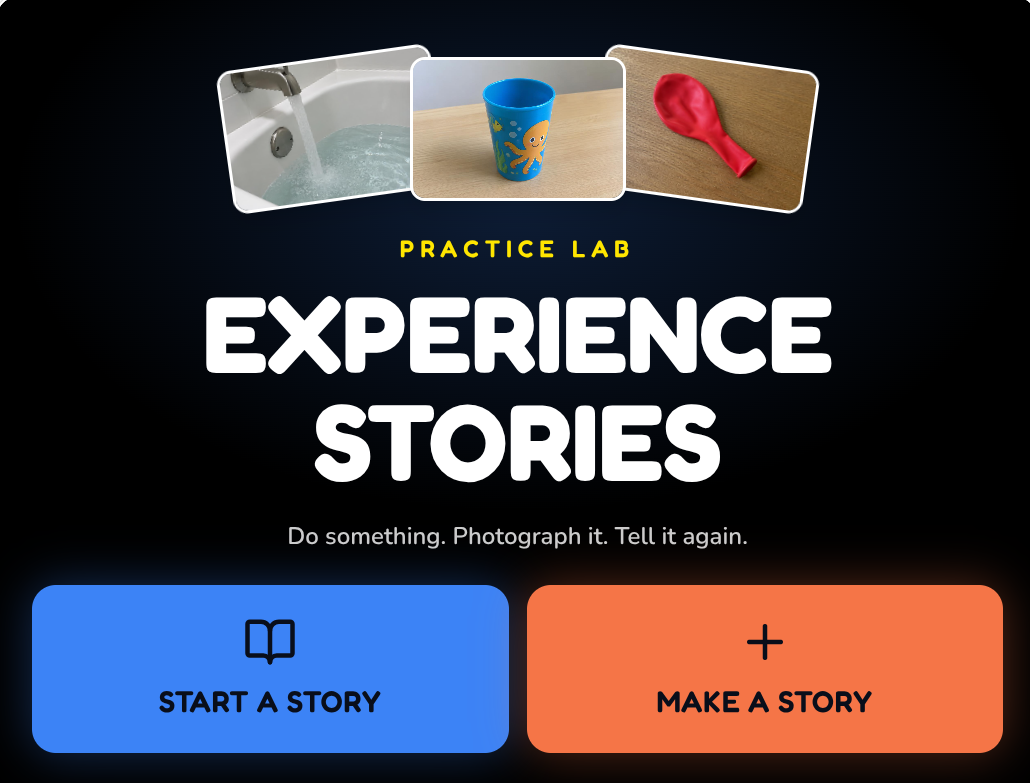
Experience Stories
Do something. Photograph it. Tell it again.
Experience Stories begin with something the learner actually did. A walk, snack, trip, funny moment, routine, favorite activity or shared experience can become a short story using the learner’s own photographs, videos, words, voices and familiar sensory cues.
The experience comes first. The app simply makes it easier to capture a few meaningful moments and come back to them later.
Included with the membership ($36/year)
Start with something that really happened.
Experience Stories are built from real experiences rather than invented stories. The learner may have visited the store, played in water, fed a pet, made cookies, ridden the bus, gone to the playground, or simply experienced something memorable.
The story can help bring that experience back later through familiar pictures, objects, voices, sounds and words.
Meaning before sequencing.
For some learners, understanding “That photograph is the spoon I used” may be much more important than knowing what happened third. Start simply. Two meaningful pictures and a familiar object may be plenty.
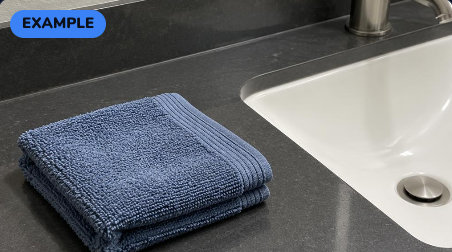
Bedtime
An everyday routine
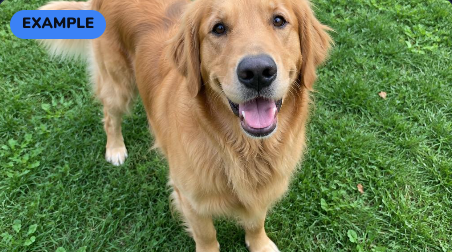
The Dog Licked Me
Something that happened
Capture first. Tell the story later.
- 1
Do something together.
The real activity comes first.
- 2
Photograph a few meaningful moments.
Capture pictures or short videos while the experience is happening. The adult does not need to stop and write the story during the activity.
- 3
Put it together later.
Add short words, recorded voice, text-to-speech, or an optional object or sensory cue.
Make a Story
Capture now, author later.
A walk, trip or classroom activity should not turn into a typing session.
One meaningful page at a time.
During playback, the learner sees one large photograph or short video on a dark, uncluttered screen. Optional words appear below. Voice can play automatically and can always be repeated.
Teacher-only object and sensory cues stay out of the learner’s view.
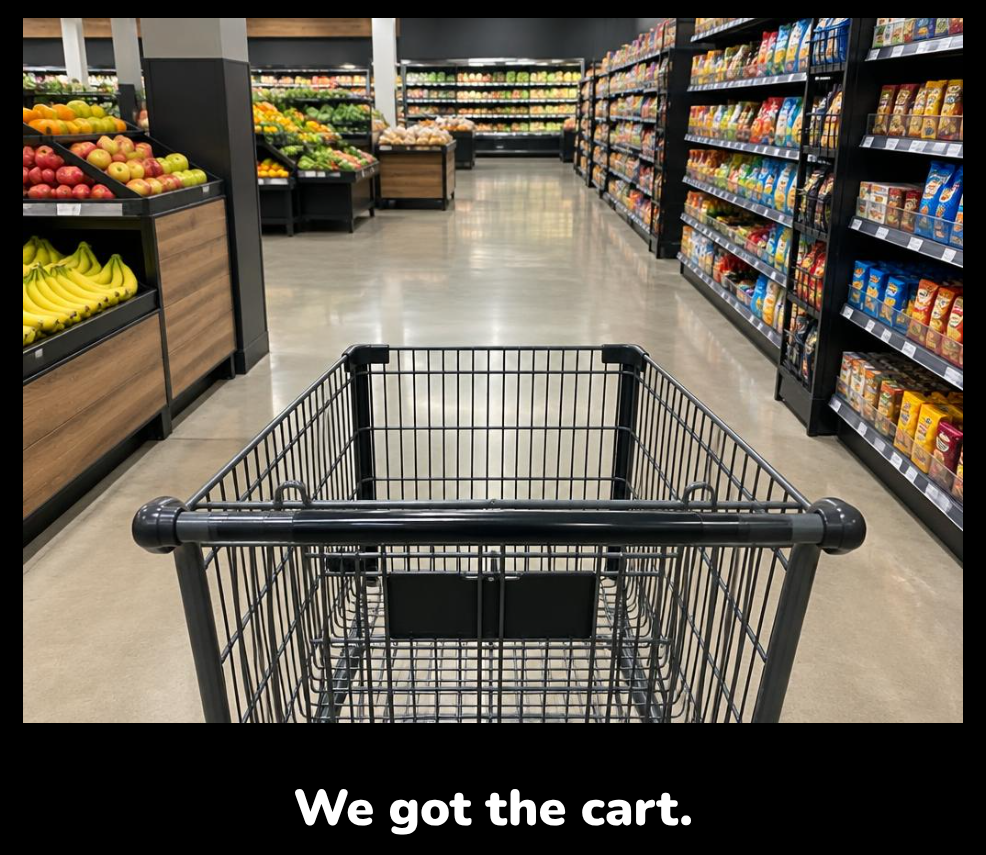
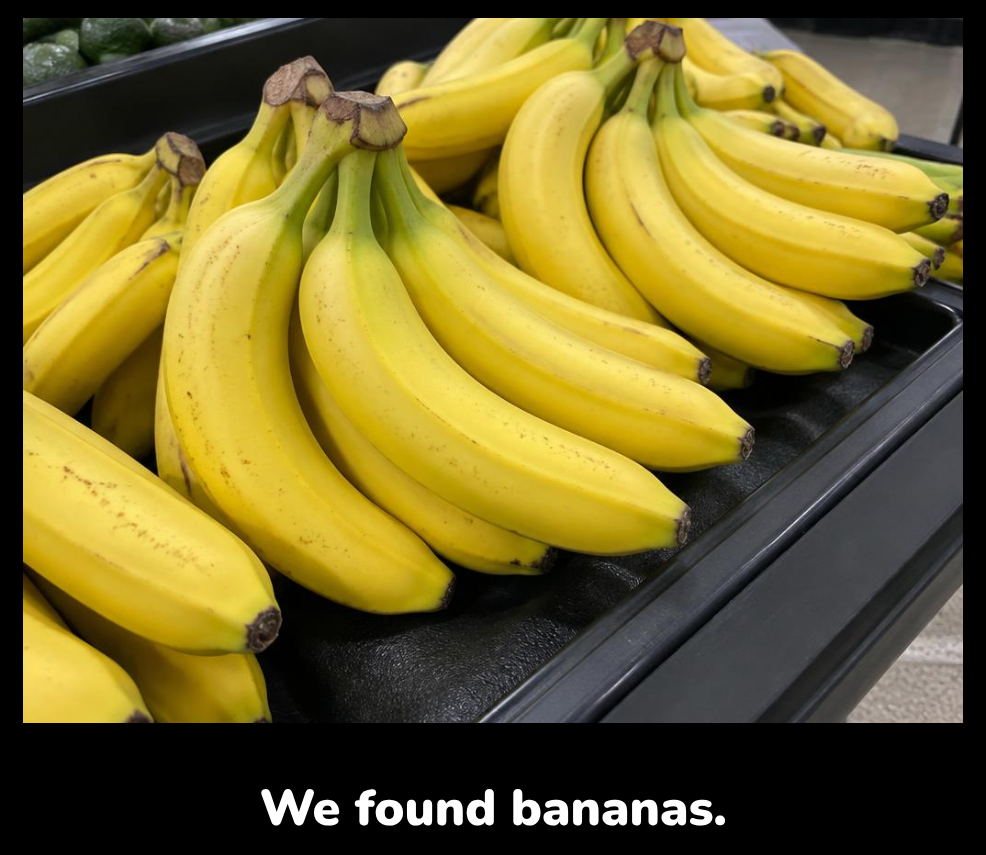
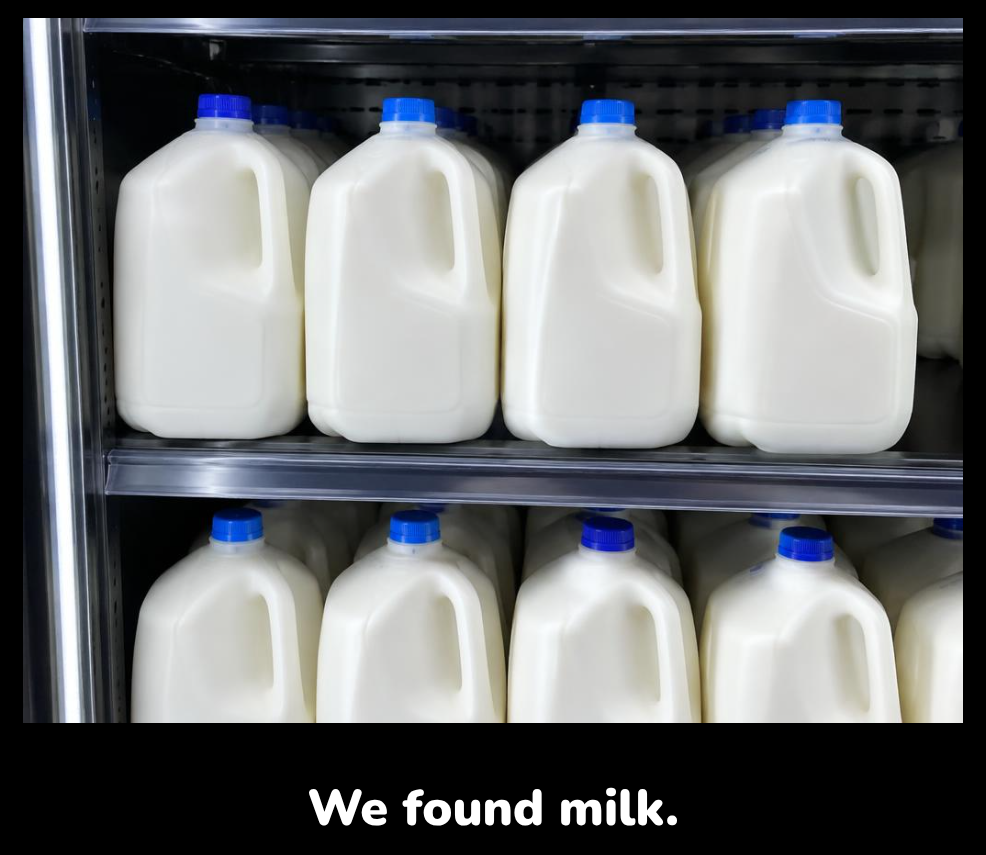
A story can be as simple as a few familiar pictures and short words.
The same story can work two ways.
REVISIT IT
Something we’ve already done.
GET READY
Look through it before doing it again.
Revisit It
Look back at something the learner has already experienced. Remember it, talk about it, share it with someone who wasn’t there, or simply enjoy it again.
Get Ready
Look through a familiar experience before doing it again. A story about the store, park, cafeteria route or bath time can help make what is coming more familiar.
Almost any meaningful experience.
Everyday routines
- • Snack time
- • Bath time
- • Bedtime
- • Laundry
Play & fun
- • Water play
- • Balloons
- • Drums
- • Swinging
Going places
- • The store
- • The park
- • A familiar route
- • The cafeteria
Shared experiences
- • Making cookies
- • Playing with a friend
- • Visiting someone
Something happened
- • The tower fell
- • The dog licked me
- • We got soaked
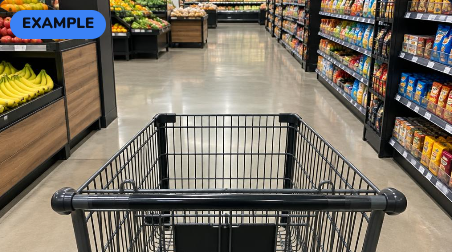
Going to the Store
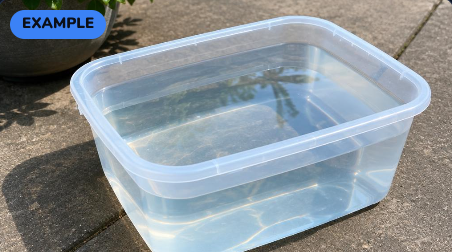
Water Play
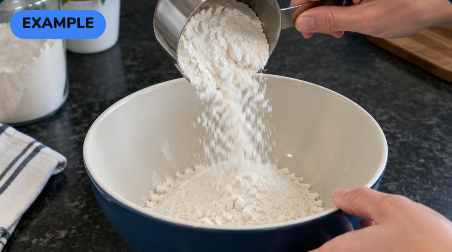
We Made Cookies
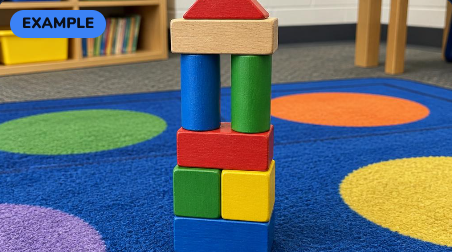
The Tower Fell
These are examples, not scripts. The best Experience Stories come from what was meaningful to the learner in the actual experience.
Pictures are only part of the story.
A meaningful cue might be a photograph — but it might also be the learner’s real cup, the sound of the washing machine, the feel of cool water, the smell of cookies, or a familiar landmark along a route.
Object
the learner’s own cup or book
Sound
a fountain, drum, machine or balloon pop
Texture
wet sponge, soft fur, cool water
Smell
cookies, soap or another familiar scent
Landmark
a doorway, fountain or floor change
The app can hold an adult-only reminder for these cues without putting extra information on the learner’s screen.
What might an Experience Story support?
Depending on the learner and the experience, an Experience Story may provide opportunities to explore:
- connecting real experiences with pictures
- recognition of familiar objects, people, places and actions
- recall and anticipation
- simple sequencing
- communication and retelling
- concept development
- early literacy
- shared conversation
- familiar routes and landmarks
The goal is not to make a perfect story. The goal is to make the learner’s own experience easier to revisit, recognize and share.
Keep the story easy to access.
Pages can be turned by touching the screen, using a switch or keyboard, or by an adult.
Visual presentation can be simplified with large words, dark backgrounds, photo borders and simpler photo versions where needed.
Personal stories stay personal.
Photos, short videos and voice recordings are stored in the browser on the device being used. They are not uploaded to Active Looking Lab.
Because the stories live on the device, clearing browser data can remove them. The app includes file backup and restore tools for teacher-created stories.
Ideas worth exploring
Experience Stories are not a new teaching idea. The app is my attempt to make a familiar approach easier to capture, personalize and use digitally.
Perkins School for the Blind
Experience Stories / experience-based literacy
Perkins shares approaches for building stories around familiar experiences, objects and meaningful participation.
Visit resourcePaths to Literacy
Experience Books / early literacy
Paths to Literacy offers examples and guidance for building literacy and communication around experiences the learner has actually had.
Visit resourceThese organizations did not create or endorse this app. Their public educational resources helped inform some of the teaching ideas behind it.
Make a story from something real.
Start with something the learner already knows, enjoys or remembers. A few pictures may be enough.
Included with the membership ($36/year)
Practice Lab
Familiar teaching ideas, made a little easier — and hopefully a little more fun.