
Take Turns
Keep it predictable.
One person goes, then the other. Use the same activity back and forth or move through a small set of activities.
- · Roll the ball
- · Add a block
- · Bang the drum
- · Copy a movement
Practice Lab
A simple way to play together.
The screen provides the structure. The people provide the play.
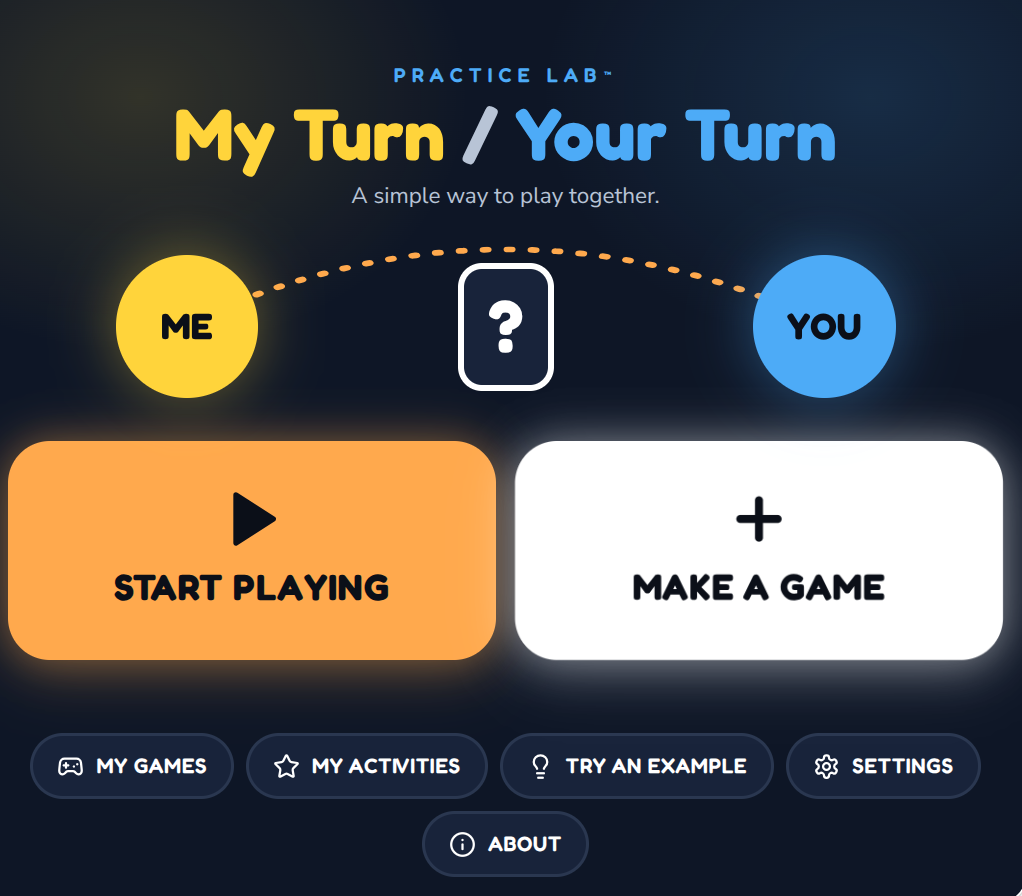
My Turn / Your Turn is a simple shared-play tool for two people.
The screen shows whose turn it is and, when needed, what happens on that turn. Then it gets out of the way.
Roll a ball. Add a block. Bang a drum. Make a silly sound. Copy a movement. Choose something for the other person to do.
Included with the membership ($36/year)
Shared play can become easier when the turn pattern is clear. At any moment, the learner should only need to understand one or two things:
The app handles that small bit of structure so the people can focus on the actual play.
No score. No winner. No countdown clock.
The device is not the activity. Once the turn is shown, the real action happens with the ball, drum, blocks, toy, person, sound, movement or whatever you chose to use.
The screen chooses the turn. The people do the playing.
Success looks like two people spending more time looking at each other than at the device.
Take Turns
One person goes, then the other. Use the same activity back and forth or move through a small set of activities.
Surprise Me
A covered card reveals what happens on the turn.
Surprise Me never needs to become a noisy reward game. The reveal is brief and the play remains the point.
Choose a Turn
Present two, three or four activities and let someone choose — their own turn, or for each other.
Two choices may be plenty.
For a learner new to turn-taking, the easiest version may be one familiar activity repeated back and forth.
Roll it to me.
Roll it to you.
Roll it back.
Once the pattern becomes familiar, add another activity, a surprise, or a small choice.
The app does not need to become more complicated just because the learner becomes more experienced.
Turn-taking does not have to begin with a formal lesson. Funny faces, animal sounds, stomping, wiggling, pretending to sneeze and making someone laugh can all create real anticipation and shared attention.
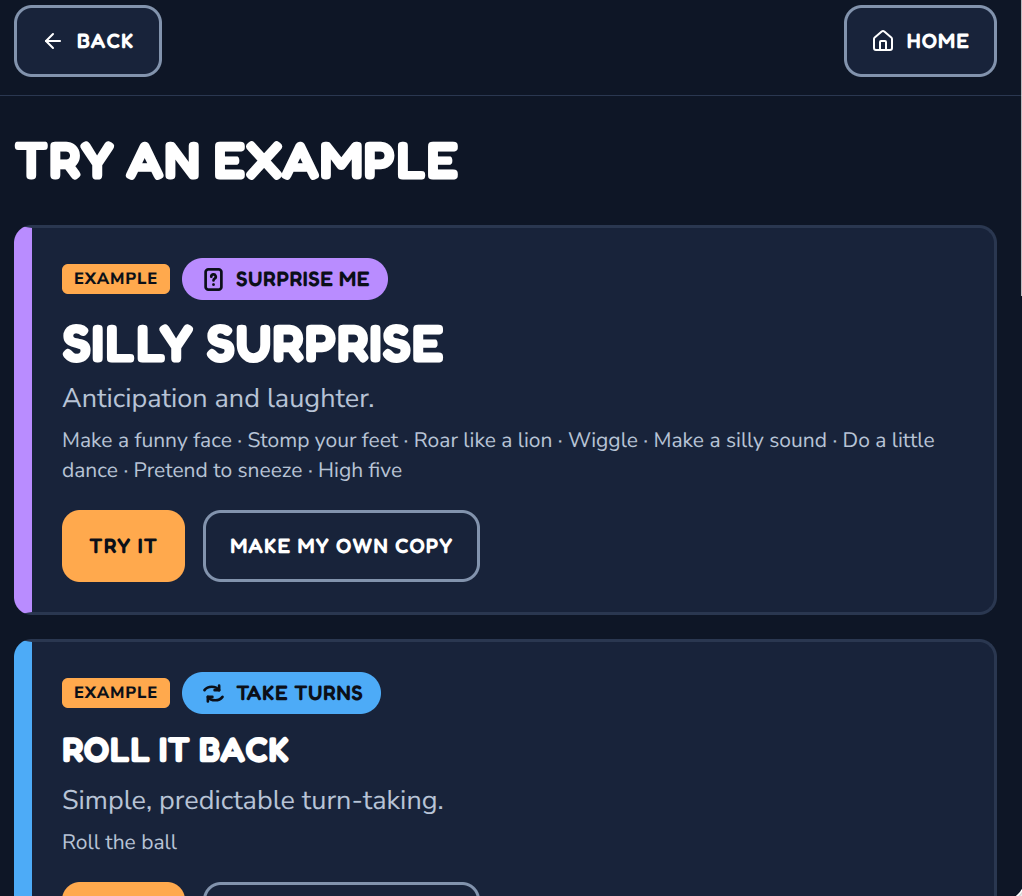
Laughter counts.
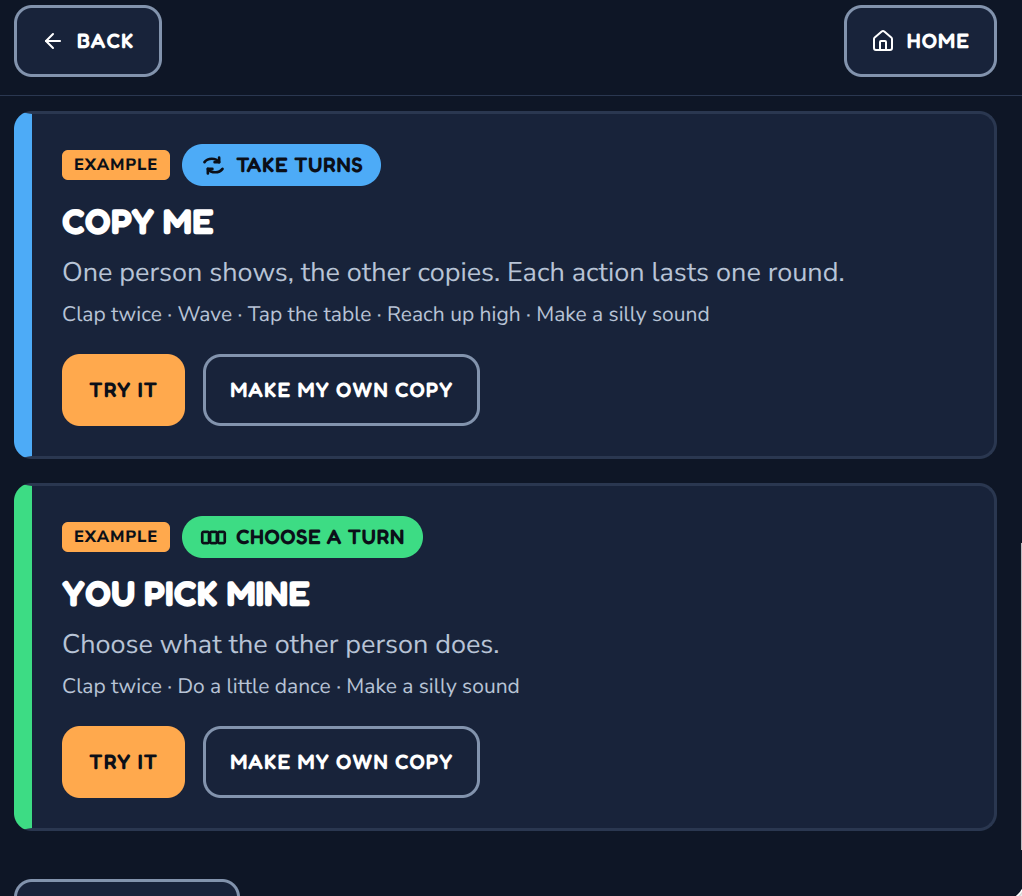
Take Turns can also support simple imitation play — clap twice, wave, tap the table, reach up high, make a silly sound. Each action can last one round before moving to the next.
In Choose a Turn, one person can choose their own activity — or choose something for the other person.
“You do a little dance.” “I choose silly sound.”
This creates playful back-and-forth without a separate “dare” mode. Keep the choices safe, familiar and genuinely fun for both people.
The built-in library gives teachers and families a quick starting point, but the strongest activities may already exist in the learner’s own world.
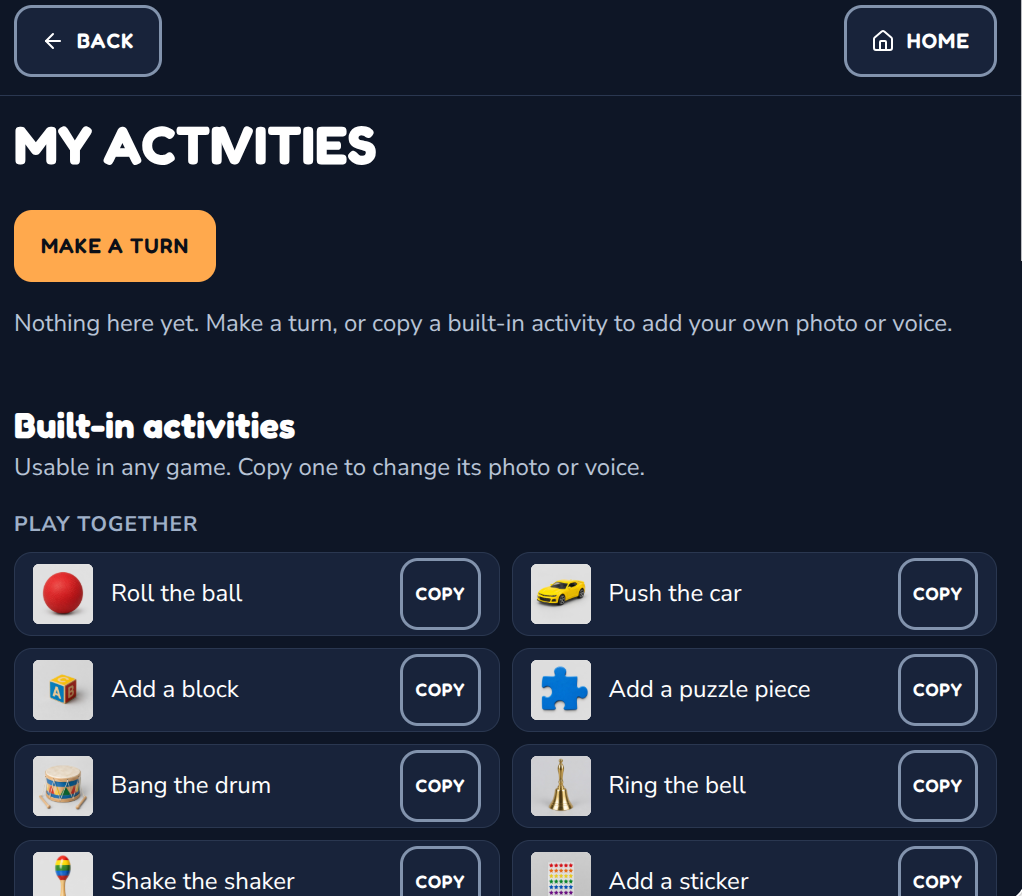
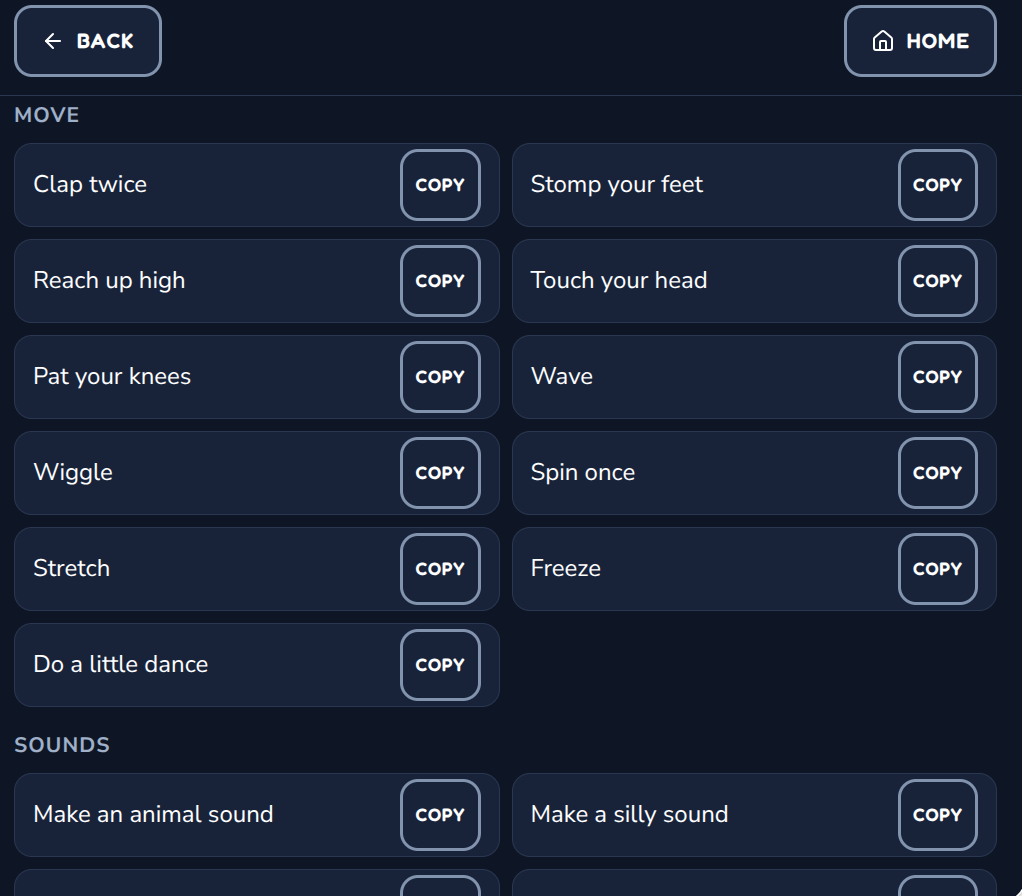
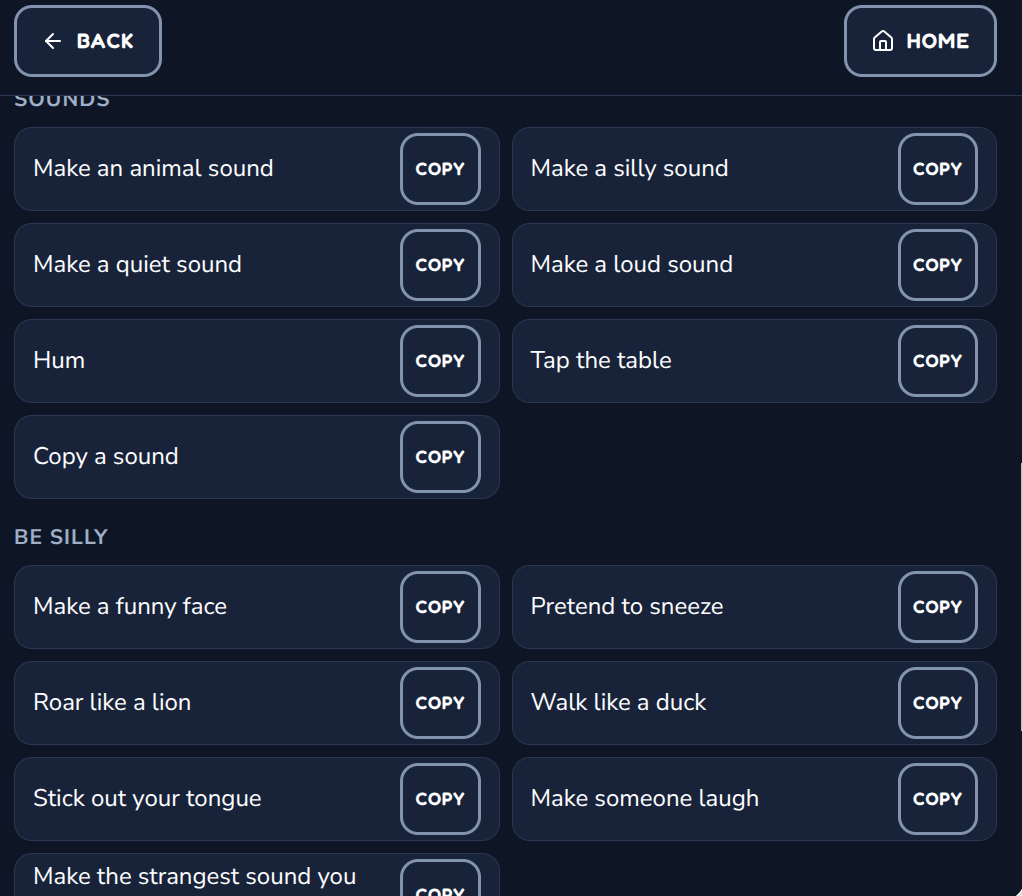
Built-in activities are ready to use. If one is close to what you want, copy it and replace the picture, voice or wording with something familiar. The app supplies starting points, not rigid scripts.
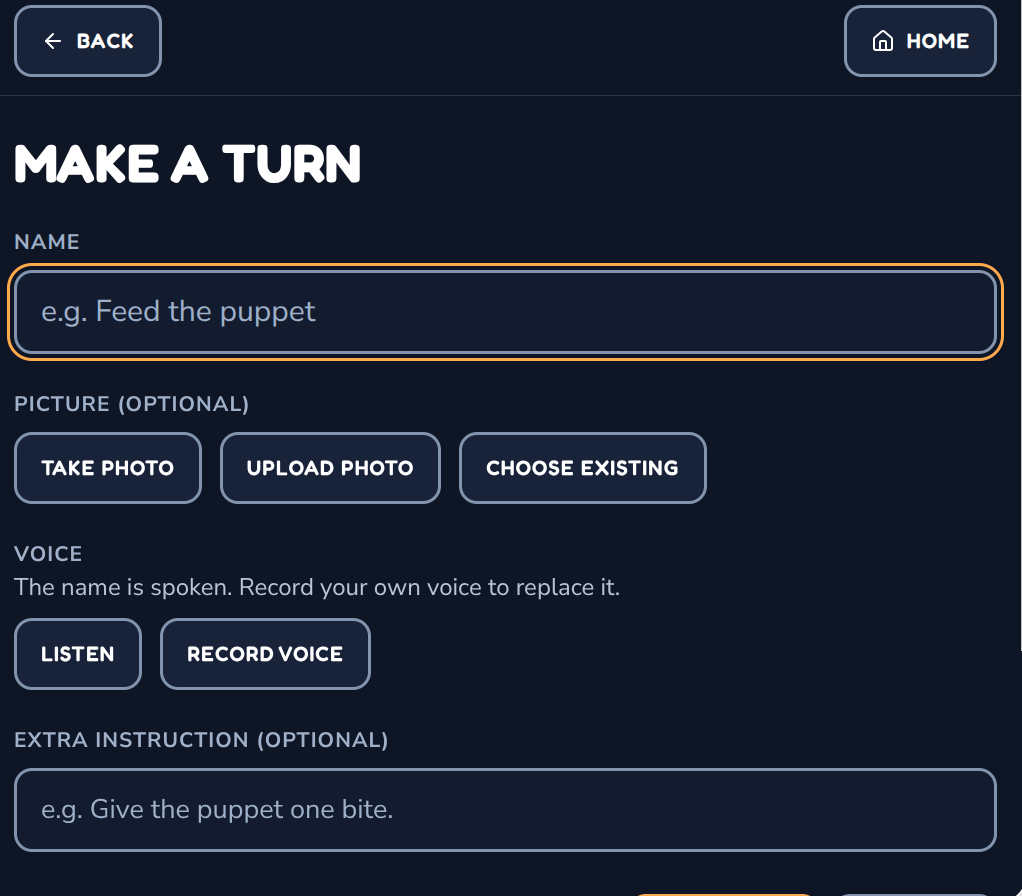
A custom activity can be very simple. Each turn can include a name, an optional photo, a spoken name or recorded voice, an optional extra instruction, and whether one person or both people do it.
Feed the puppet. · Ring your blue bell. · Give Mom a high five. · Make Dad dance. · Pick the next song.
A photo of the learner’s real toy, real drum, real teacher or real family member is usually more meaningful than a generic picture.
My Turn / Your Turn is intentionally designed for two players. Each person can have a name, an optional photo and a high-contrast color. Familiar faces can make the turn cue clearer.
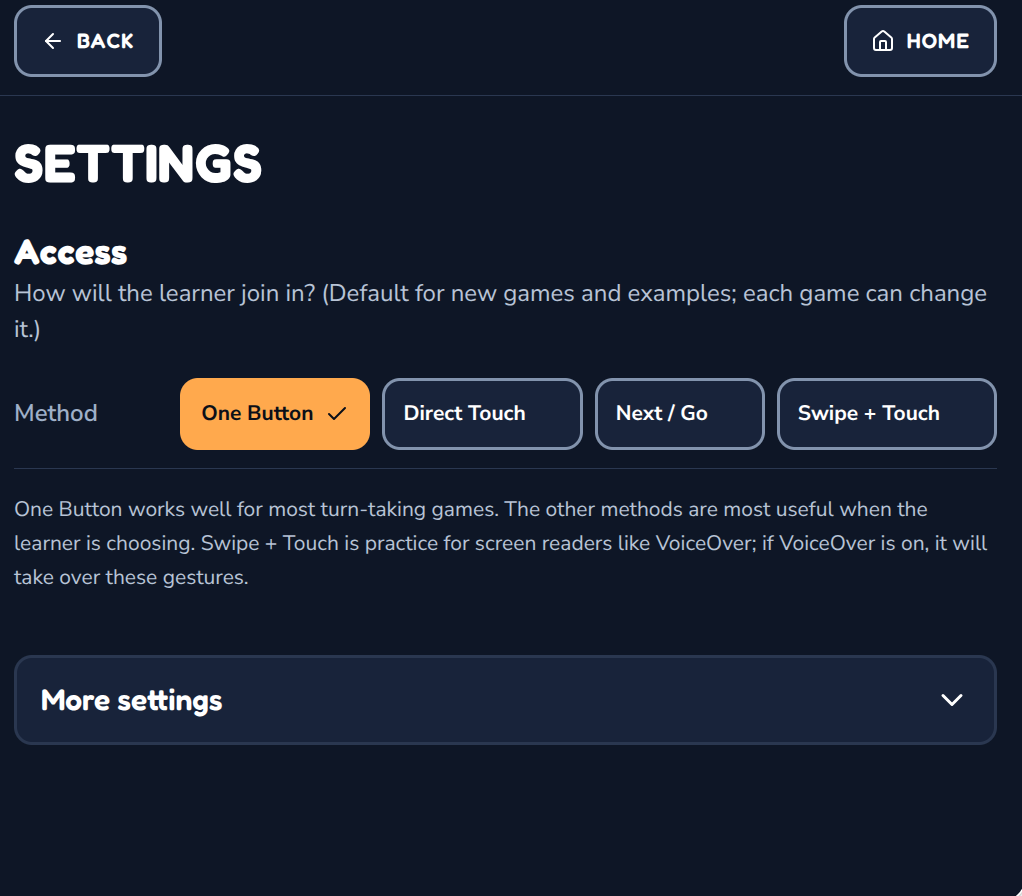
One Button works well for most turn-taking games. The other methods become especially useful when the learner is making a choice.
When choices are offered, two may be enough. A smaller set can make it easier to notice what’s available, understand the options and take part.
Nothing needs to autoplay. A turn can stay on screen while the learner notices the cue, finds the object, responds, moves, laughs or waits for a partner.
The interaction doesn’t need to move at the speed of the app.
No scores · competition · timers · tokens · turn rewards · levels · badges · streaks
The shared activity is already the point.
Depending on the learner, activity and partner, My Turn / Your Turn may create opportunities for:
The goal isn’t perfect turn-taking. It’s more ways to do something together.
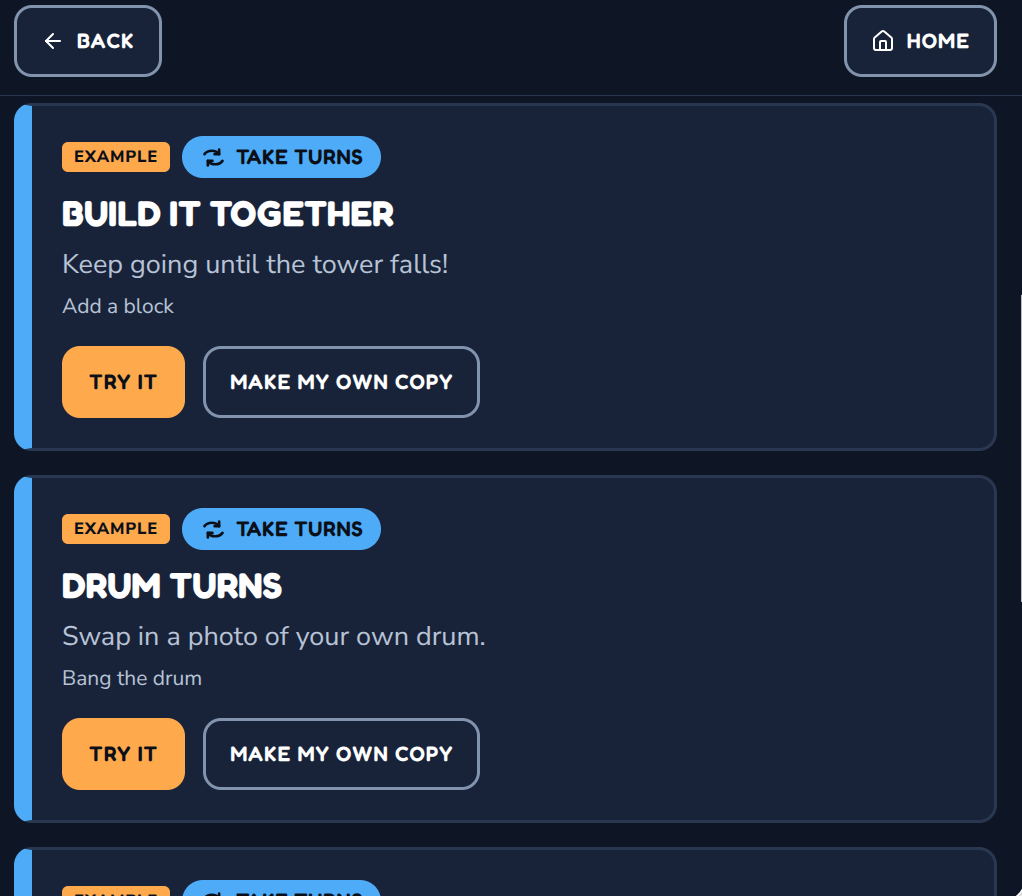
Example games show the three play structures and different kinds of interaction. Copy one and swap in your own people, activities, pictures and voices.
Teacher- or family-added photos and recordings are stored in the browser on the device being used. They are not uploaded to Active Looking Lab. Clearing browser data will remove them.
Start predictable
Use the same simple activity back and forth before adding surprise.
Use what they already enjoy
A favorite ball or instrument is often a better start than a new activity.
Keep choices small
Two can be enough.
Wait
Give time to notice the cue and respond.
Use familiar people
Photos and recorded voices can make the turn clearer.
Leave the screen
Once the turn appears, go do it together.
Clear visual turn cues, predictable shared play, imitation, choice and back-and-forth interaction are familiar ideas across autism, deafblindness, complex-needs and early-learning practice.
UNC TEACCH Autism Program
Visual structure, predictable interaction and individualized support
Visit resourceNational Center on Deafblindness
Reciprocal interaction and participation embedded in real activities
Visit resourceAutism Speaks
Taking turns and shared play
Visit resourceThese organizations did not create or endorse this app. Their public educational resources helped inform some of the teaching ideas behind it.
Start with one familiar activity. Keep the turn clear. Give it time. Add surprise or choice when it makes the play better.
Included with the membership ($36/year)
Practice Lab
Familiar teaching ideas, made a little easier — and hopefully a little more fun.