Where Do I Start?

There’s a lot here. I can explain. Mostly.

“This made more sense when there were five apps.”

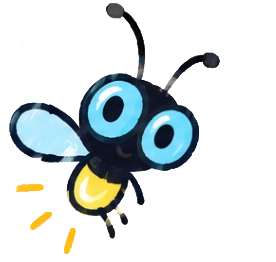
Flash the firefly mascot

Active Looking Lab started because I kept running into the same problem: there just weren’t enough simple apps for some of the learners I worked with who needed simplicity the most.

Many apps had become brighter, busier, faster and more complicated. Great for lots of people — but not for learners still working on the basics: noticing a screen, finding a target, holding a look, following movement, understanding that vision could be useful, making one simple choice, or touching something and making something happen.

So I started making smaller, simpler things.

Over time, another idea became just as important:

Sometimes the content isn’t the problem. The way into it is.

That led to books, touch activities, simple stories, accessible media players, choice tools, Practice Lab activities and a growing pile of experiments.

One simple app turned into several. Several turned into... well, you’re looking at it.

  1. NOTICEnoticing a screen
  2. FINDfinding a target
  3. STAYholding a look
  4. FOLLOWfollowing movement
  5. DISCOVERunderstanding that vision could be useful
  6. ACTtouching something and making something happen
  7. CHOOSEmaking one simple choice

So what did all of that turn into?

Press the button.

The Lab travels well.

If there’s a browser, there’s a pretty good chance the Lab can come with you.

Most of Active Looking Lab is built as web apps — so the same app can be at home on a tablet, phone, Chromebook or computer with a modern browser.

A web app can be saved to a home screen and opened much like any other app, without tying the learner to one kind of device.

  • iPad
  • iPhone
  • Chromebook
  • Windows computer
  • Mac
  • Android tablet

Touch is useful. It isn’t required.

Touchscreens are wonderful tools and many Lab apps make good use of them. But I’ve tried not to make touch the price of admission — many apps also support passive viewing, keyboard controls, switches or simpler access methods.

  • WATCHSome apps work beautifully in passive mode.
  • PRESSMany support a keyboard, switch or simple button.
  • TOUCHDirect touch is there when it makes sense.

So... what’s in the Lab?

Pick a door. Nothing explodes. Probably.

LOOK Books Animals cover: a single animal picture on a black backgroundLOOK Books Patterns cover: one bold high-contrast pattern on a dark background

LOOK Books

Start with looking.

Clear pictures, dark backgrounds and very little competing for attention.

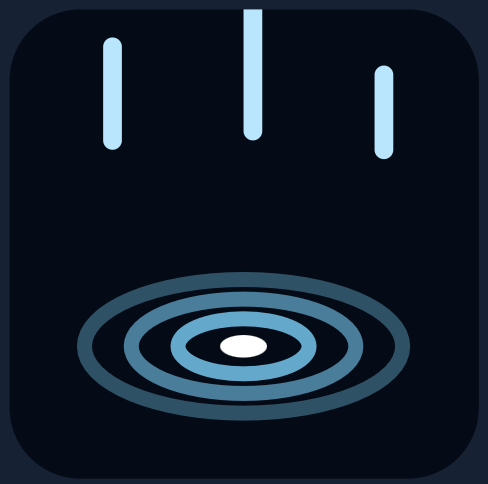
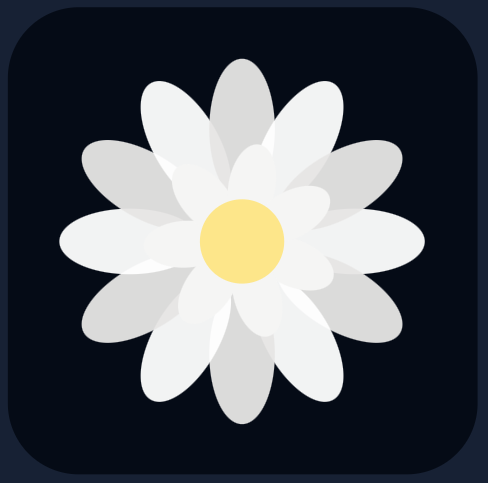
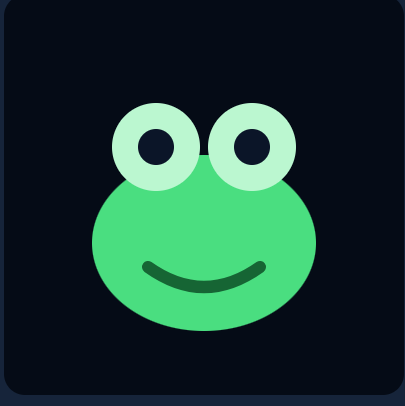
LOOK Stories rain scene: rain making ripples on dark waterLOOK Stories petals scene: flower petals drifting on a dark backgroundLOOK Stories animal story showing a green frog

LOOK Stories

A little more movement. A little more story.

Short visual sequences and simple rhymes.

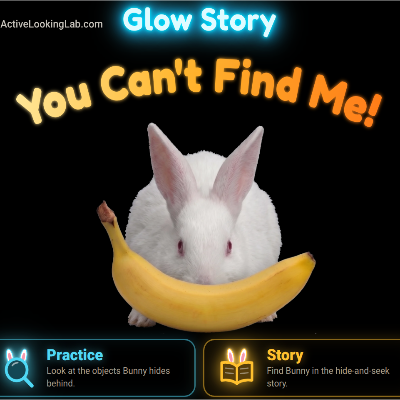
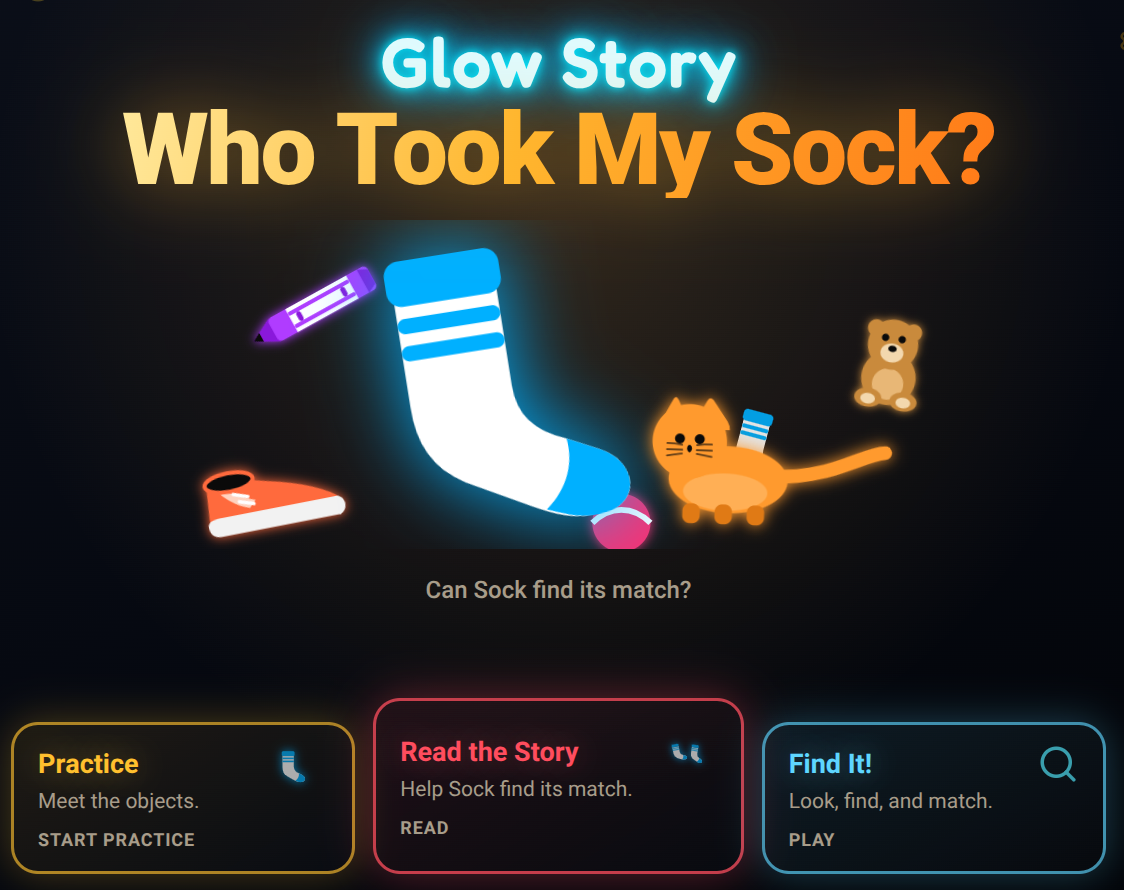
Glow Stories cover for You Can’t Find Me!Glow Stories cover for Who Took My Sock?

Glow Stories

Add a little more.

Carefully adding visual complexity — when it helps.

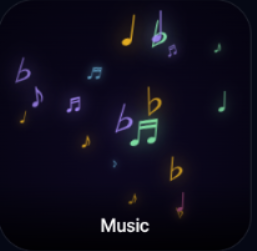
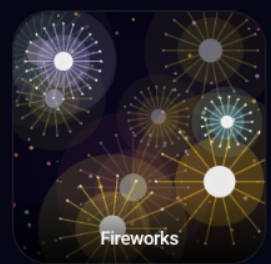
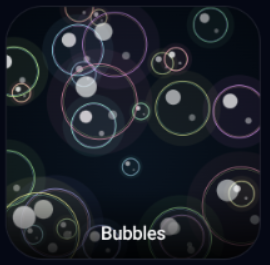
Spark Music world: glowing notes float up where the screen is touchedSpark Fireworks world: bright bursts against a dark skySpark Bubbles world: bubbles rising on a dark screen

Spark

Make something happen.

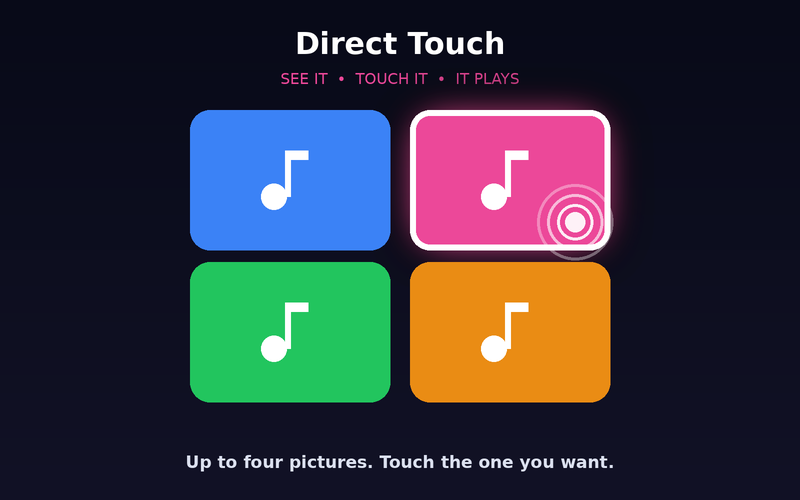
Touch the screen. Something responds.

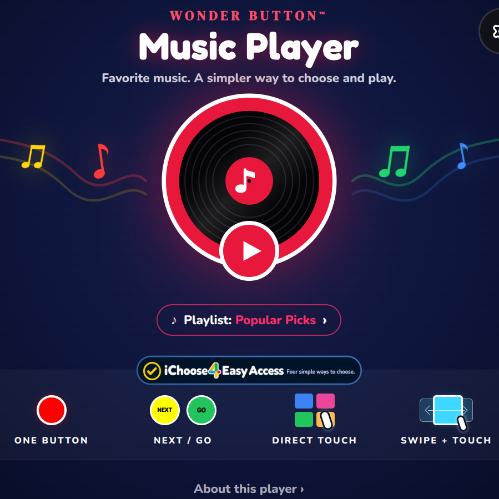
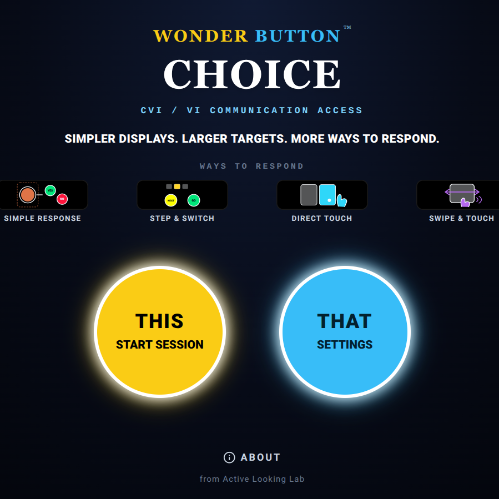
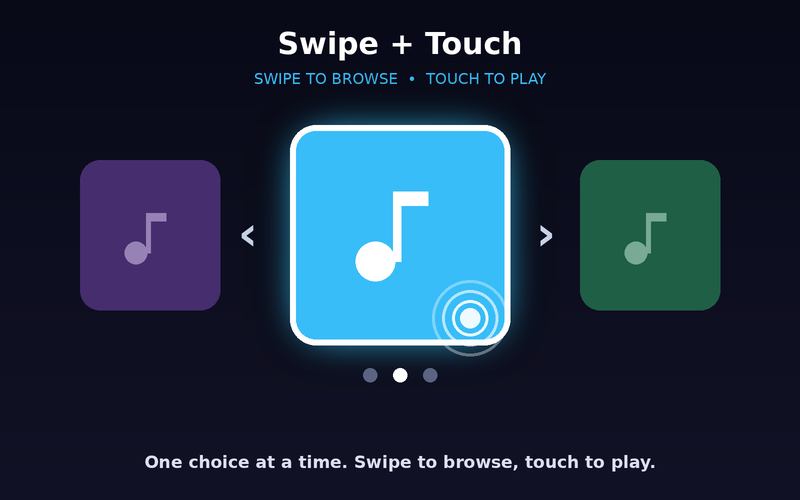
Wonder Button mark: a large round switchWonder Button Music Player screenWonder Button Choice screen with simple picture choices

Wonder Button

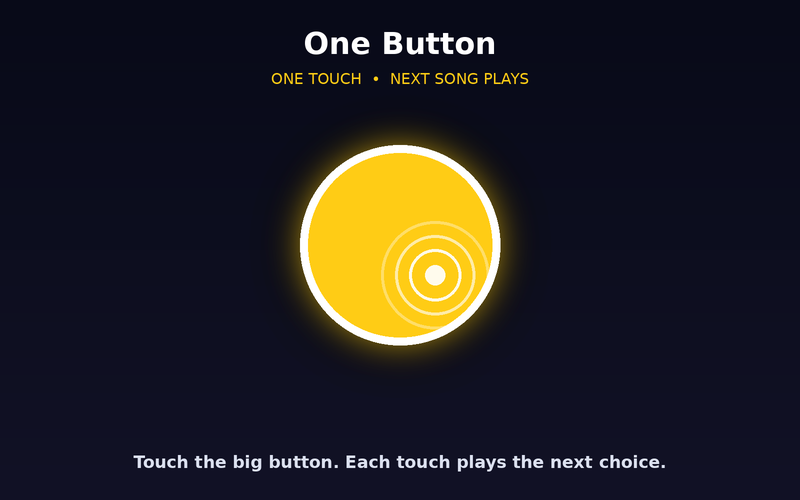
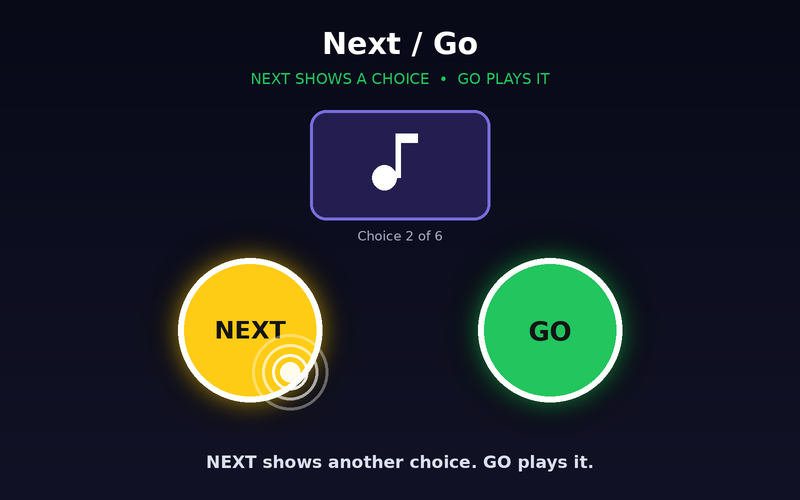
Same content. Simpler ways in.

Photos, music, videos and choices — with easier controls.

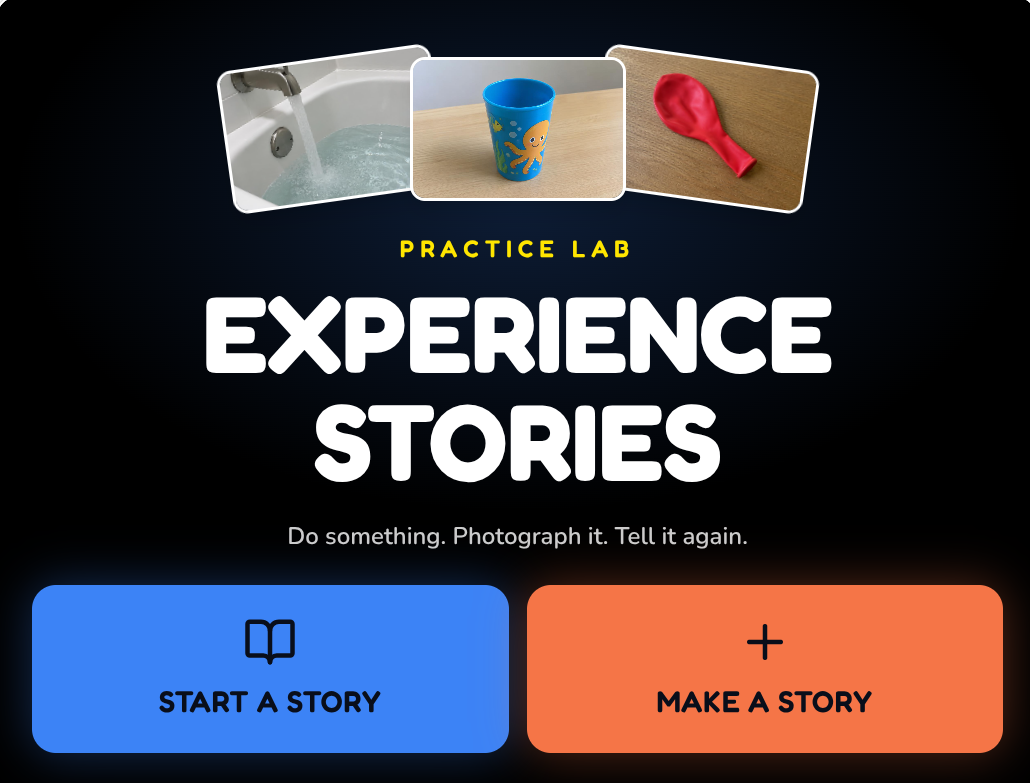
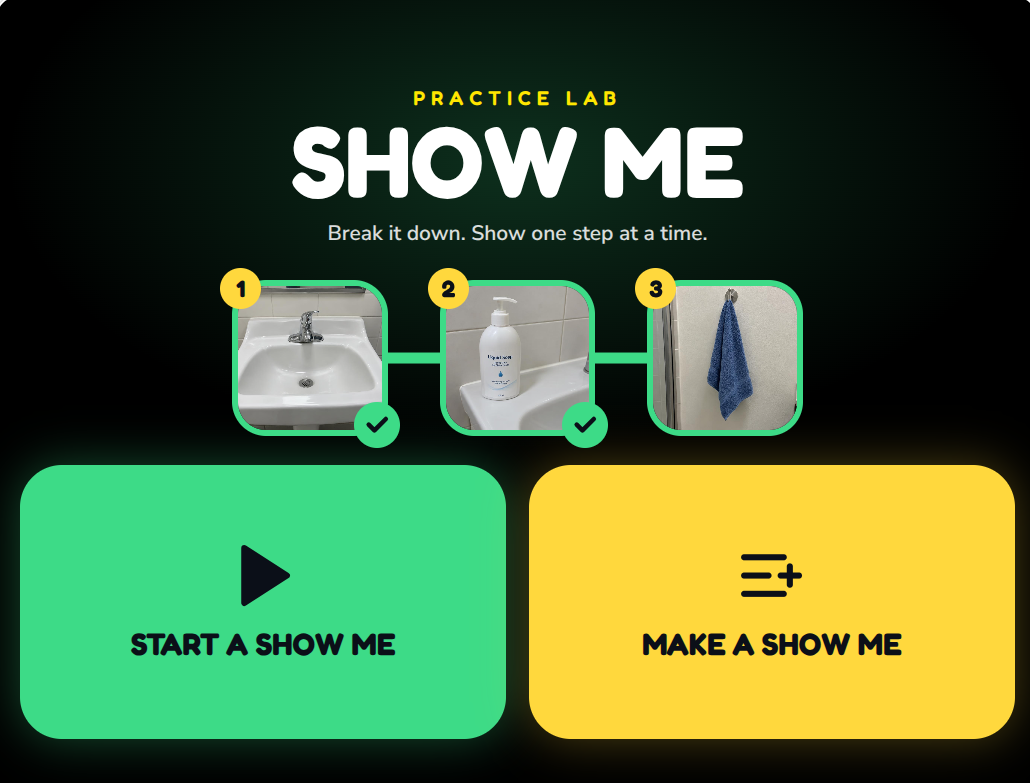
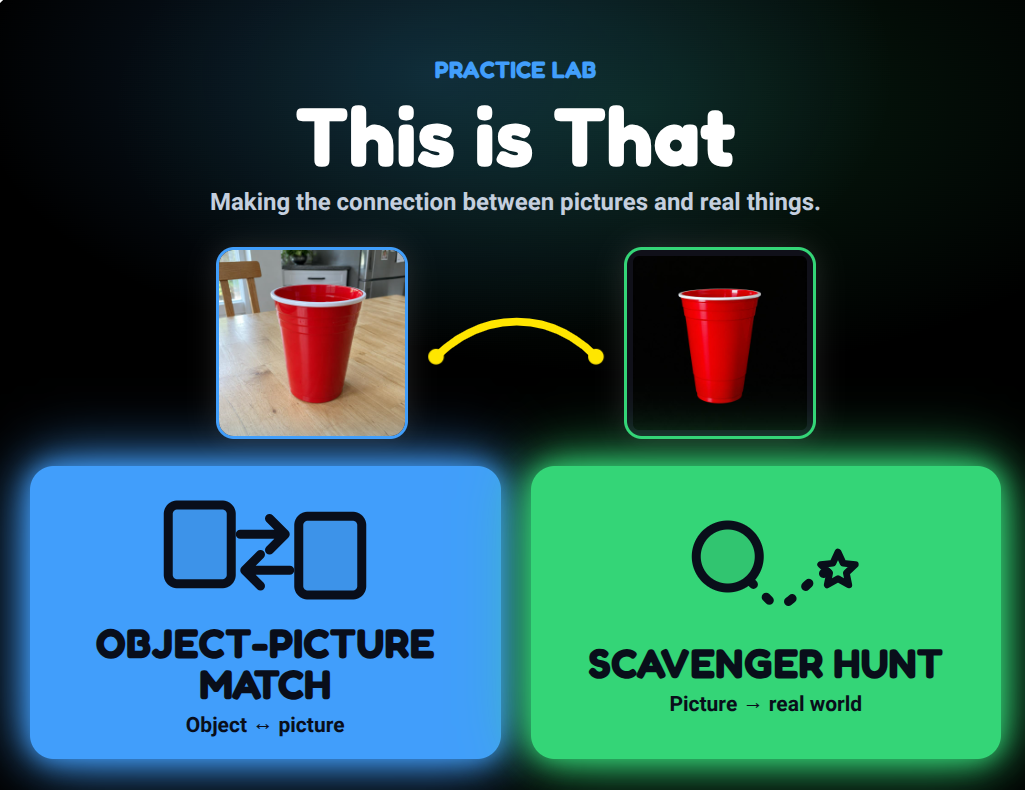
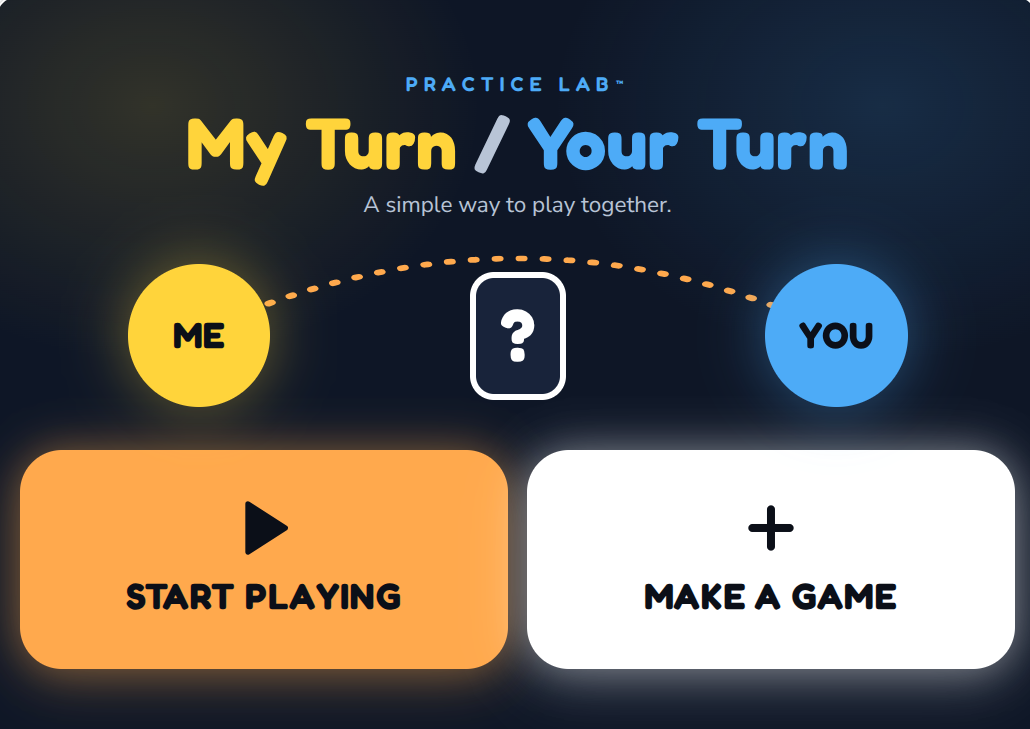
Experience Stories app screenShow Me app screen with sink, soap and towel steps

Practice Lab

Familiar teaching ideas, made easier to try.

Small tools for real-world teaching moments.

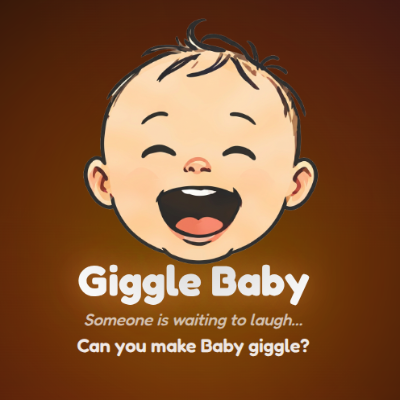
Sometimes it can just be fun.

Not every app needs to become a lesson.

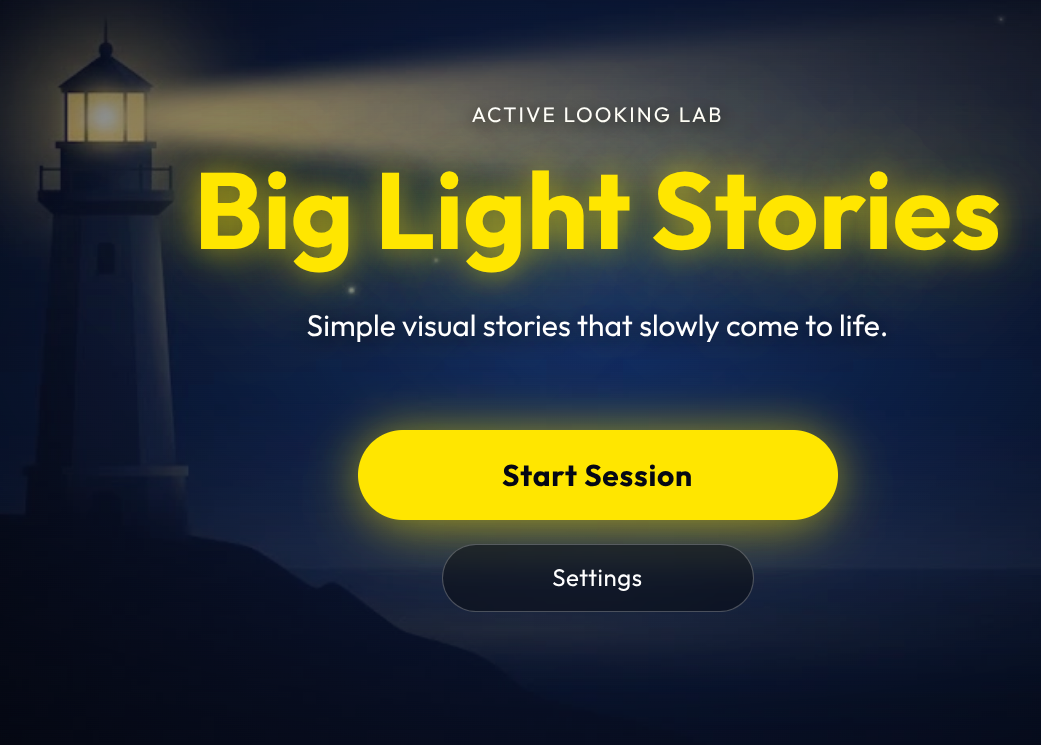
Around the Lab there are also odd, playful little things that don’t fit neatly into any family — and they’re worthwhile simply because somebody enjoys them.

  • Giggle Baby app
  • Big Light Stories, Volume 1
  • Connect: shapes and animals
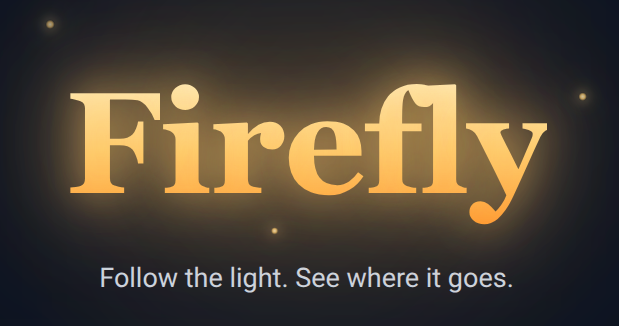
  • Firefly app
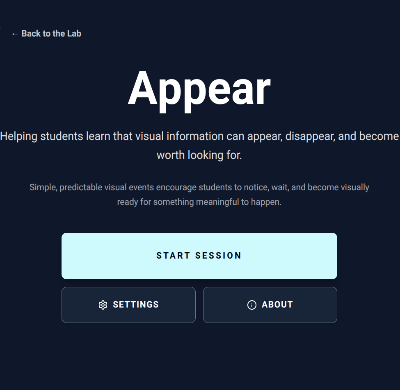
  • Appear app

There isn’t a ladder.

These app families are not levels and there is no correct route through them. Start with whatever seems clear enough to access and interesting enough to matter.

MAKE IT CLEAR.

Reduce what gets in the way.

MAKE IT MEANINGFUL.

Use things the learner knows, likes or cares about.

GIVE IT TIME.

Not everybody needs the screen to hurry.

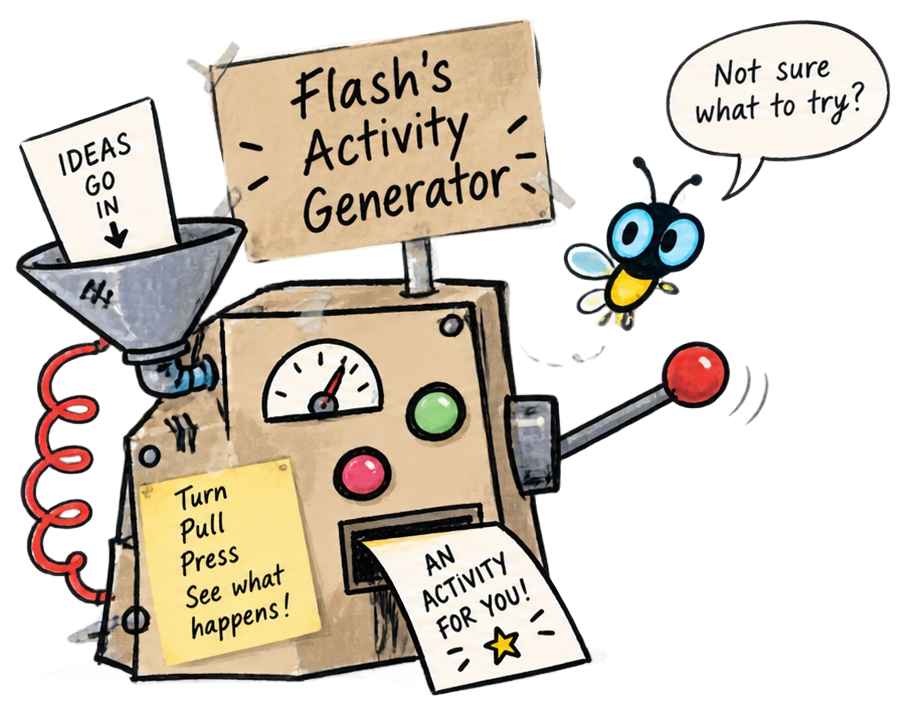
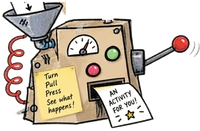
Flash beside a hand-drawn contraption labelled Flash's Activity Generator

Still not sure what to try?

“Fine. Give me a few clues.”

The Activity Generator has a different job.

Instead of explaining the Lab, it helps you find an actual thing to try — an app, story, way to use an app, hands-on idea, or something completely off the screen.

TRY FLASH’S ACTIVITY GENERATOR

Results may occasionally be slightly ridiculous.

Still on the lab table...

Active Looking Lab isn’t finished.

I’m still polishing apps, trying new ideas, making books, adding activities, improving access, and occasionally building something I hadn’t planned to build at all.

There is quite a bit more to come.

More experiments are inevitable.

If something works especially well — or doesn’t — I’d genuinely like to hear about it.

About the Lab →

There is no correct place to begin.

Pick something that looks clear, interesting or meaningful.
Try it.
See what happens.

That’s what the Lab is for.