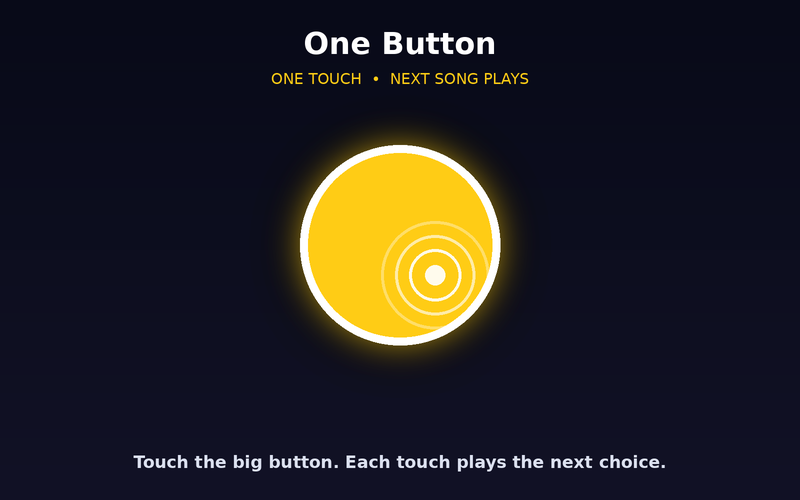
One Button
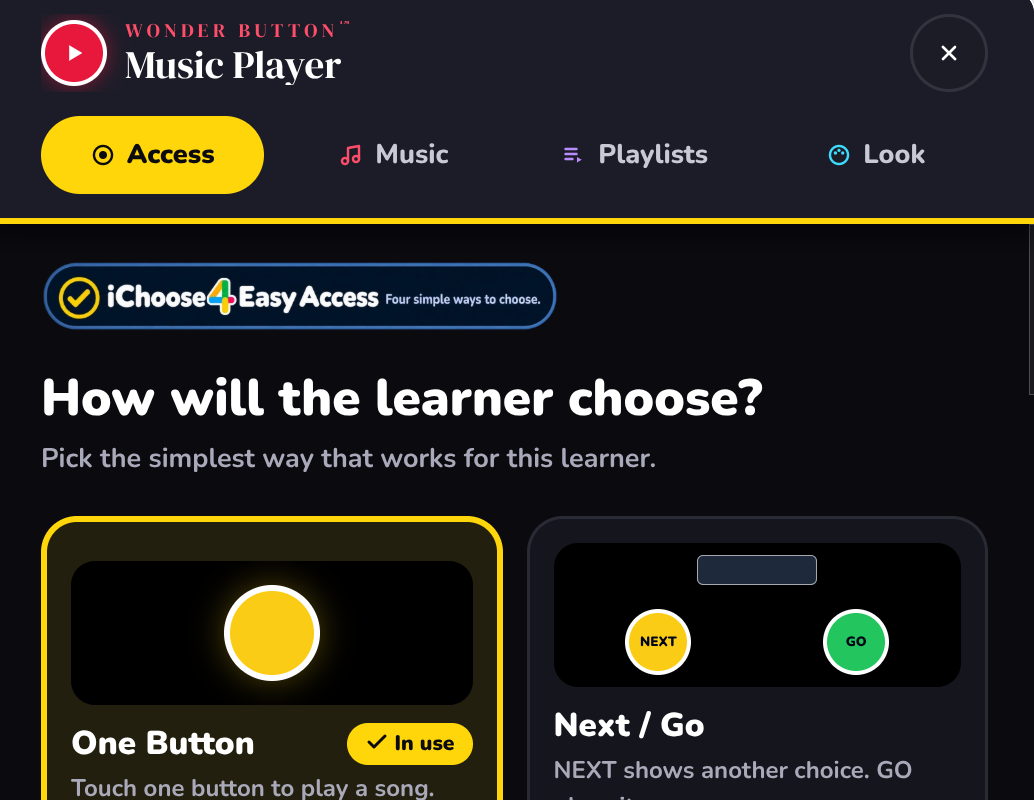
One big target starts a song. Turn on Listen & Choose and the app speaks each choice and waits for a switch.
 Wonder Button
Favorite music. A simpler way to choose and play.
A personal music library for learners who can't use an ordinary music app. The adult finds and organizes the music. The learner gets a simple, predictable way to choose and play it.
$6 one-time · works on all your devices · or included in the membership
Try it free: sample playlists plus 2 of your own songs.
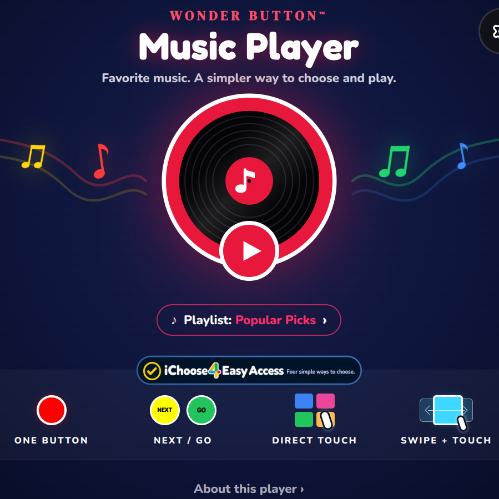
Music is motivating, familiar and meaningful, but ordinary music apps mean searching, scrolling, small text and busy screens. For many of our learners, that's the barrier, not the music.
The web supplies the music. Wonder Button supplies the access.
You set it up
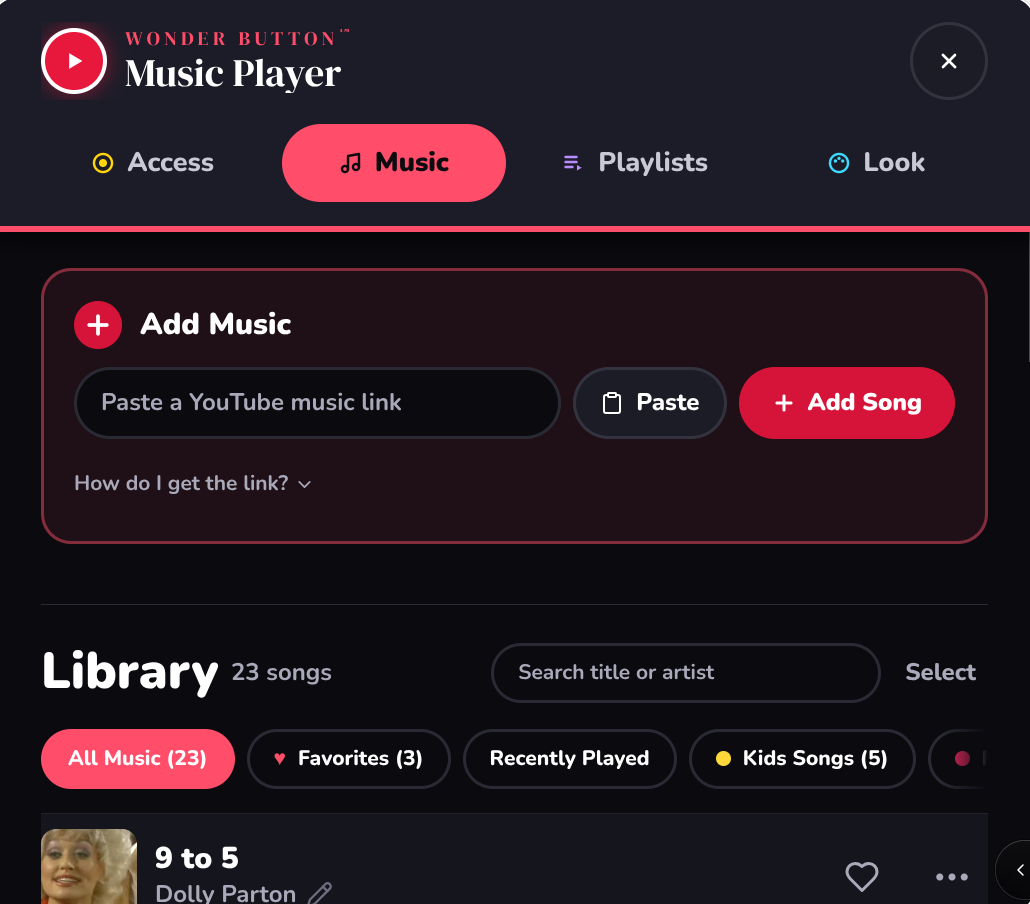
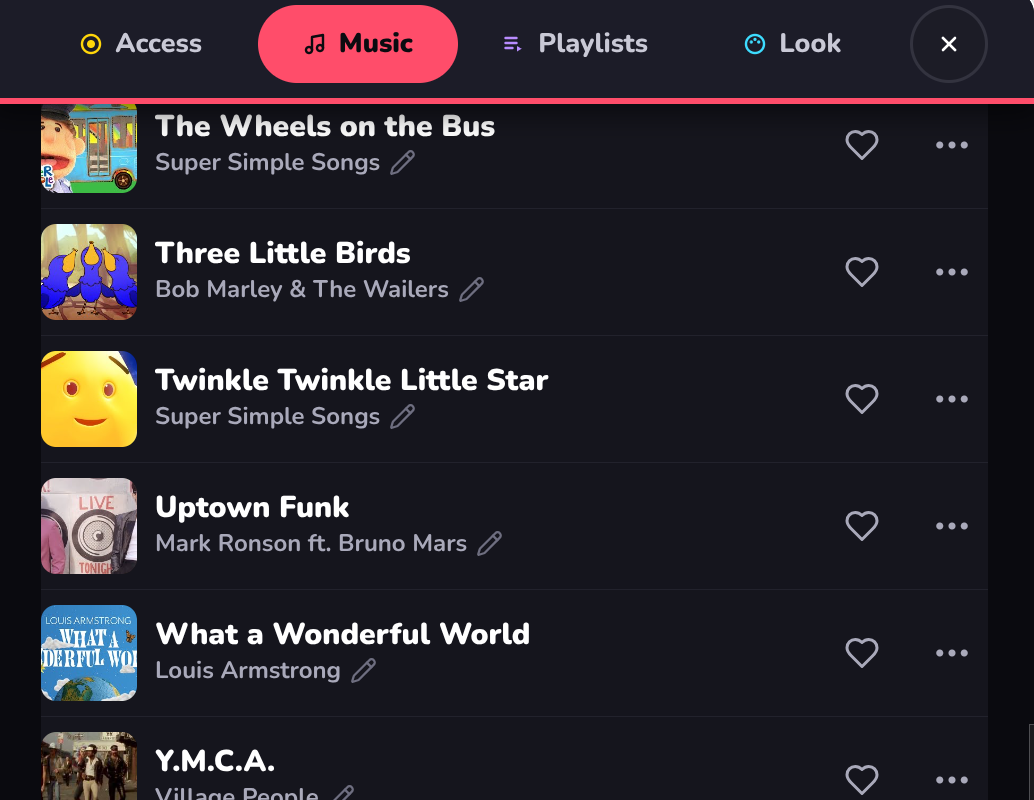
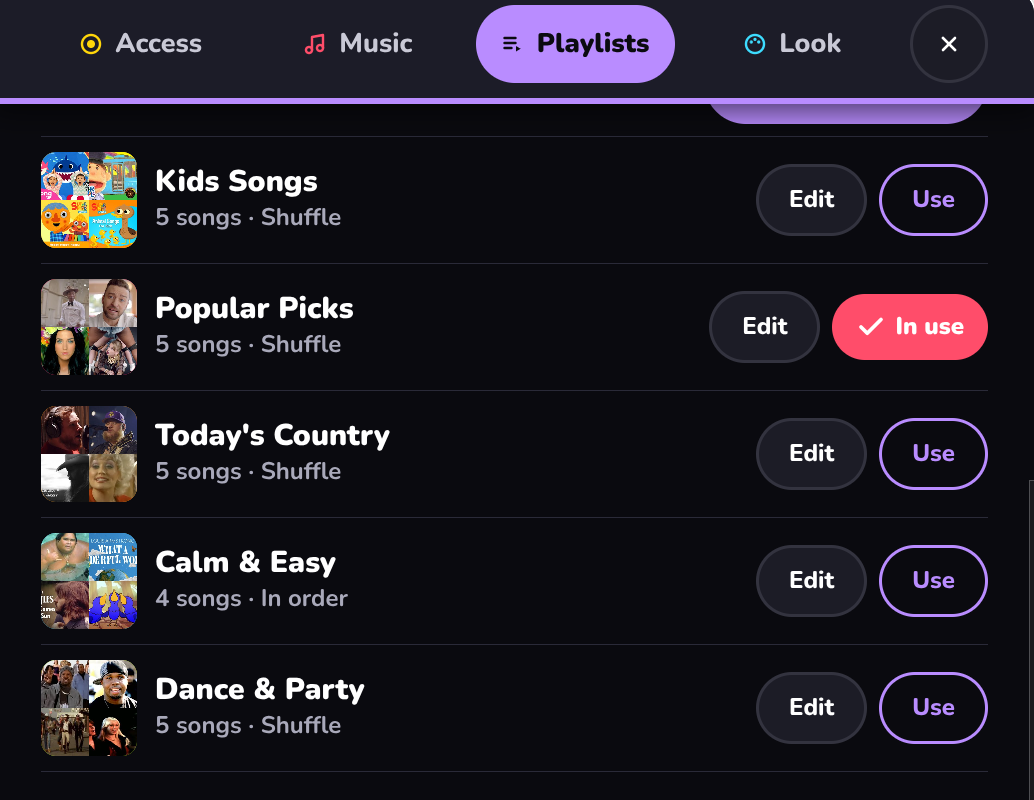
Add songs from the web, mark favorites, and build small playlists.
Pick a way in
Choose the simplest access that works for this learner.
They choose
The learner picks, plays, and chooses again.
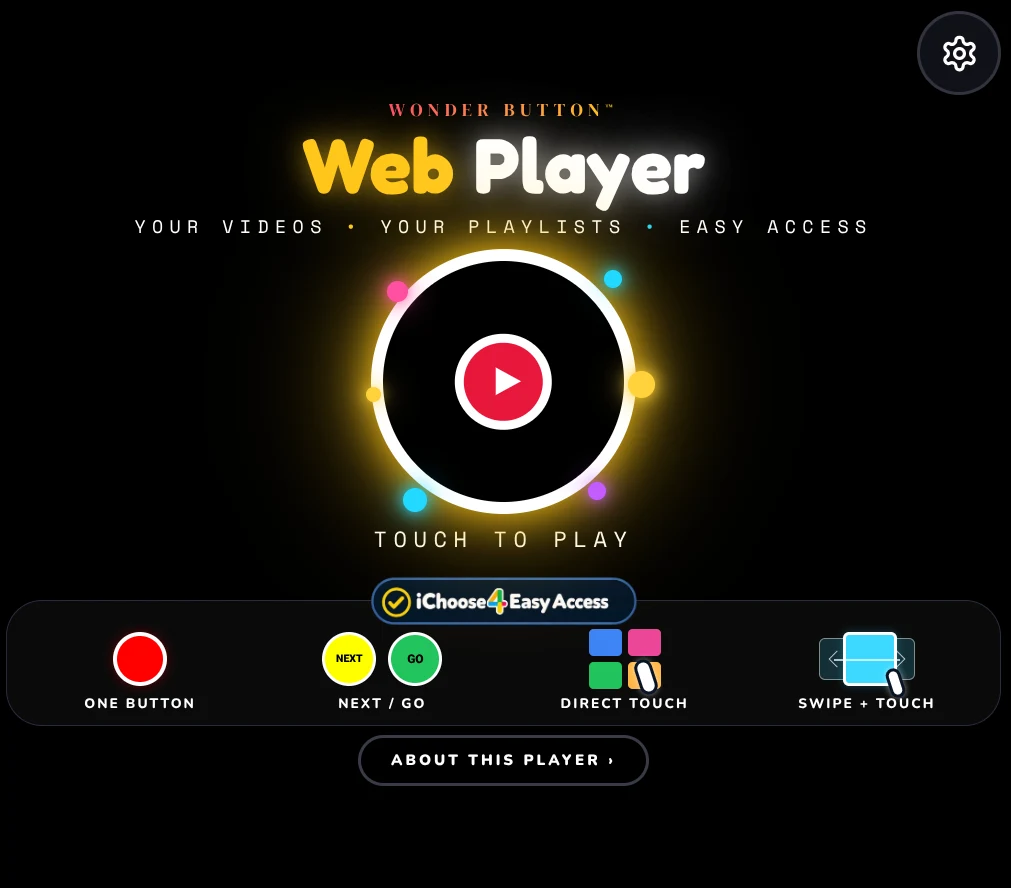
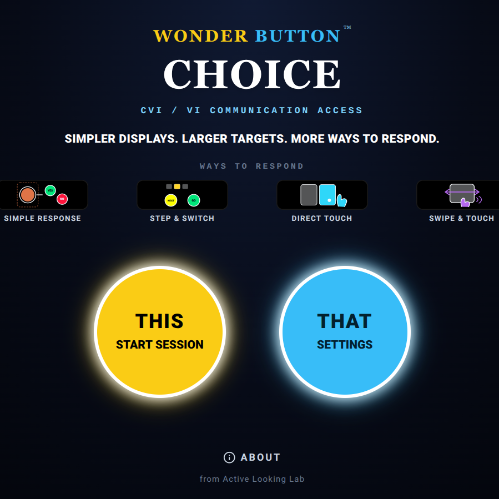
Four ways in, powered by iChoose4.
One big target starts a song. Turn on Listen & Choose and the app speaks each choice and waits for a switch.
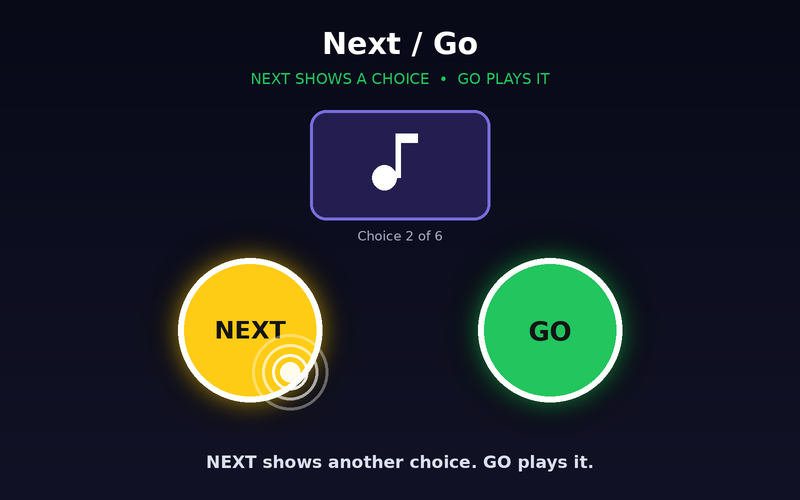
NEXT brings up another song to hear or see. GO plays it. A big collection, one choice at a time.
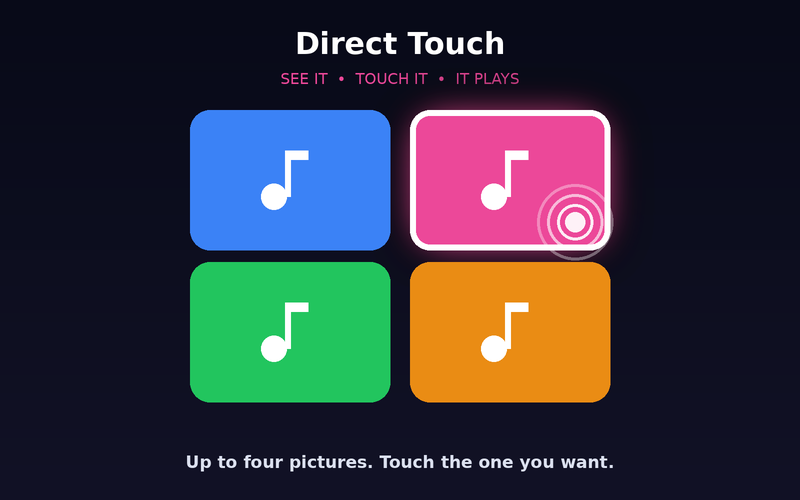
Two to four song cards. Touch the one you want.
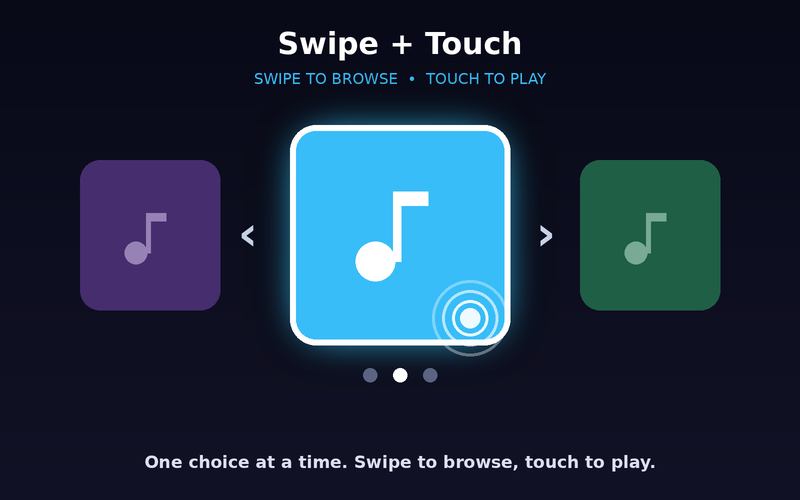
One highlighted song at a time. Swipe to browse, touch to play.
Speech helps with choosing. It never talks over the music.
When a song ends, the learner chooses again. Choose → listen → choose again.
Songs play one after another, and a tap pauses or plays.
Taps are ignored for the first 3 seconds of each song, so an extra touch doesn't cut off a song they just picked.
$6 one-time
Try it free: sample playlists plus 2 of your own songs.
Using more than one player? The membership ($36/year) includes every Wonder Button.
You're paying for the player, not the videos. Songs and videos play from their creators' own YouTube channels.
Not right for your learner? Email within 14 days for a full refund. Refund policy
Learners with CVI or visual impairment, learners with motor or complex access needs, early choosers, and families and classrooms who want favorite music to be easier to share.
Tip:Start with the simplest access that works, then change one thing at a time.