Spark
Spark: Shapes & Animals
Touch. Create. Reveal. Discover.
What happens when a little touch helps bring a picture to life?
Spark: Shapes & Animals is a playful visual exploration app where learners create glowing effects that gradually build the outline of a hidden shape or animal.
Each touch adds something — a firefly, a dandelion seed, a snowflake, a bubble, or another colorful effect. As the effects accumulate, the outline begins to emerge.
Once complete, the outline transforms into a bright, glowing silhouette. Finally, the silhouette gives way to the real animal or recognizable shape.
Includes Spark Worlds · or included in the membership
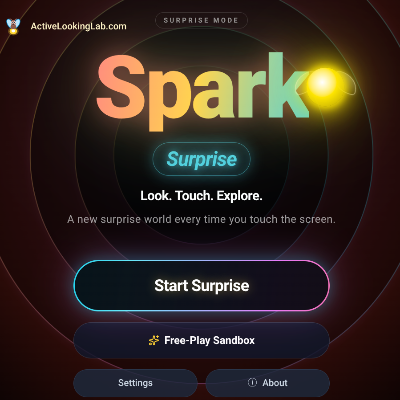
The learner's actions are part of creating the picture, not simply triggering the next picture.
The experience can also complete the outline automatically after the learner has contributed a chosen percentage, or play through entirely on its own.
Peek Inside
Make the Picture Appear
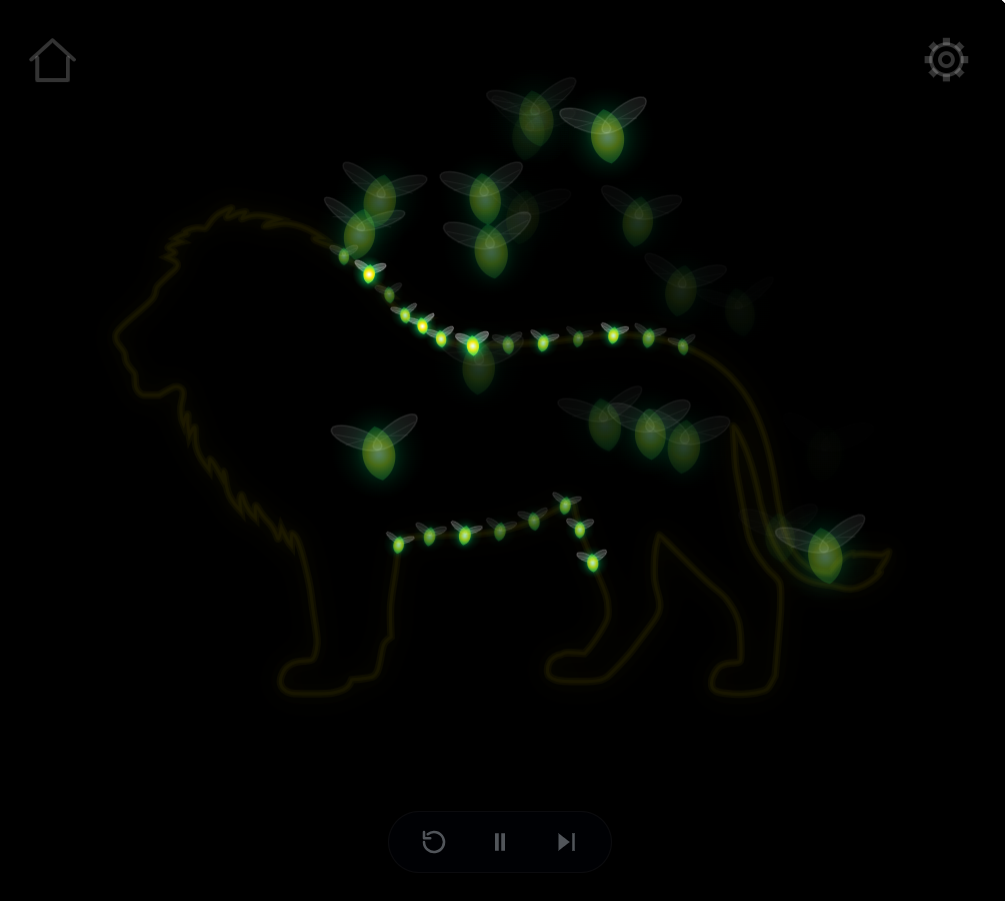
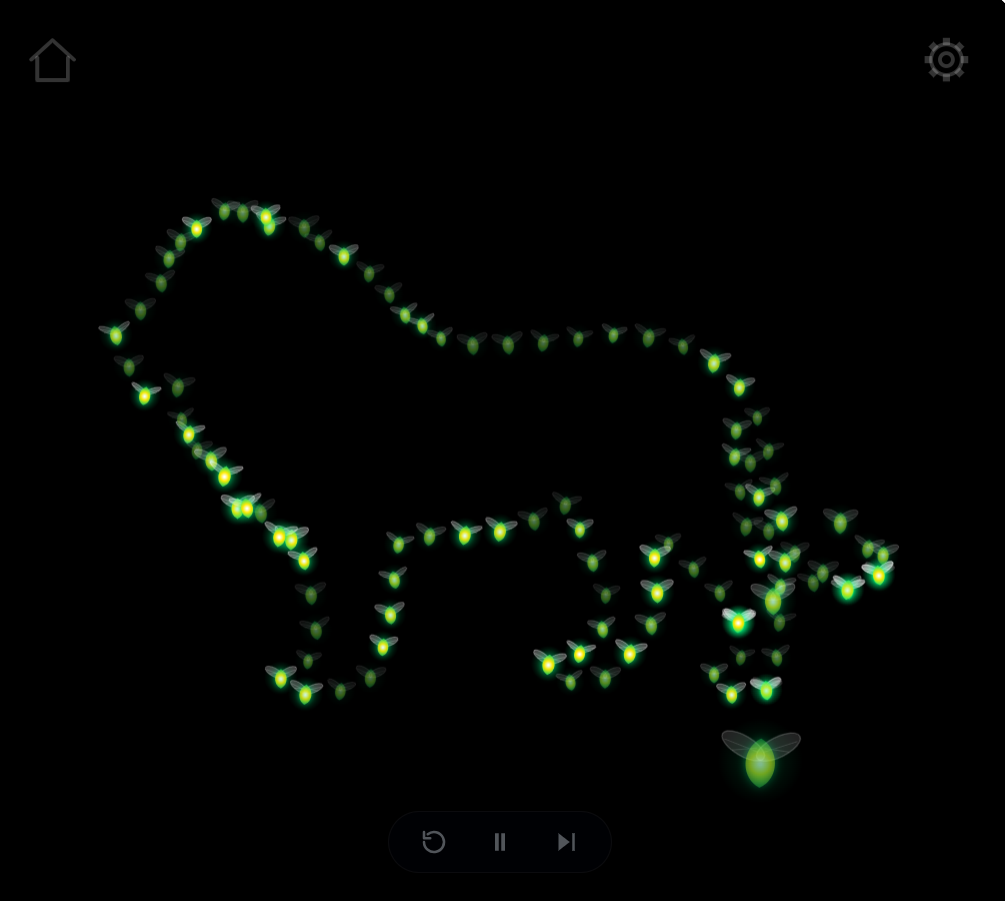
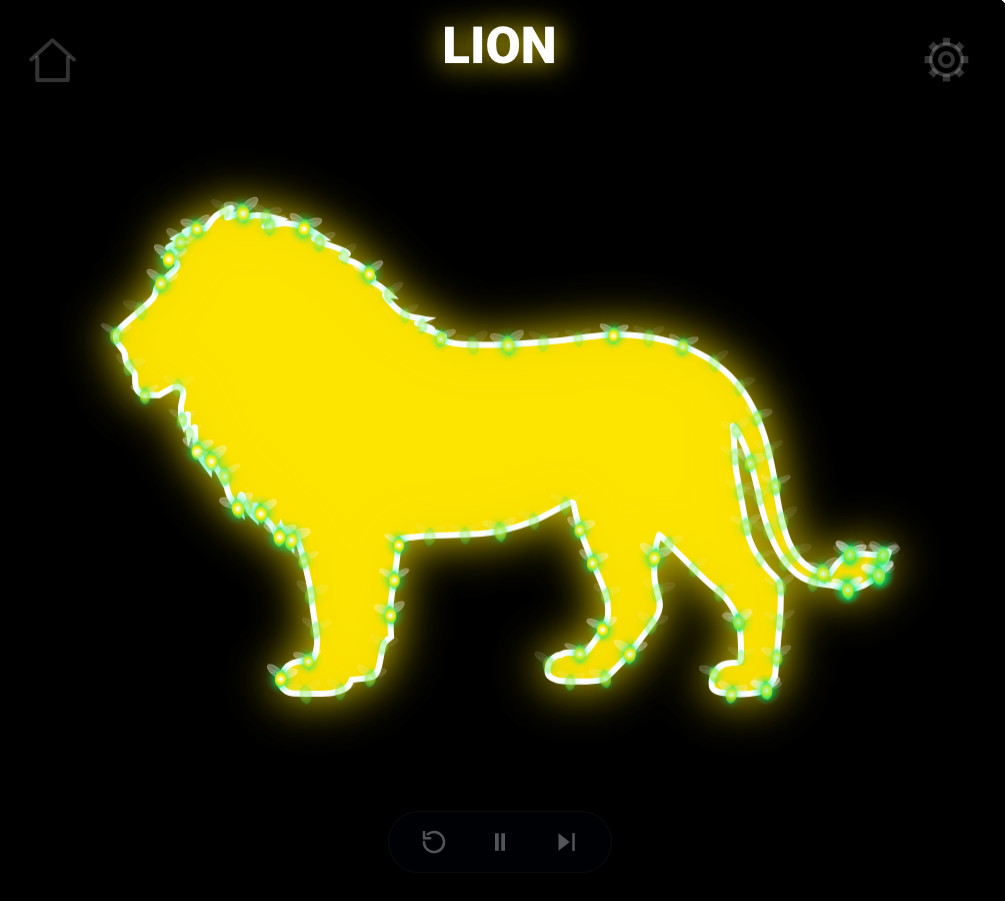
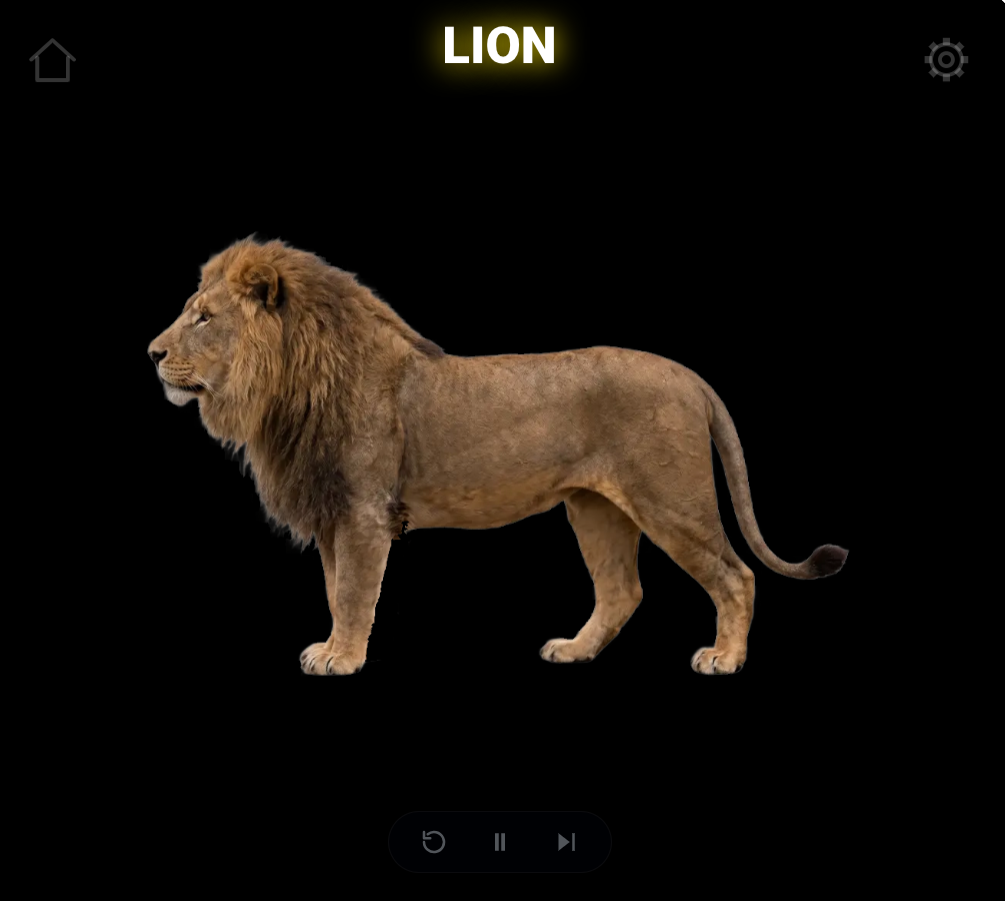
Every touch adds a little more. Fireflies gather, an outline takes shape, and a glowing silhouette becomes a real lion.
How it works
Spark: Shapes & Animals follows a simple visual progression.
1. Create
The learner touches the screen, generating the selected visual effects along the outline of a hidden shape or animal.
2. Build
More touches add more effects. The outline gradually becomes recognizable.
3. Reveal
When the outline is complete, it changes into a bright, glowing silhouette.
4. Discover
The silhouette gives way to the real animal or recognizable shape.
The experience can repeat with another item or effect.
Different ways to participate
The app supports three participation approaches.
Learner-Driven
The learner generates the effects that gradually build the picture.
Assisted Completion
An adult selects a completion percentage. Once the learner has created that portion, the app automatically fills the rest of the outline and completes the reveal.
Auto Play-Through
The entire sequence builds and reveals itself automatically, allowing the learner to watch without touching.
These options allow adults to adjust how much interaction is required while preserving the same enjoyable result.
Shapes and animals
The app includes 28 selectable shapes and animals.
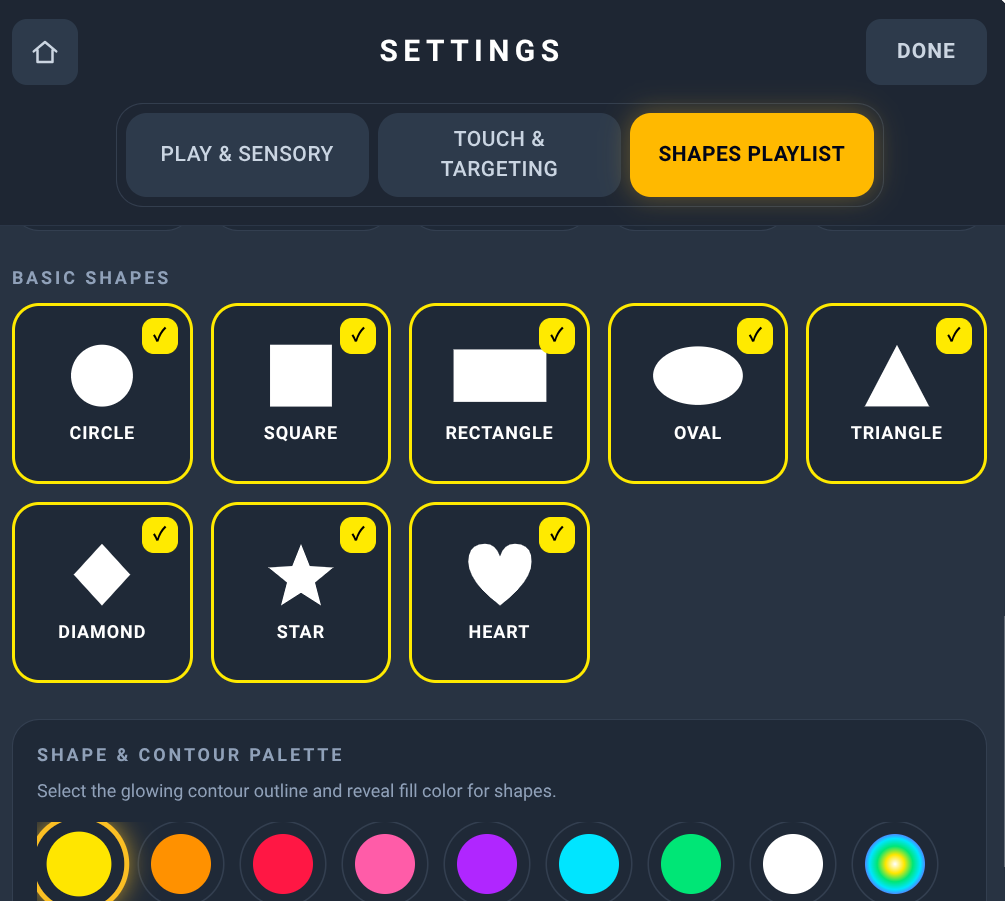
Basic shapes include circles, squares, rectangles, ovals, triangles, diamonds, stars, and hearts.
Animal choices include familiar subjects such as cats, dogs, rabbits, horses, ducks, elephants, and lions.
Adults can choose individual items, select groups, or create a playlist.
Sensory effects
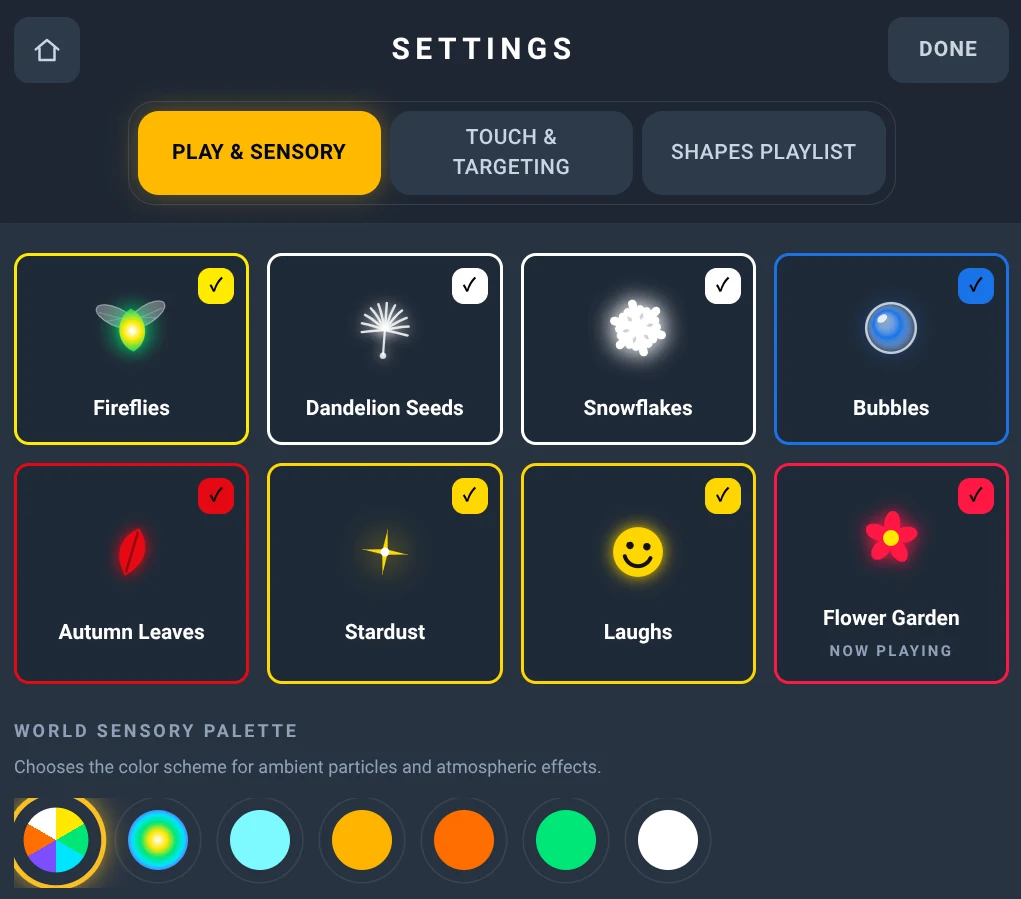
Eight different sensory effect worlds provide playful ways to populate the outlines. Visible examples include:
- Fireflies
- Dandelion Seeds
- Snowflakes
- Bubbles
Other effects introduce additional colors, light, and animated objects. Effects can be selected individually or shuffled.
Make it your own
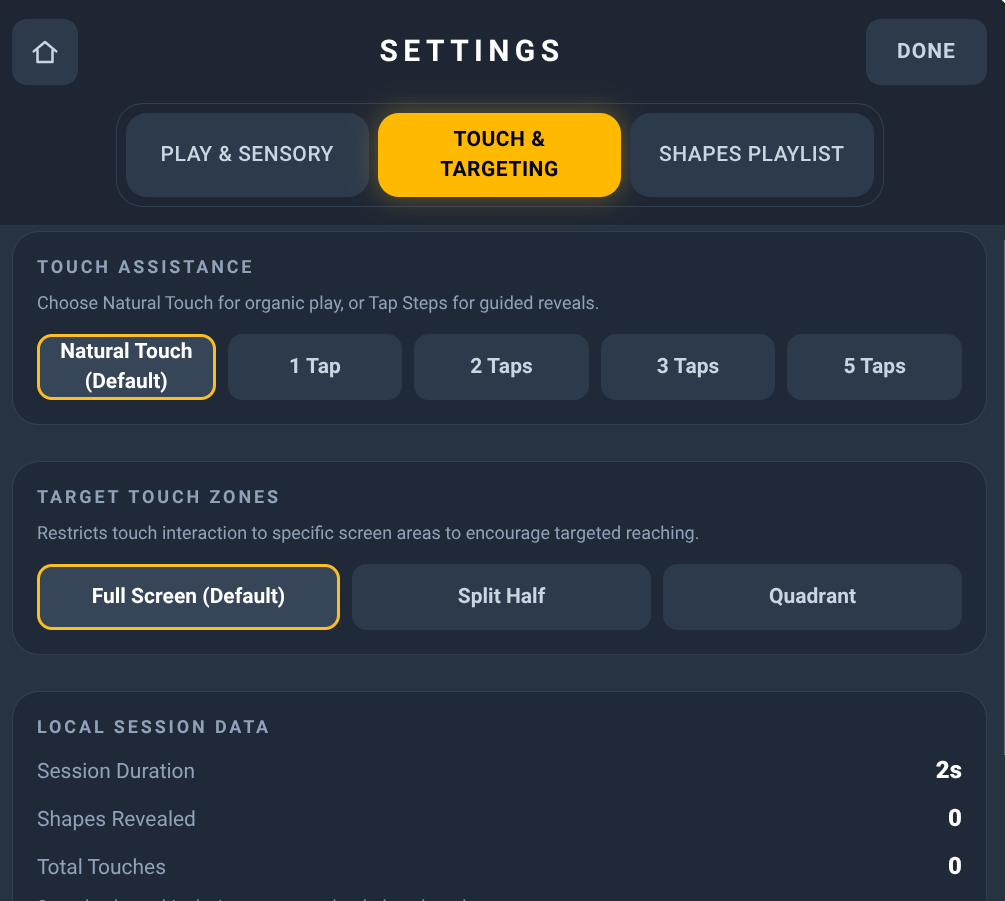
Teacher settings include:
- Touch or automatic playback
- Assisted completion after a selected percentage
- Natural Touch or guided tap counts
- Full-screen, split-half, or quadrant touch targeting
- Choice of eight sensory effect worlds
- Shapes and animals playlists
- Contour and reveal colors
- Local session information
Why I made it
I wanted to make an activity where the learner actually contributes to creating the image.
A touch generates a little light. Another adds something more. Gradually, those individual effects become a recognizable outline.
When the outline is complete, it turns into a glowing silhouette, and finally something familiar appears.
There's a little anticipation in watching it happen, and satisfaction in having helped create it.
And because learners participate in different ways, the app can finish the picture after a few touches or play the sequence automatically.
The goal is to make visual exploration playful, accessible, and worth sharing.
What learners can explore
- Visual attention toward a clear target
- Following moving points of light
- Noticing changes in shapes, contours, and silhouettes
- Purposeful touch interaction
- Cause and effect
- Anticipation and visual sequence
- Familiar animals and geometric shapes
- Connections between simplified forms and recognizable images
- Shared discovery and enjoyment
Who it's for
Spark: Shapes & Animals was created with learners with cerebral visual impairment (CVI), visual impairments, and complex learning needs in mind, but it's intended to be enjoyed by many different children.
Its adjustable colors, flexible touch options, automatic playback, and playful effects offer different ways to explore looking, movement, and purposeful interaction.
Parents, teachers, therapists, and caregivers can share the experience, helping learners enjoy creating or watching a picture emerge.
Accessibility is where the design begins, not where the audience ends.
Every touch adds a little something. Together, those touches make a picture.
Includes Spark Worlds · or included in the membership
Part of the Spark collection — playful light, touch, and discovery.
Active Looking Lab © 2026