Back to the App Library

Practice & connect

Practice Lab

Real moments. Real practice.

Some of the most useful teaching tools are also some of the simplest: a story about something the learner just did, a picture for each step of a routine, a photo that matches a real object, a clear way to take turns.

Teachers have relied on these strategies for years. Making the materials is often the hard part.

Practice Lab apps are built around those tried-and-true ideas — experience stories, step-by-step tasks, picture–object connections and turn-taking — and make them easier to set up, use and share.

Explore the Apps
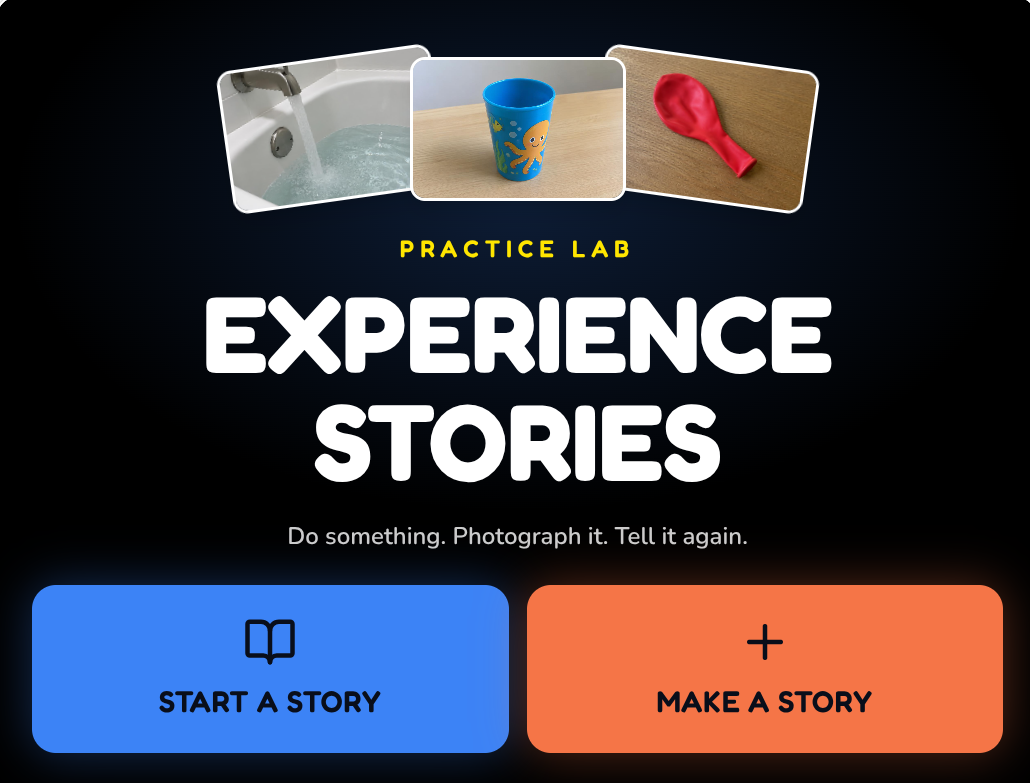
Experience Stories screen: three photos — water filling a bathtub, a blue cup and a red balloon — above Start a Story and Make a Story buttons.
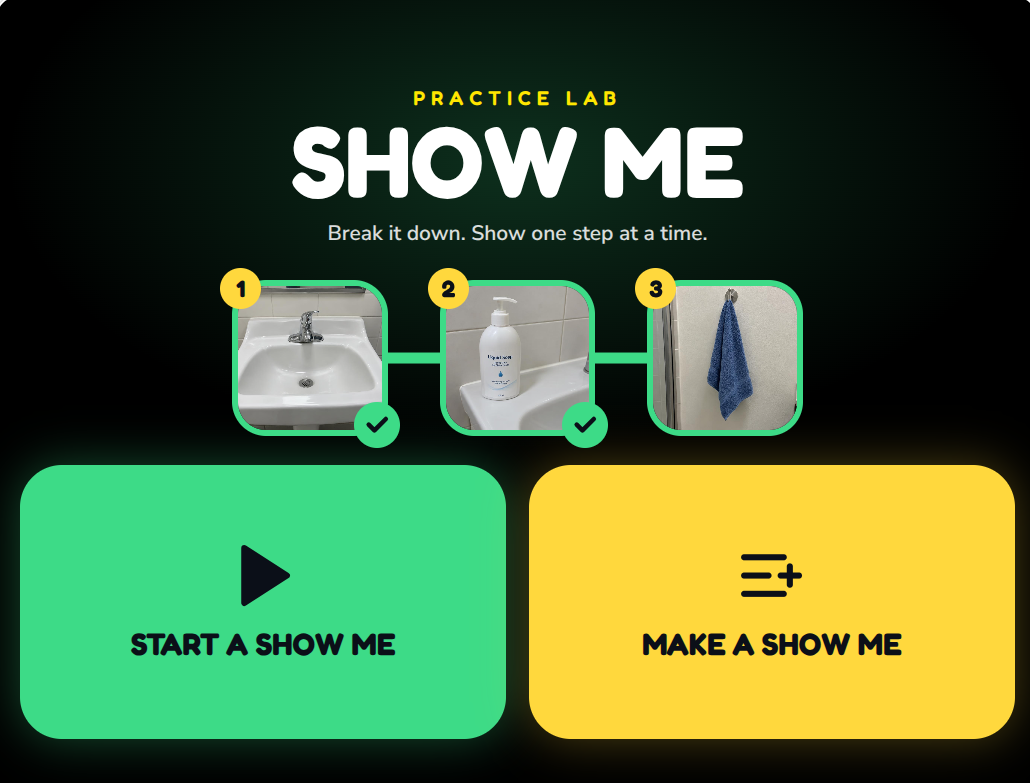
Show Me screen: three numbered handwashing steps — sink, soap and towel — above Start a Show Me and Make a Show Me buttons.
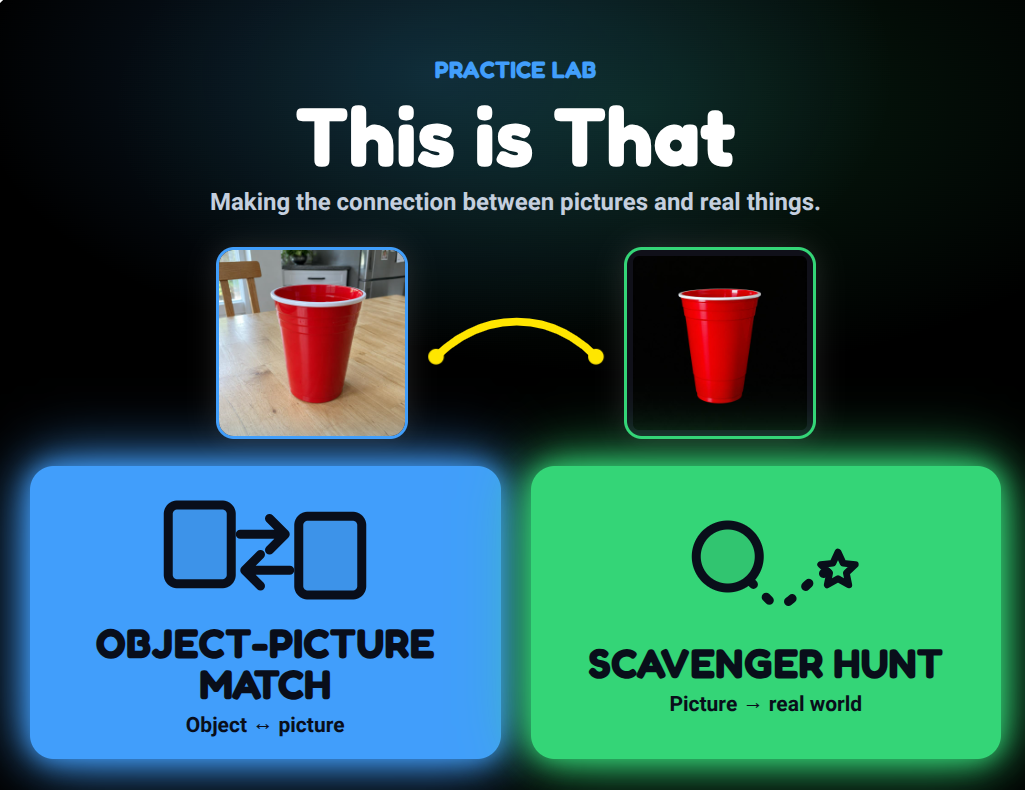
This is That screen: a red cup photograph connects to a red cup picture, above Object-Picture Match and Scavenger Hunt buttons.
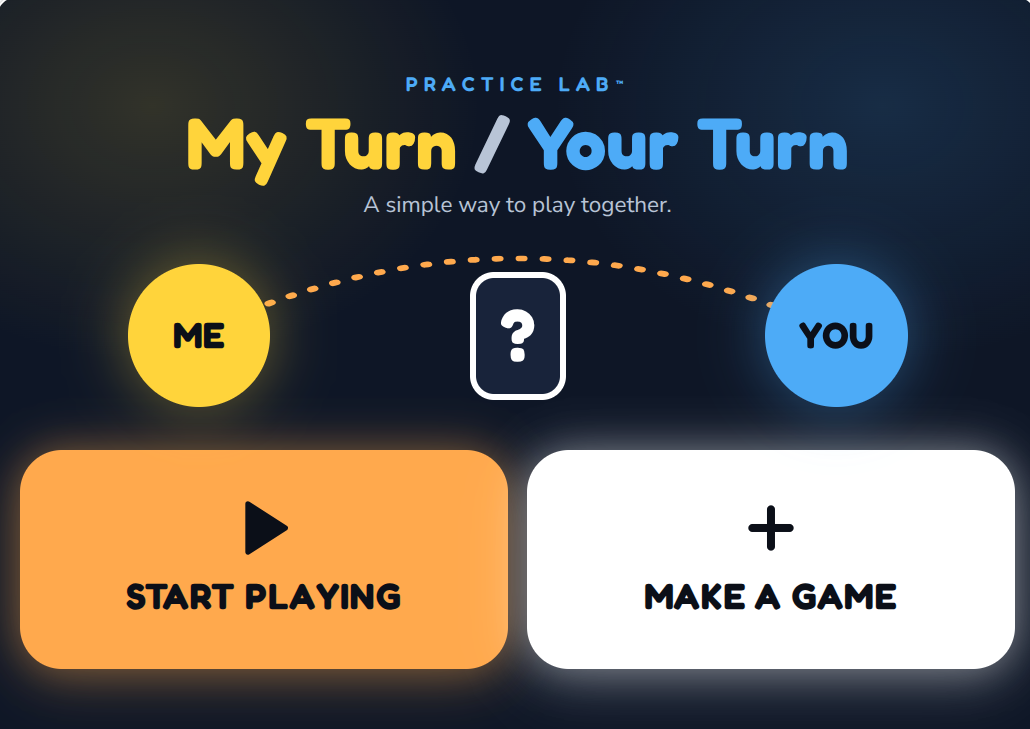
My Turn / Your Turn screen: a yellow Me circle and a blue You circle around a question mark, above Start Playing and Make a Game buttons.

Strategies you already trust

Practice Lab is inspired by approaches shared by Perkins, Paths to Literacy, TEACCH and others, and by many years of making these materials by hand.

A walk, a trip to the store or a classroom activity shouldn't turn into a typing session. With Practice Lab, you can photograph the moment as it happens and turn it into something the learner can use, often in just a few minutes.

Each app keeps the screen simple and familiar, so attention stays on the real activity, the real objects and the people sharing them.

Real things first. The screen helps.

Practice Lab apps support everyday moments. They don't replace them.

What makes Practice Lab different?

Built around real life

Use your own photos of the learner's real places, objects, people and routines — not generic clip art.

Quick to make

Take the pictures while you're actually doing the activity. Finish organizing them later.

Simple on screen

One picture, one short instruction, one next step. Only what's needed for the moment.

Look back, look ahead

Revisit something the learner has already experienced, or preview what's coming to make it more familiar.

Nothing to get right

Many activities have no answer to choose. The point is shared attention and doing things together.

Made for doing together

The screen supports the moment. The learner and the people around them do the real work.

Practice Lab apps aren't lessons to get through. They're simple tools for practicing everyday things, in the places where they actually happen.

Explore the four Practice Lab apps

Experience Stories screen: three photos — water filling a bathtub, a blue cup and a red balloon — above Start a Story and Make a Story buttons.

Experience Stories

Do something. Photograph it. Tell it again.

Turn a real activity into a short picture story using photos taken along the way. Look back at something the learner has done, or look through it before doing it again.

  • Real photos
  • Look back
  • Look ahead
Show Me screen: three numbered handwashing steps — sink, soap and towel — above Start a Show Me and Make a Show Me buttons.

Show Me

Break it down. Show one step at a time.

Many everyday activities are really a series of smaller steps. Photograph each step while you're doing it, then show the activity one step at a time.

  • One step at a time
  • Photos, video or audio
  • Everyday routines
This is That screen: a red cup photograph connects to a red cup picture, above Object-Picture Match and Scavenger Hunt buttons.

This is That

Making the connection between pictures and real things.

Connect familiar real objects with their pictures. Explore a real object together alongside one large picture, or use pictures as clues to find things in the real environment.

  • Object–picture match
  • Scavenger hunt
  • Nothing to get right
My Turn / Your Turn screen: a yellow Me circle and a blue You circle around a question mark, above Start Playing and Make a Game buttons.

My Turn / Your Turn

A simple way to play together.

A shared-play tool for two people. The screen shows whose turn it is and what happens on that turn — then gets out of the way so the people can do the playing.

  • Two players
  • Taking turns
  • No keeping score