Spark
Spark Worlds
Touch anywhere. See what happens.
Spark Worlds is a collection of 26 interactive worlds filled with light, movement, sound, and little surprises.
Touch the screen and something happens.
Spark Worlds comes with every Spark book ($6 each), or the membership:
About Spark Worlds
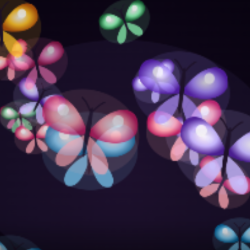
A butterfly appears and flutters away. Colorful hearts float across the screen. Musical notes rise into the air. Fireworks burst, bubbles drift, and dandelion seeds blow in the wind.
The learner can tap, hold, or move a finger across the screen. Every interaction creates a response.
There's no correct place to touch, no sequence to remember, and no wrong answer.
Each world has its own look, movement, sounds, and personality, but they all share the same simple idea:
The learner touches. The world responds.
Peek Inside
A World of Possibilities
A Little Laughter
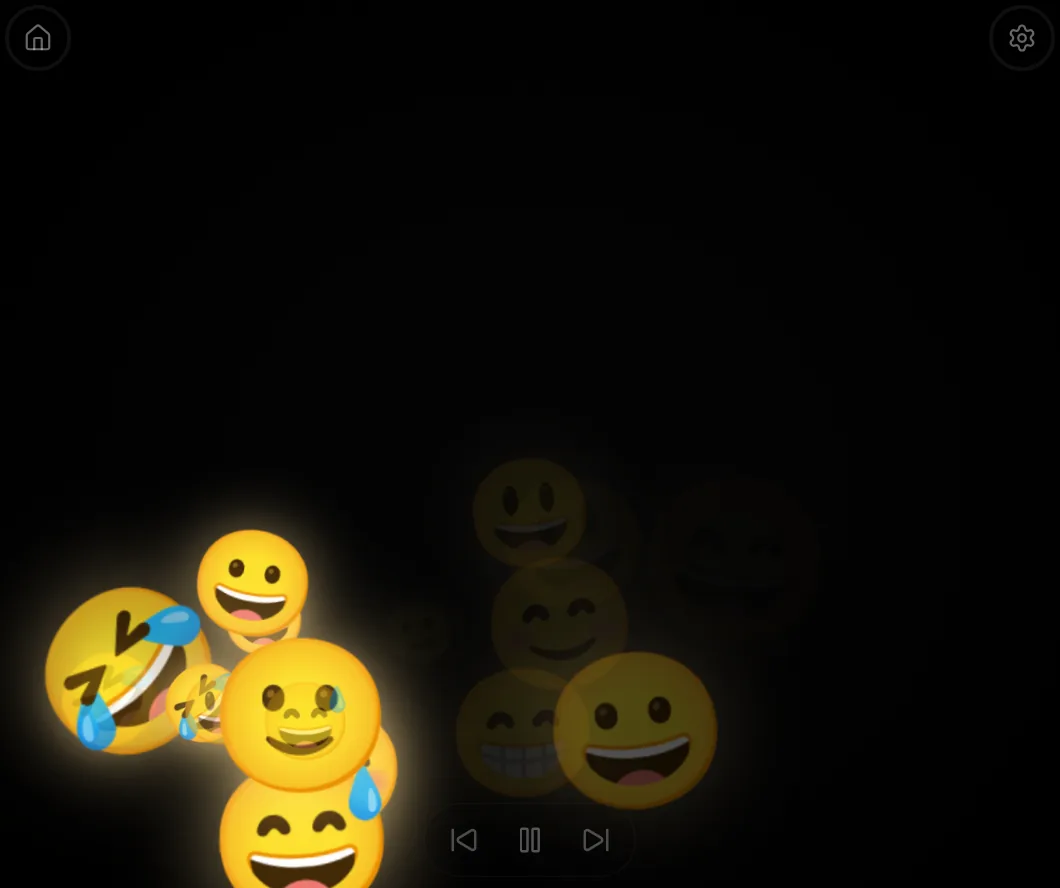
A touch creates smiling and laughing faces that appear, move, and fill the screen with playful expressions.
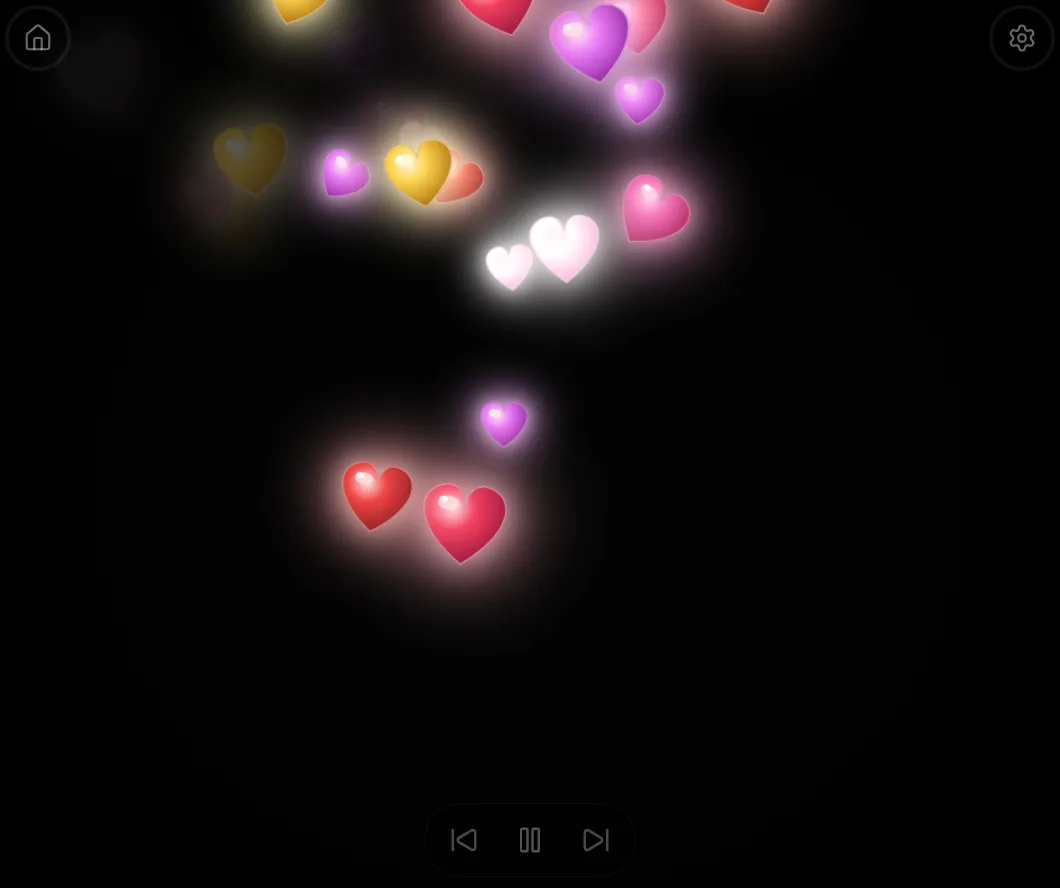
Hearts Everywhere
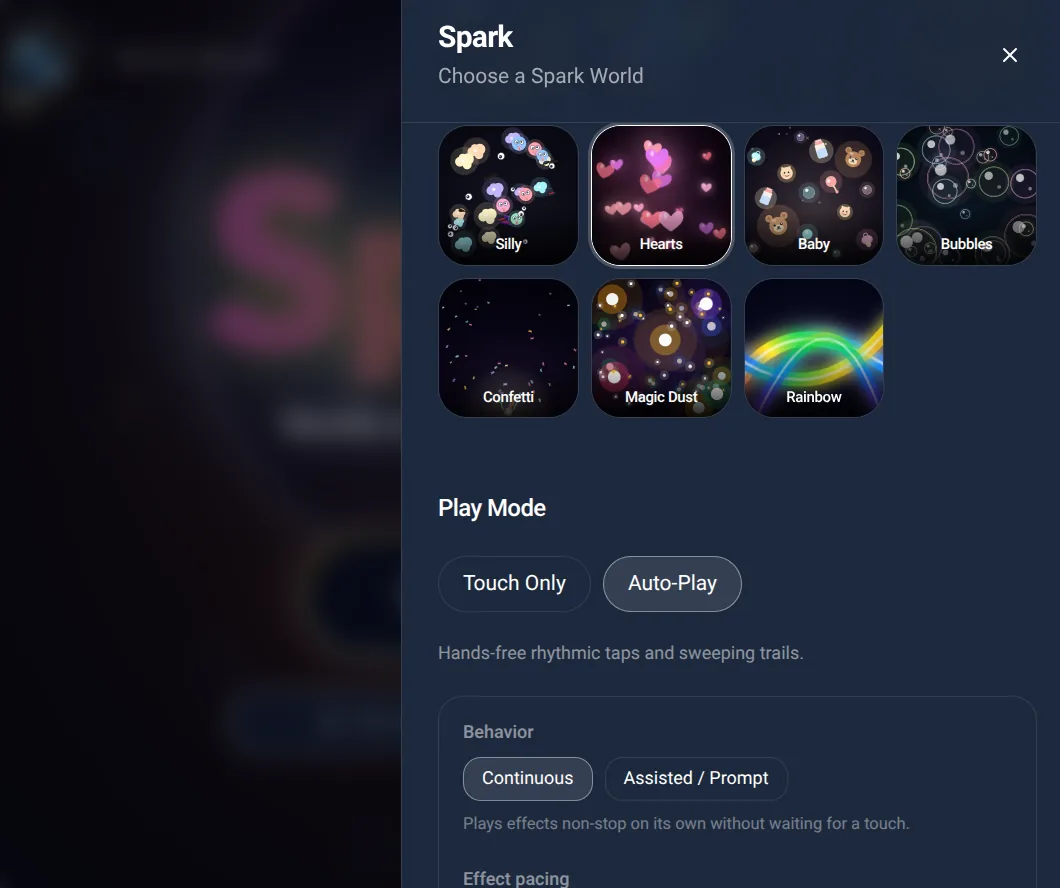
Bright hearts in different colors appear against the black background and drift across the screen.
How It Works
Spark removes the need for precise touchscreen interaction.
Tap
A single touch immediately creates a visual and auditory response. The learner does not need to find a button or touch a particular object.
Hold
Keeping a finger on the screen can extend or build the effect. Depending on the world, more objects may appear, sounds may continue, or the environment may gradually change.
Move
Dragging a finger across the screen can distribute or paint effects across the display.
Some worlds encourage repeated touch, while others become especially interesting as the learner continues exploring.
The same natural touchscreen interaction works across all the worlds.
There are no scores, winning conditions, mistakes, or required tasks.
Choose a World
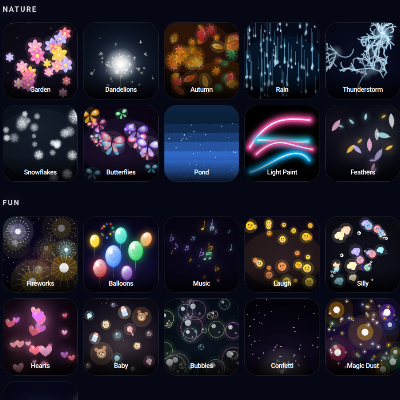
Spark includes 26 different worlds, organized into three categories.
These are collections of experiences, not developmental levels. Teachers and caregivers can simply choose something that interests the learner.
Lights
Glowing, luminous experiences that emphasize color, contrast, and movement.
Spark • Stars • Night Sky • Lanterns • Falling Stars • Rainbow
The effects range from bright electrical flashes to gently floating lanterns and colorful sweeping light.
Nature
Familiar natural experiences brought to life through touch.
Fireflies • Garden • Dandelions • Autumn • Snowflakes • Butterflies • Pond • Rain • Thunderstorm • Feathers
Some are gentle and slow. Others are more energetic. Leaves can accumulate before blowing away. Snow builds into a snowbank before melting. Butterflies flap their wings and fly across the display.
Fun
Playful worlds filled with sound, color, surprises, and recognizable objects.
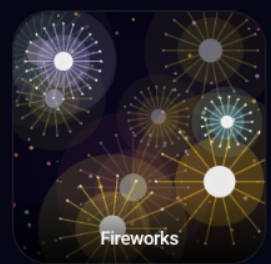
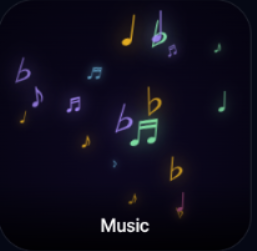
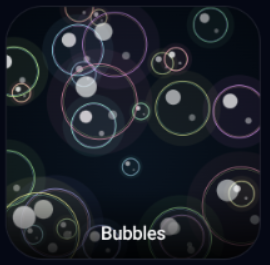
Fireworks • Music • Laugh • Silly • Hearts • Baby • Bubbles • Confetti • Magic Dust • Balloons
Balloons may float, pop, or unexpectedly zoom around the screen. Confetti bursts into the air. Laughing faces and silly sounds invite another touch.
Each world is designed to feel different, not simply to display a different picture.
Different Ways to Explore
Spark is designed around interaction, but it also offers options for learners who benefit from a more supported experience.
Touch Only — The learner creates the effects through touching, holding, or moving across the screen.
Auto-Play — The app can produce effects without requiring continuous interaction. Auto-Play includes options for continuous activity or assisted/prompted interaction.
Teachers can also adjust the speed of effects, choose whether to remain in a single world or rotate among worlds, and control how long each world plays.
These options make Spark useful for learners at different stages of visual attention and touchscreen participation.
Make It Your Own
Teachers and caregivers can choose the experiences and adjust how Spark behaves.
- Touch Only or Auto-Play
- Continuous or Assisted / Prompt behavior
- Slow or Active effect pacing
- Single World, Shuffle All, or Current Category rotation
- Adjustable time per world
Teachers can keep things simple by choosing a world and beginning the session. The settings are there when needed, but exploring a world shouldn't require complicated setup.
Why I Made It
I wanted something for learners who were beginning to discover that they could make things happen on a screen.
Not an app where they had to find a little button, touch the right picture, or follow instructions before anything interesting happened.
Just touch.
And something happens.
That first connection between a learner's action and a response can be important. It gives the learner a reason to try again.
Spark grew from that simple idea.
One visual effect became several. Then I started wondering whether butterflies should really move like fireworks, or whether falling leaves should behave like bubbles.
Probably not.
So the worlds developed their own personalities, with different kinds of movement, light, sound, and occasional surprises.
The basic interaction never needed to become more complicated.
The learner touches, something happens, and they discover they can make it happen again.
What Learners Can Explore
Spark Worlds provides opportunities for:
- Visual attention and sustained looking
- Recognizing a connection between action and response
- Purposeful touchscreen exploration
- Experimenting with tapping, holding, and dragging
- Following movement across the screen
- Noticing changes in light, color, shape, and position
- Anticipating familiar responses
- Repeated interaction and independent exploration
- Enjoying shared play with an adult
These are opportunities for exploration, not a formal assessment or a set of required tasks.
Who It's For
Spark Worlds was created particularly for learners with cerebral visual impairment (CVI), visual impairments, and complex learning needs who benefit from simplified, high-contrast, forgiving touch interactions.
But it's not limited to those learners.
Young children learning to interact with touchscreens, children exploring cause and effect, and anyone who enjoys colorful interactive sensory experiences can participate.
Some learners may use just a single tap. Others may hold, swipe, or actively explore the screen.
Teachers, therapists, parents, and caregivers can join the experience, respond to the learner's interests, and share the enjoyment.
Spark doesn't ask learners to complete a task before they can enjoy what happens.
It gives them something interesting to make happen.
26 worlds. One simple idea. Touch and see what happens.
Spark Worlds comes with every Spark book ($6 each), or the membership:
Part of the Spark collection — playful light, touch, and discovery.
Active Looking Lab © 2026