

Track It
About Track It
Look. Follow. Touch.
Track It is a simple, customizable visual activity app for exploring visual attention, locating targets, shifting gaze, and tracking movement.
A single, easy-to-see target appears against a clear background. Depending on the activity, it may remain still, appear in different locations, or move across the screen.
Learners can look, follow, and reach toward the target, with optional touch responses and feedback.
The goal is to provide a visually uncluttered experience that can be adjusted to each learner's needs and interests.
Included with the membership ($36/year)
Peek Inside
A simpler place to look
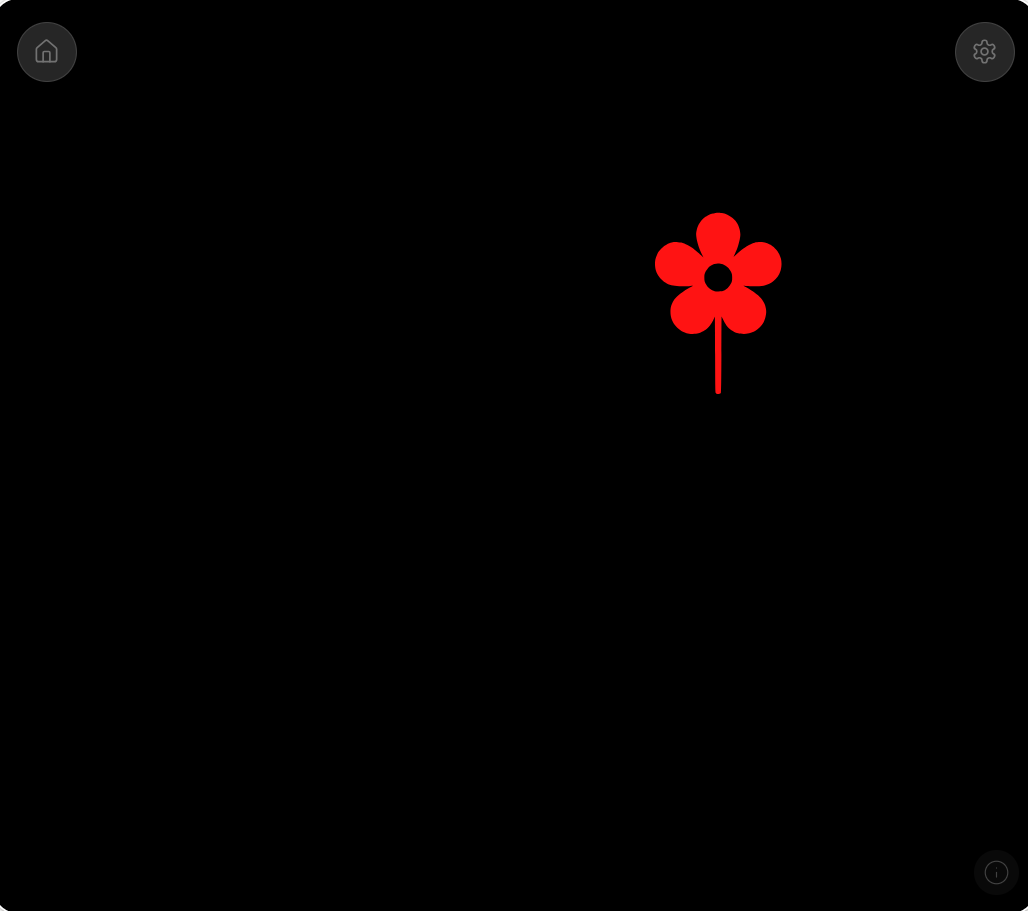
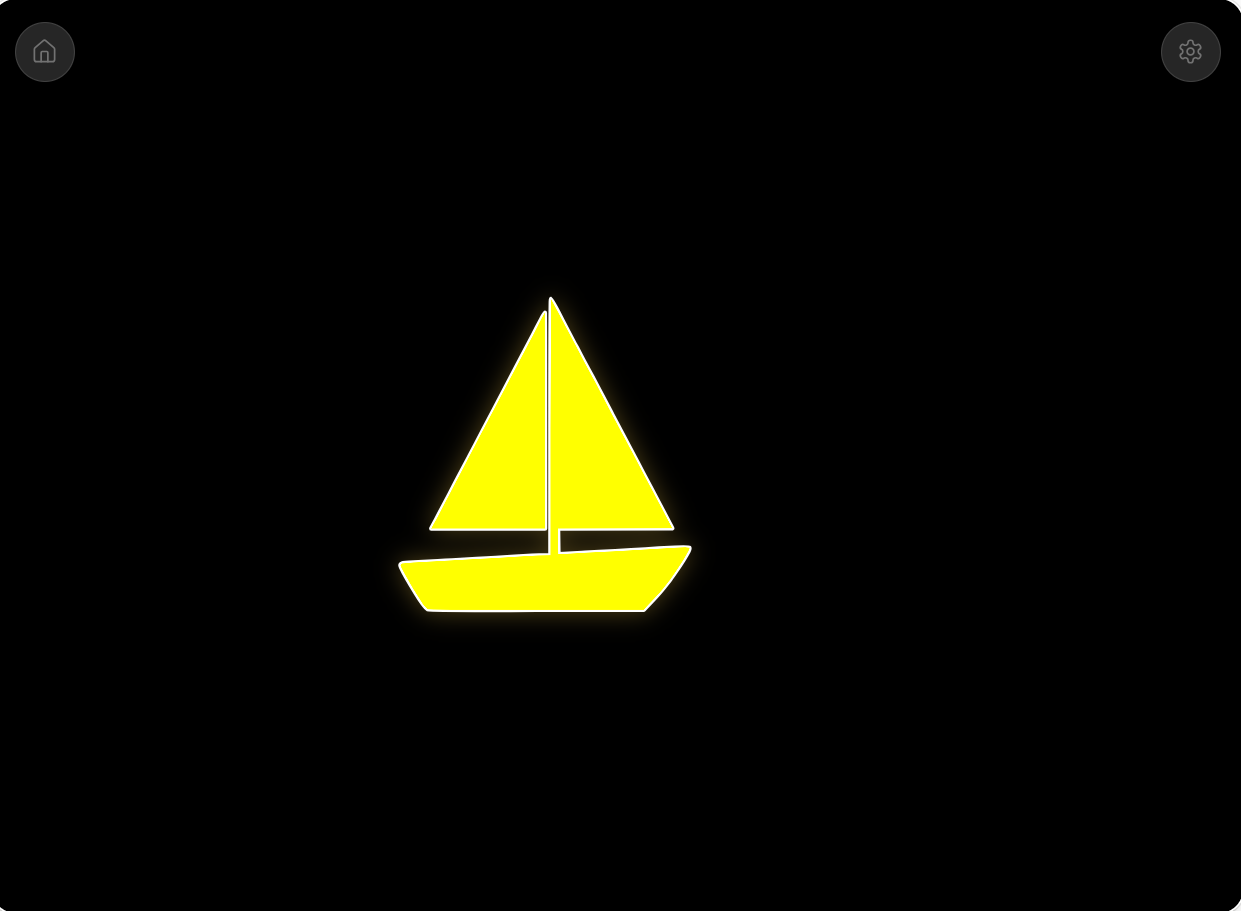
One target at a time. Choose simple shapes or familiar pictures, adjust their size and color, and explore different ways of looking and following.
How it works
Track It offers several visual activities:
- Attend: Explore sustained looking at a stationary target.
- Shift of Gaze: Look toward targets appearing in different locations.
- Horizontal Tracking: Follow a target moving from side to side.
- Vertical Tracking: Follow a target moving up and down.
- Diagonal Tracking: Follow a target along a diagonal path.
- Random Tracking: Explore changing, less predictable movement.
Discovery Mode provides another way to explore the app without selecting a particular structured activity.
Make it your own
Teachers, parents, and caregivers can adjust the activity to match the learner.
- Choose a target: Shapes, animals, foods, vehicles, nature items, and household objects.
- Adjust visibility: Change target size, color, background, and appearance.
- Choose the activity: Begin with a stationary target or explore different movement patterns.
- Personalize feedback: Select optional sounds, animations, and rewards.
- Control pacing: Adjust pauses and optional visual or auditory prompts.
- Review session information: View basic timing and response information from the current session.
A look at the settings
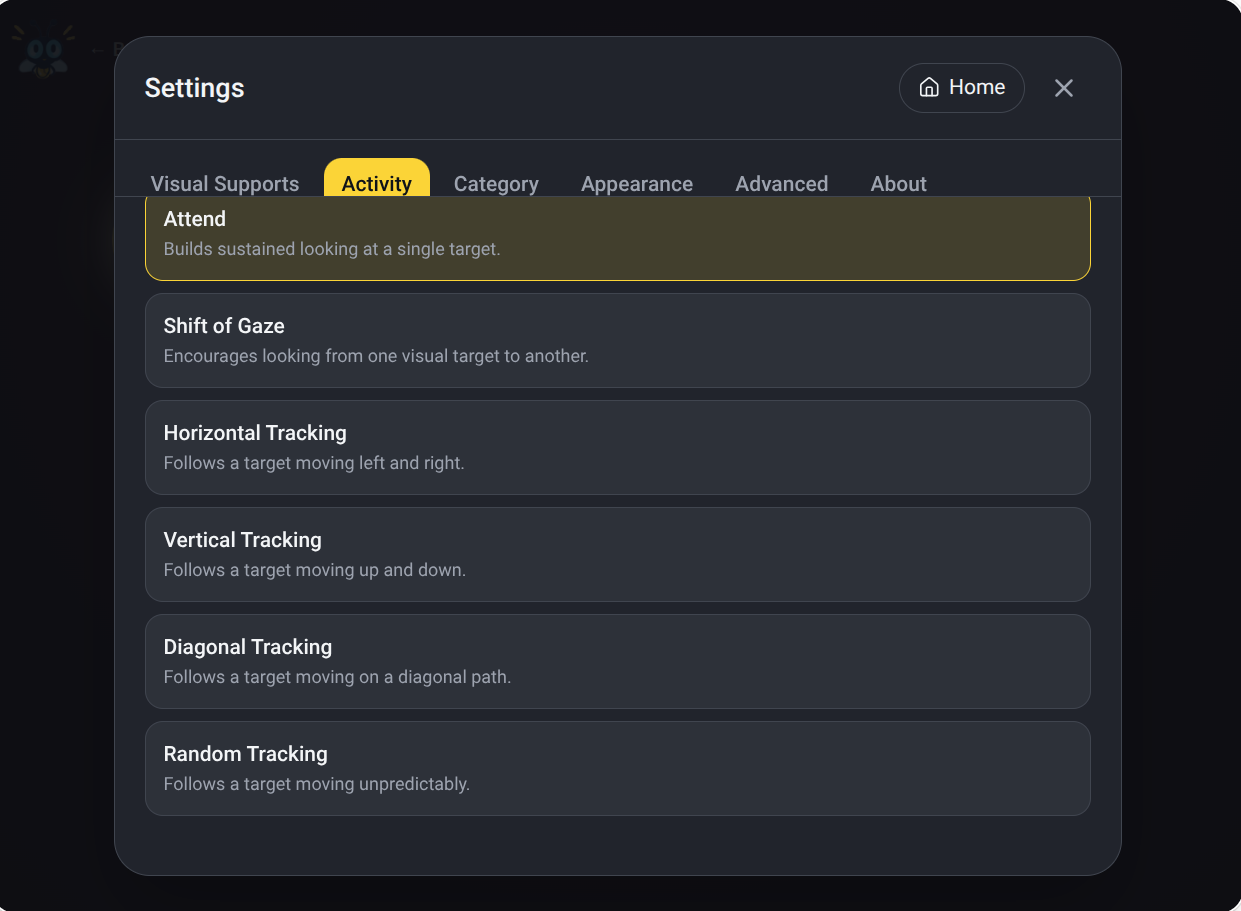
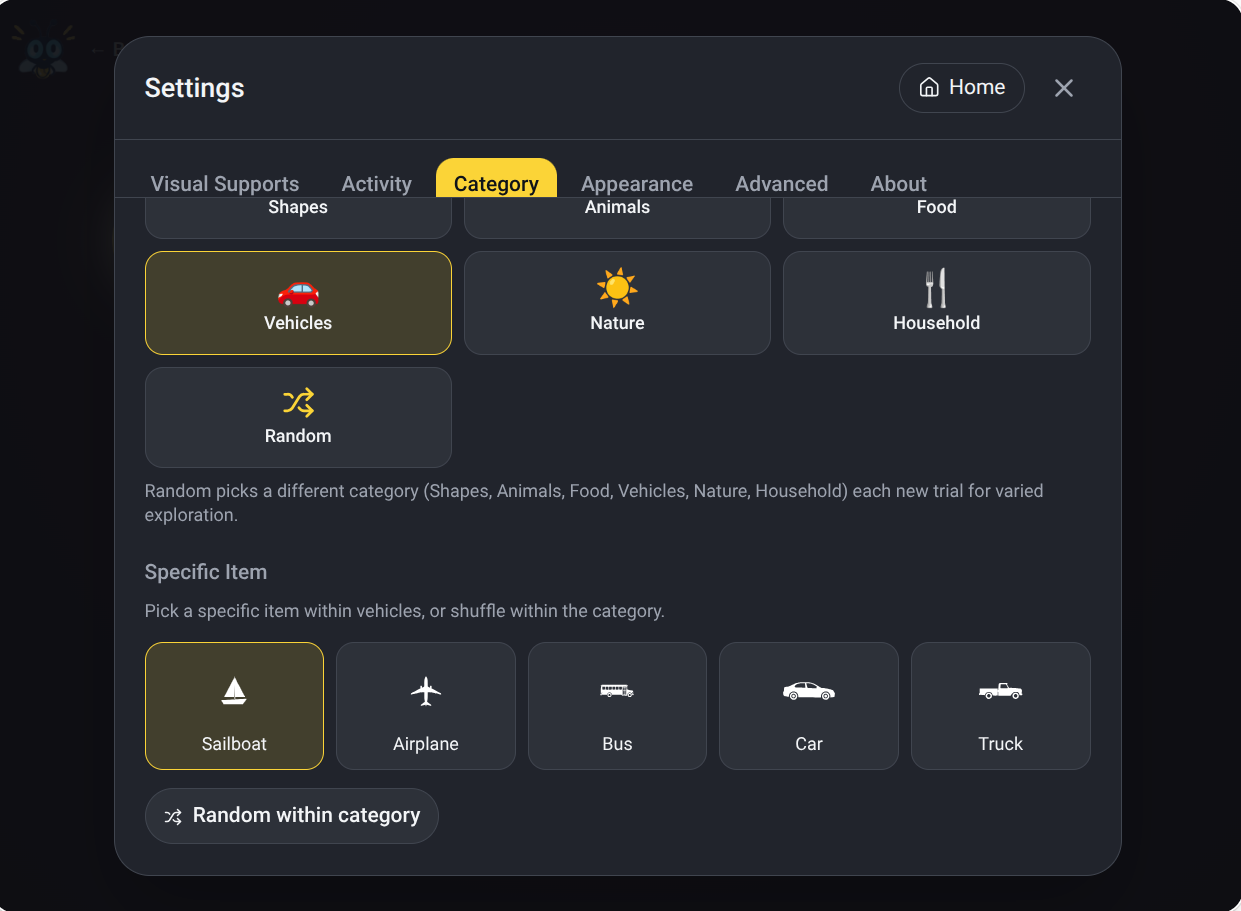
Choose what appears, how it moves, and how the learner can participate.
Why I made it
For some learners, finding a target on a screen is an activity in itself. Following it as it moves, shifting attention to a new location, or reaching toward it can introduce additional challenges.
Most apps assume these things happen naturally.
Track It starts with the visual task itself: one target, a clear background, and an experience that can be adjusted for the learner.
Sometimes a bright circle is enough. Sometimes a familiar animal, a different color, slower movement, or a little celebration after a touch makes the experience more engaging.
The idea is to provide opportunities to help learners use vision more effectively, with enough flexibility to discover what works for each individual.
Who it's for
Track It was created with learners with cerebral visual impairment (CVI), visual impairments, and complex learning needs in mind.
It may be useful for learners exploring early visual attention, fixation, shifting gaze, visual tracking, and visually directed reaching.
Parents, teachers, therapists, and caregivers can use it for individual activities or shared exploration, adapting the experience as the learner's interests and abilities change.
A simple place to begin looking — and somewhere to keep exploring.
Included with the membership ($36/year)