

Build It
Lantern Lights
A little light makes a big difference.
A lantern waits in the darkness. With each touch, its flame grows brighter and its surroundings begin to emerge.
Before long, glowing eyes appear, woodland creatures are revealed, and a quiet nighttime world comes to life.
Lantern Lights is part of the Build It collection: simple four-touch stories that encourage looking, touching, anticipating, and sharing the fun.
Included with the membership ($36/year)
Peek Inside
From Darkness to Light
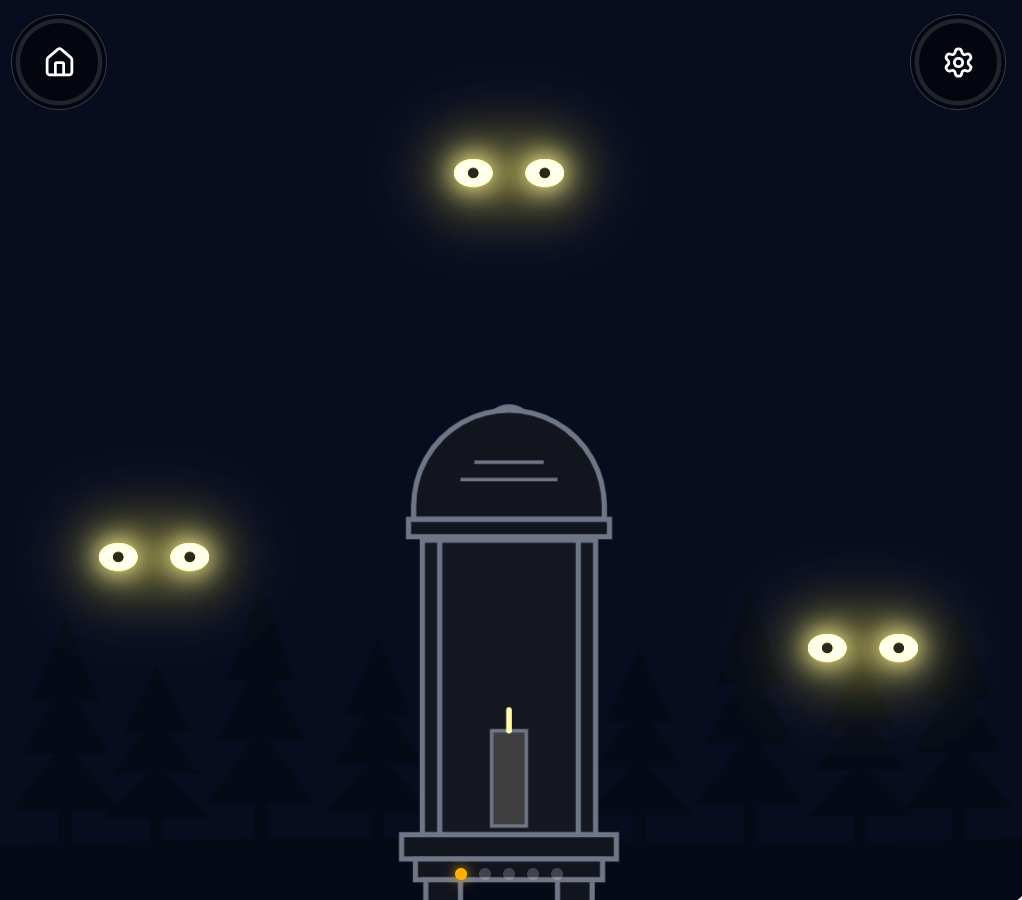
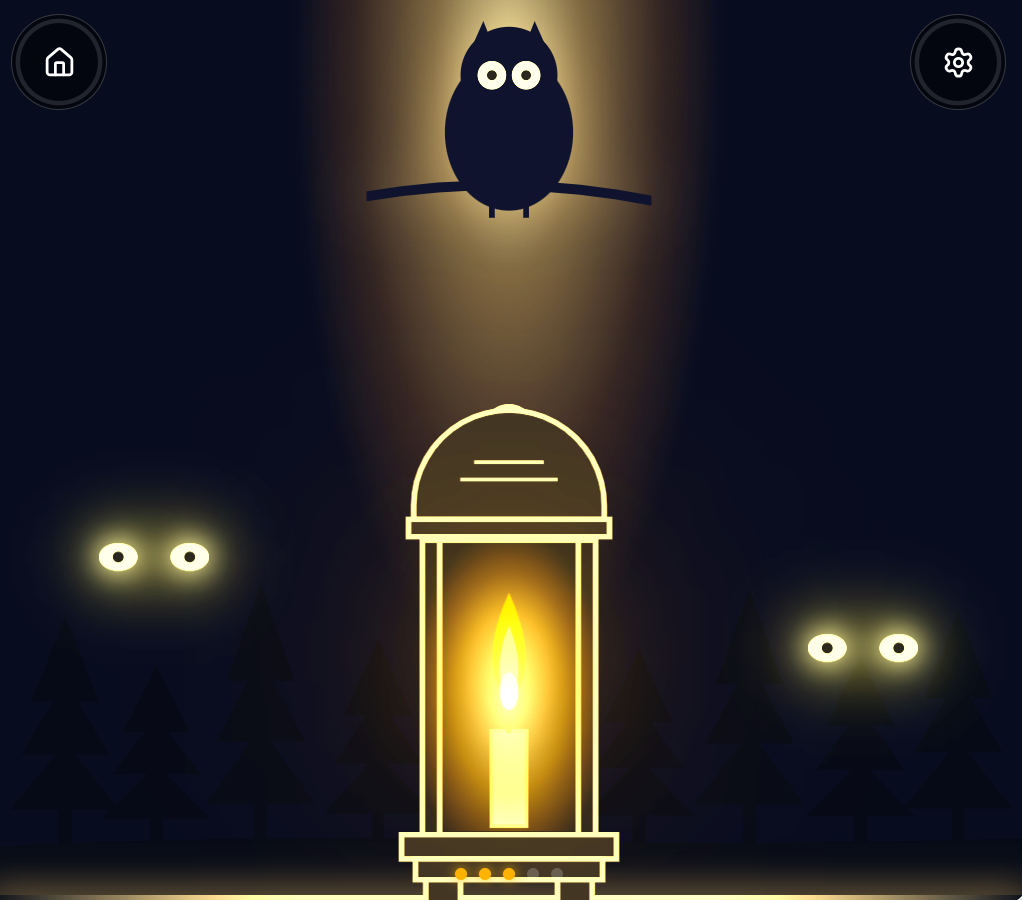
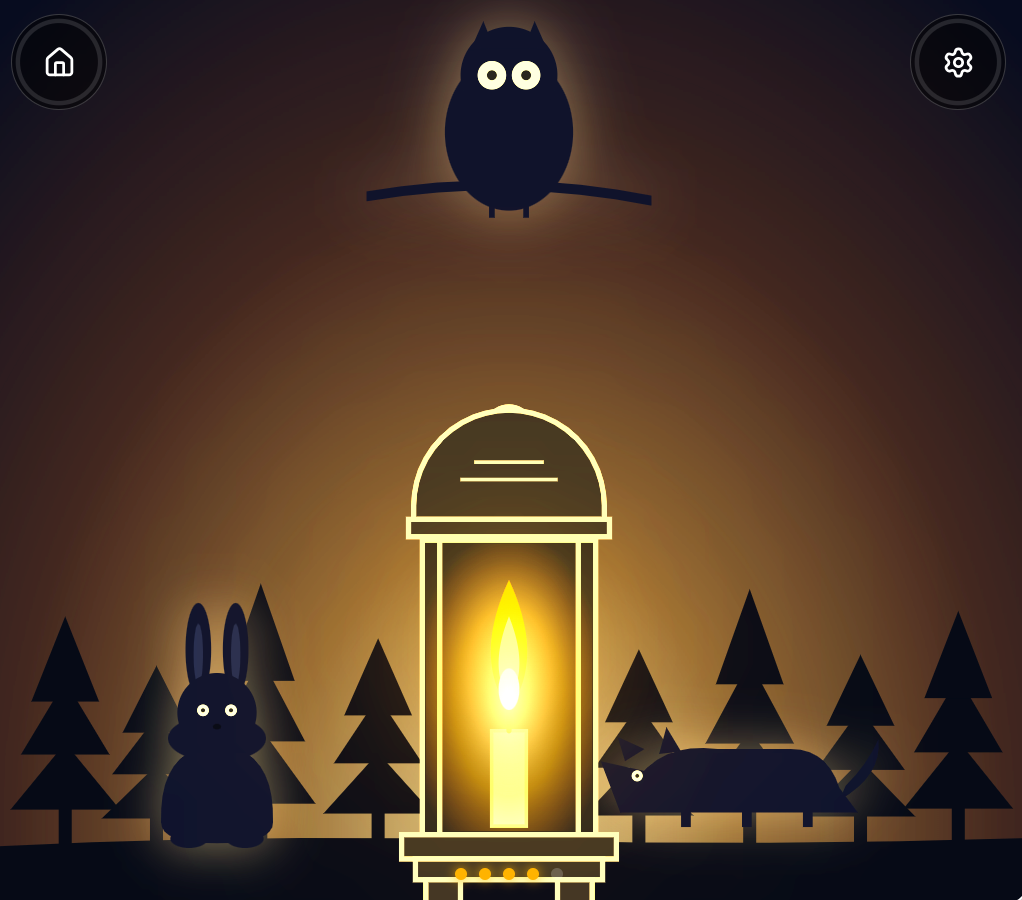
One touch brings a spark. Another brings a glow. Keep going and discover who's waiting in the dark.
How it works
Lantern Lights follows a predictable four-touch story.
Learners can touch anywhere on the screen. Each touch advances the scene one step. The lantern grows brighter, the surroundings change, and eventually the nighttime world is revealed.
After the finished scene has been enjoyed, the app resets for another turn.
There is no need for precise targeting, complicated controls, or rapid touching.
Four ways to see the story
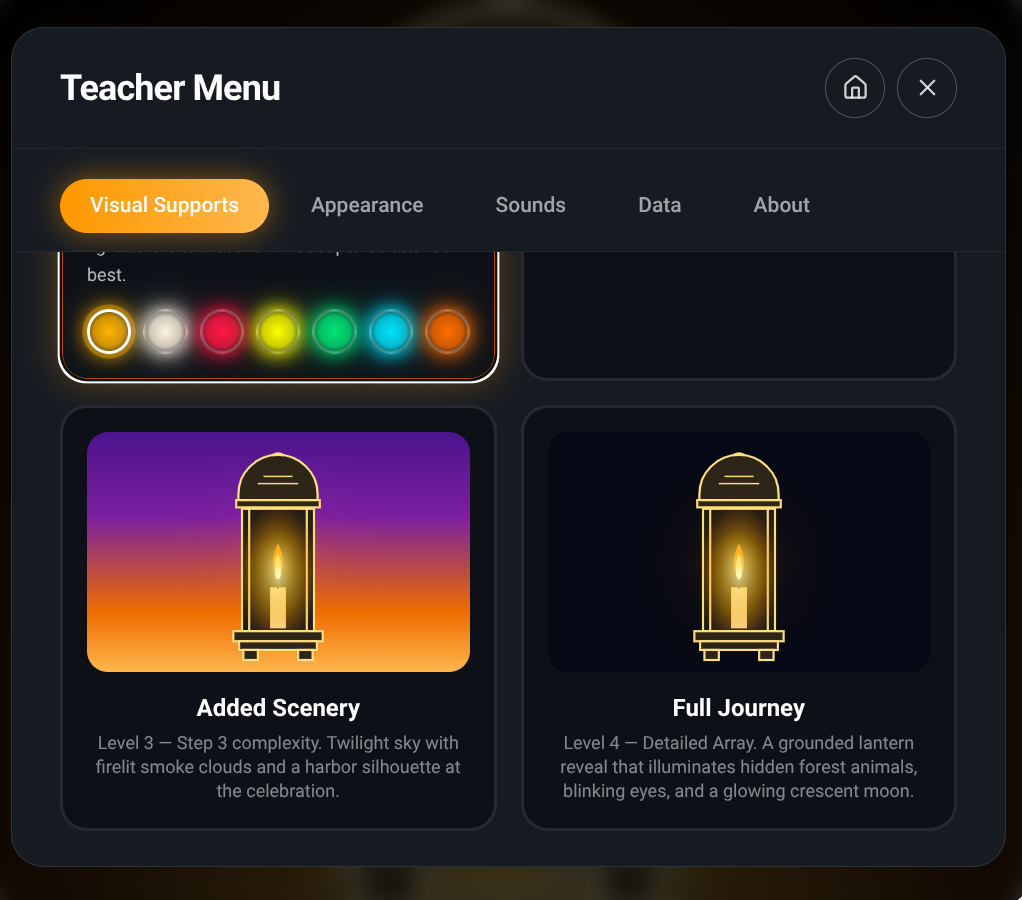
Lantern Lights includes four visual support levels.
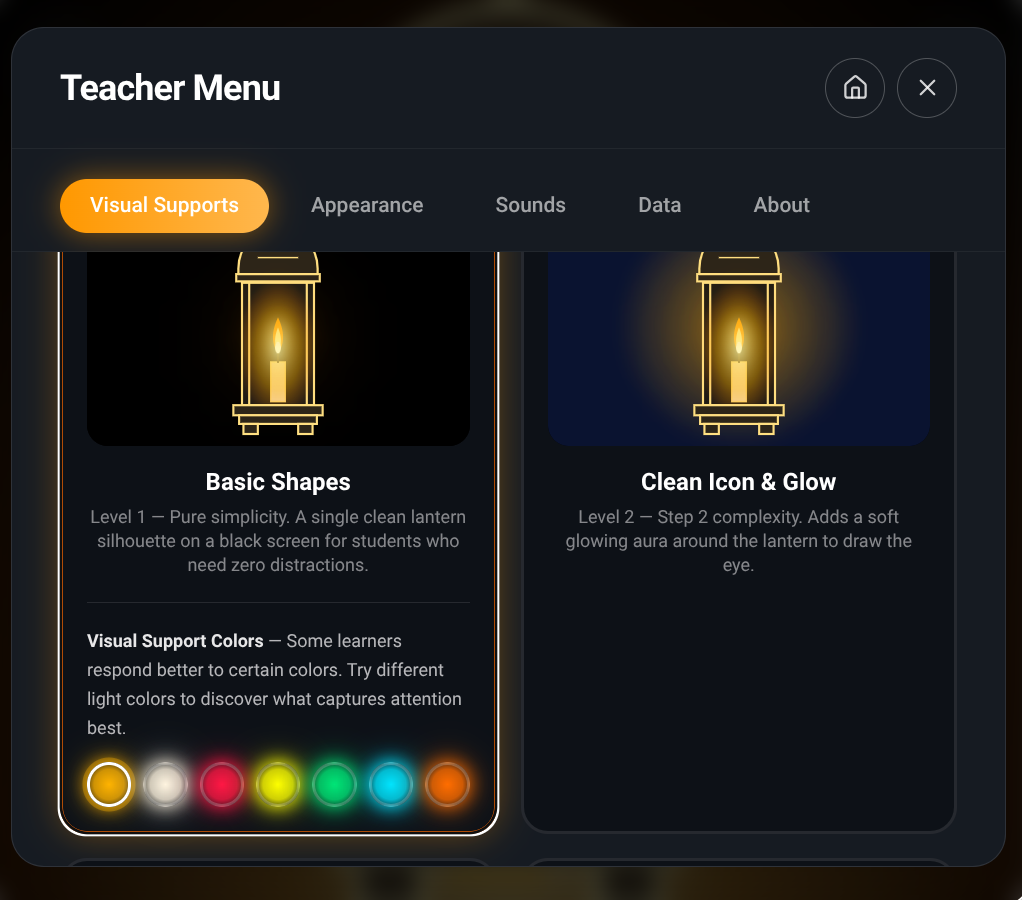
- Basic Shapes: A single simplified lantern on a dark background.
- Clean Icon & Glow: A clearly defined lantern with a gentle glowing light.
- Added Scenery: More background detail and atmosphere.
- Full Journey: A richer nighttime scene featuring woodland animals and the growing lantern light.
The amount of visual complexity can be changed without changing the basic four-touch story.
Make it your own
Adults can adjust the experience using the Teacher Menu.
Options include character size, animation speed, brightness, glow intensity, visual support colors, and sound.
These settings provide different ways to make the lantern and its surroundings easier or more interesting to see.
Why I made it
Light is a wonderful thing to explore visually. A tiny flame can draw attention, and a growing glow can gradually reveal something much larger.
Lantern Lights begins with one simple object and allows a world to emerge around it.
Each touch gives the learner a reason to look again, notice a change, and anticipate what might happen next.
And when those glowing eyes become little woodland creatures, there's a small surprise to enjoy together.
What learners can explore
- Looking toward a clear visual target
- Noticing changes in light, brightness, and contrast
- Understanding simple cause and effect
- Anticipating the next part of a familiar sequence
- Purposeful touching without precise targeting
- Exploring simple and more detailed scenes
- Sharing a visual experience with another person
Who it's for
Build It apps were created with learners with cerebral visual impairment (CVI), visual impairments, and complex learning needs in mind, but they're meant to be enjoyed by many more children.
The simple interactions, adjustable visual presentations, and predictable little stories make them accessible and engaging for young children exploring cause and effect, early visual attention, and purposeful touch.
They're also designed to be shared. Parents, teachers, therapists, and caregivers can join in the anticipation, surprises, and enjoyment.
Different learners, different ways to participate. The fun belongs to everyone.
Included with the membership ($36/year)